
Names, formula and properties
Short answer: Select a molecule and click Info. You see the name, formula, weight, SMILES, InChI, exact mass, logP and more.
- Select the molecule. Press Ctrl+A for everything.
- Click Info at the top.
- Click the copy icon next to any value.
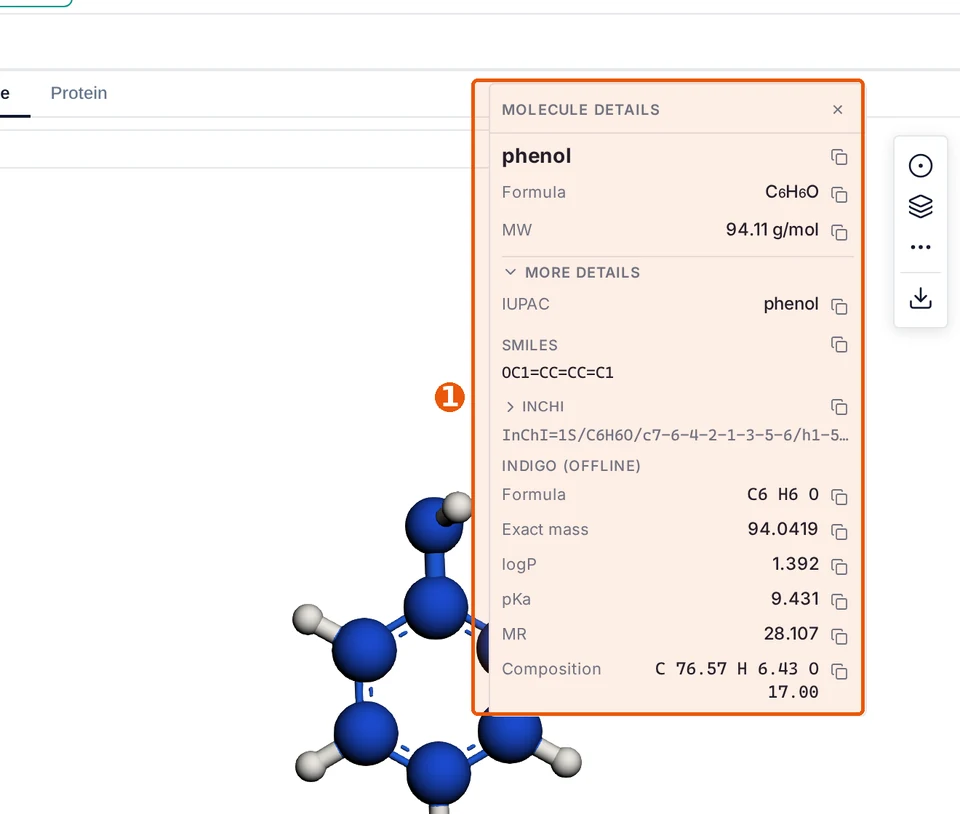
To keep the formula and weight on the drawing itself, add analysis text to the canvas. It updates as you edit.
For spectra, see NMR Analyser and the mass spectrum predictor.
Questions and answers
How do I get the IUPAC name?
Select the molecule and click Info. The IUPAC name is in the panel.
Last updated: