
Draw your first structure
Short answer: Click the benzene ring, click the canvas, add a bond, then place an oxygen. Click Clean up and open Info to see the name, formula and weight. This guide draws phenol in six steps.
Before you start#
Open the MolDraw editor. You do not need to sign in. If the canvas has a drawing, click Clear canvas (the red bin) first.
Step by step, animated
Click the benzene button. Step 1. Pick the benzene ring. In the ring bar at the bottom left, click the benzene button.
One click places the ring. Step 2. Place the ring. Click once on an empty part of the canvas. A benzene ring appears where you click.
Pick the bond tool, then click the top atom. Step 3. Add a bond. Click the single bond tool in the left rail. Then click the top atom of the ring. A new bond grows from that atom.
Pick O, then click the end of the bond. Step 4. Make it an oxygen. Click O in the atom palette. Then click the free end of the new bond. The end turns into OH.
Click Clean up. Step 5. Tidy the drawing. Click Clean up in the tools row. MolDraw fixes bond lengths and angles.
Select all, then click Info. Step 6. Check what you drew. Press Ctrl+A to select all. Click Info at the top. The panel shows the name, formula and weight.
The parts of the screen#
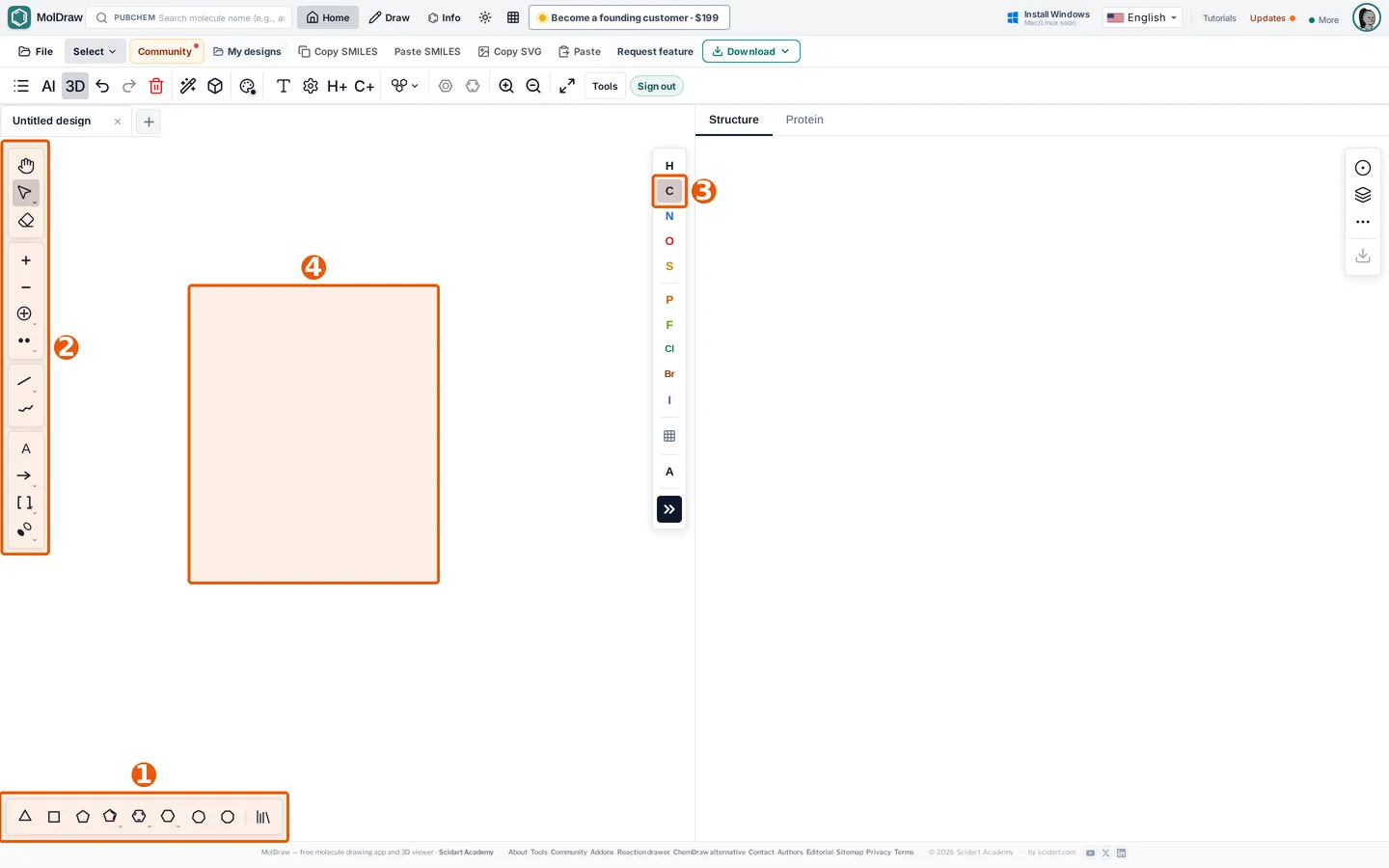
Step by step#
- Pick the benzene ring. In the ring bar at the bottom left, click the benzene button.
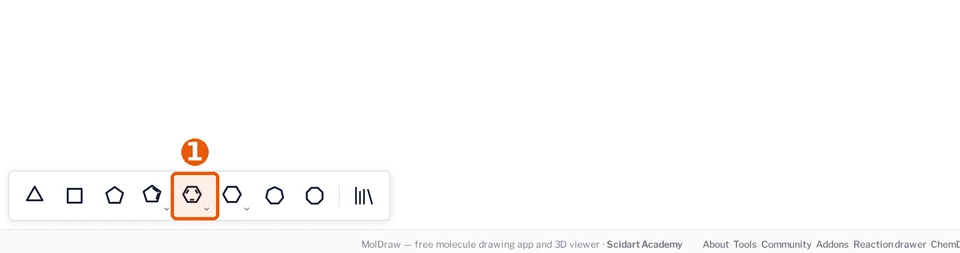
The benzene button in the ring bar. - Place the ring. Click once on an empty part of the canvas. A benzene ring appears where you click.
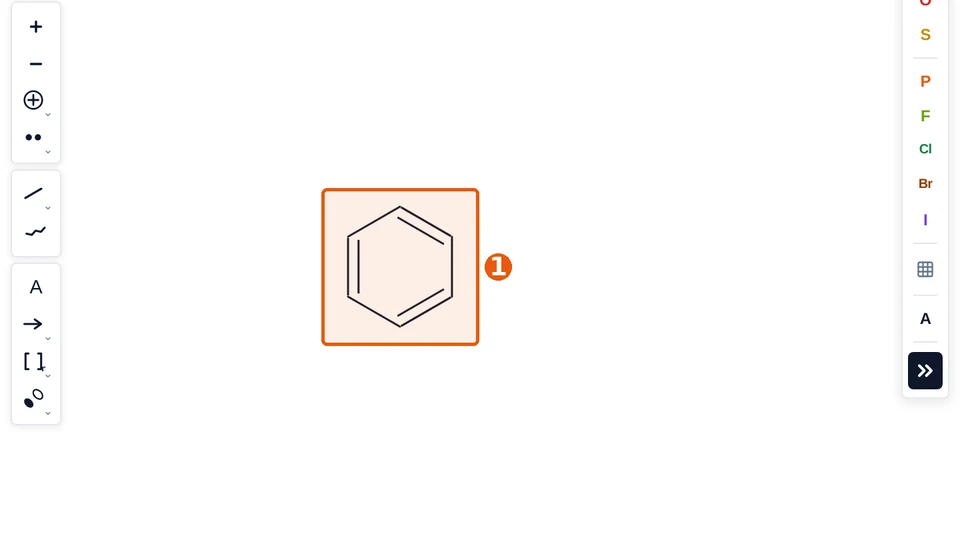
Your ring on the canvas. - Add a bond. Click the single bond tool in the left rail. Then click the top atom of the ring. A new bond grows from that atom.
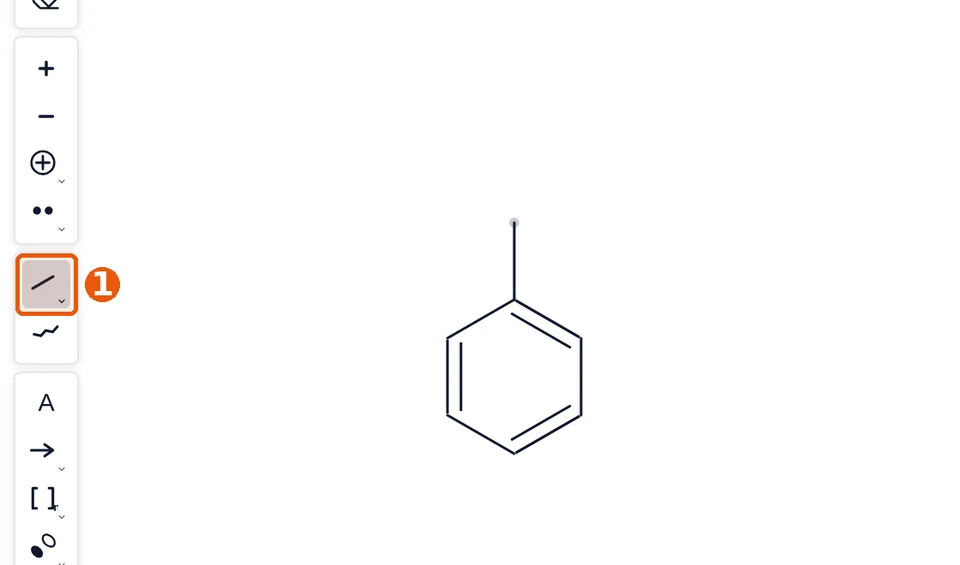
The single bond tool. 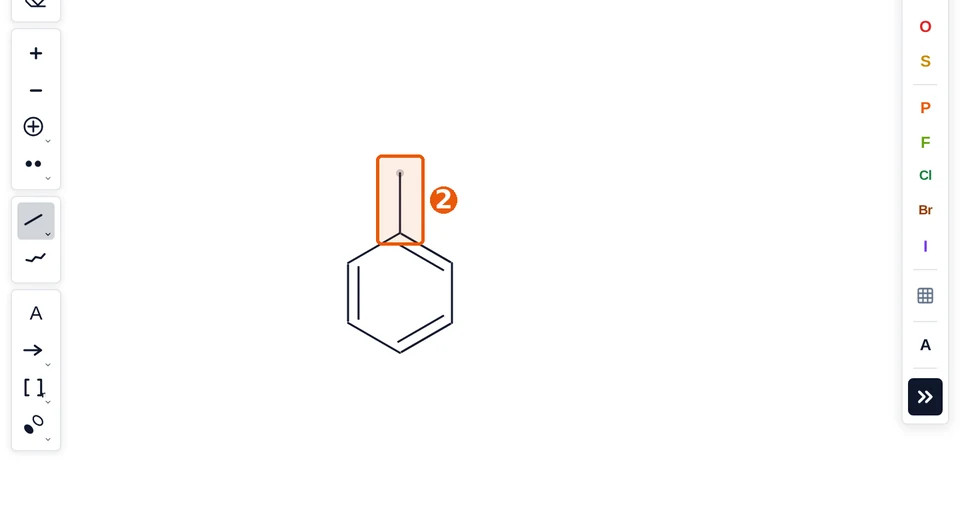
The new bond, marked 2. - Make it an oxygen. Click O in the atom palette. Then click the free end of the new bond. The end turns into OH.
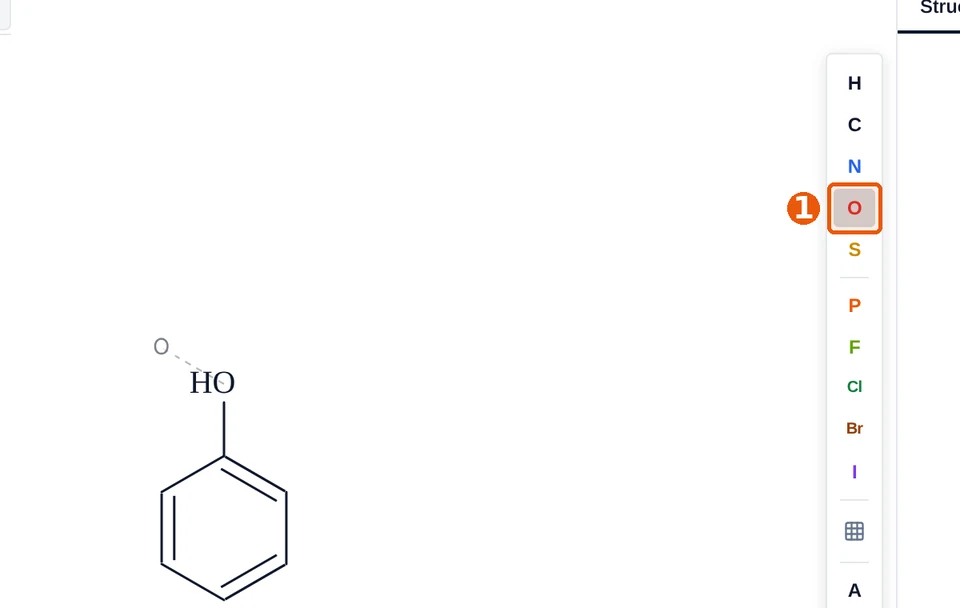
The O button in the atom palette. 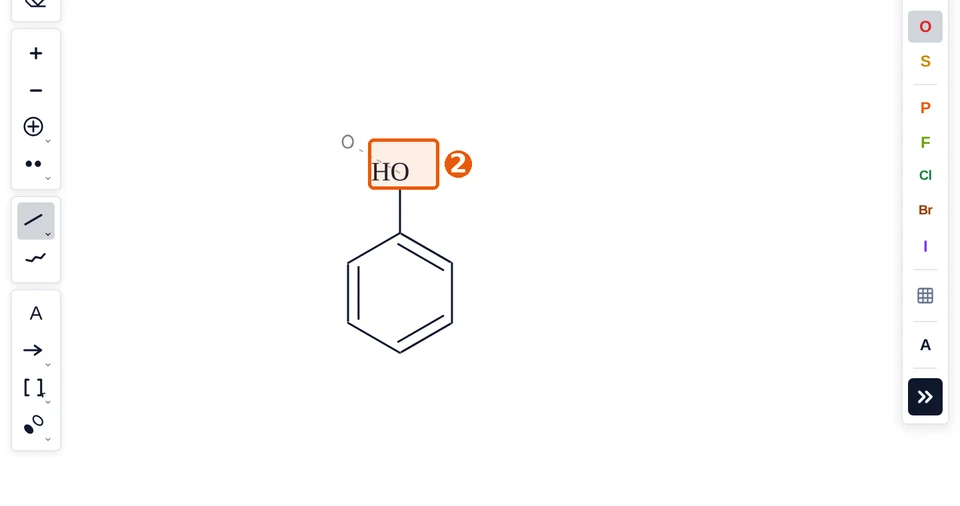
The OH group is now on the ring. - Tidy the drawing. Click Clean up in the tools row. MolDraw fixes bond lengths and angles.
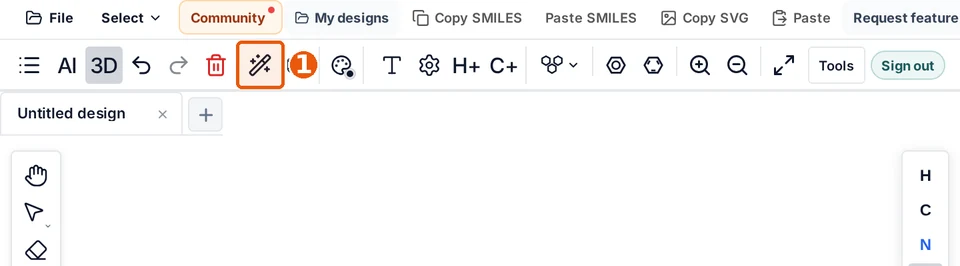
The Clean up button. 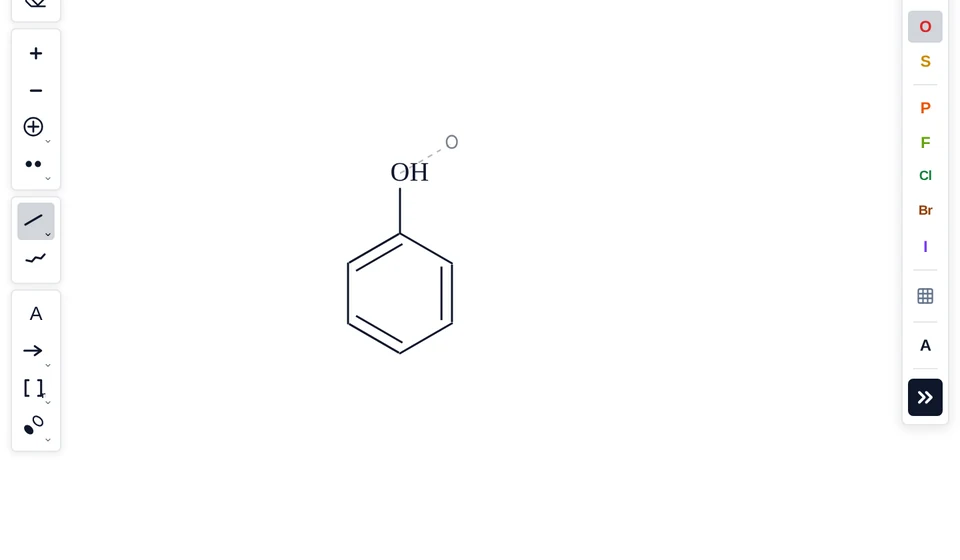
Phenol after Clean up. - Check what you drew. Press Ctrl+A to select all. Click Info at the top. The panel shows the name, formula and weight.
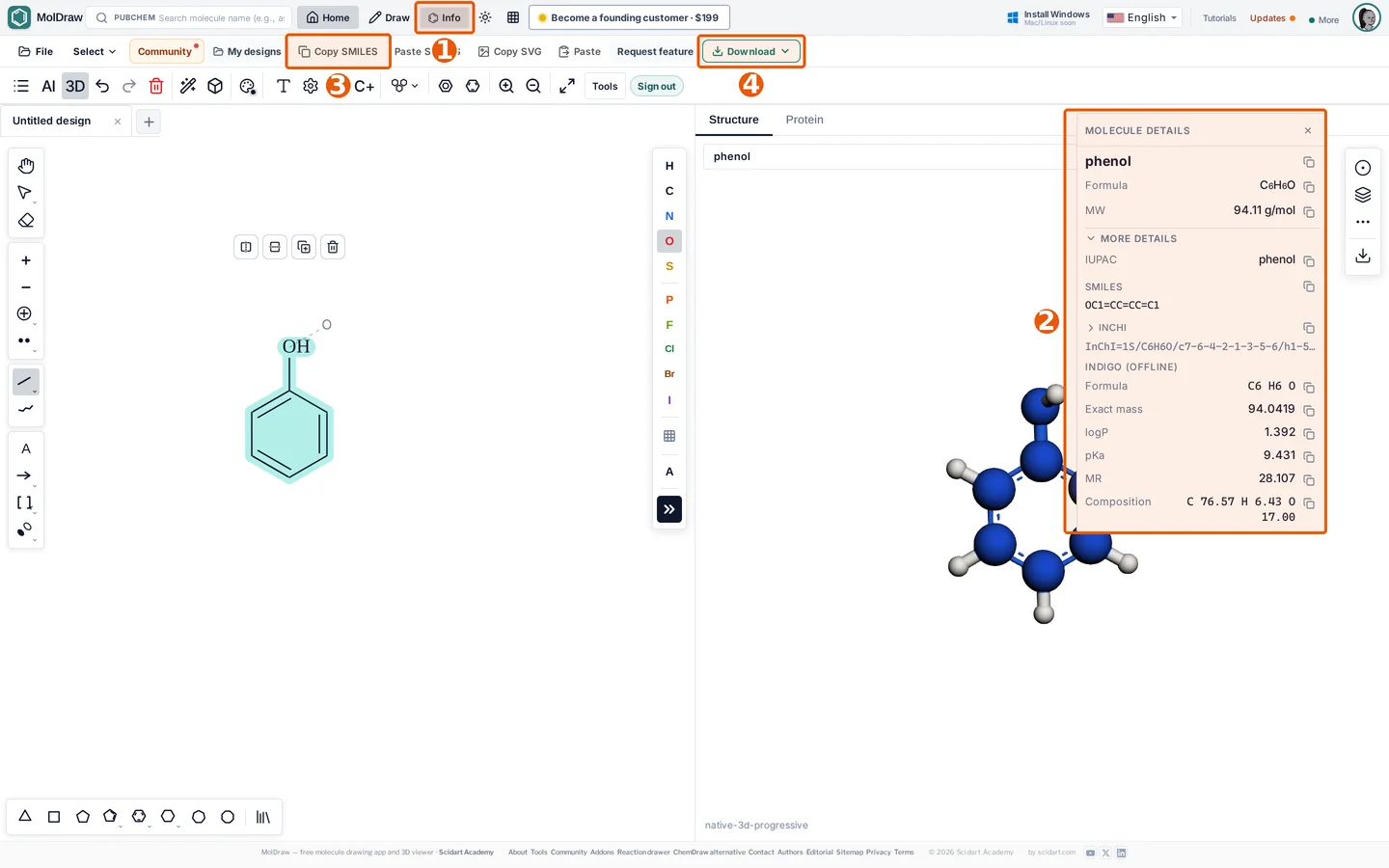
1 Info. 2 Molecule details. 3 Copy SMILES. 4 Download. 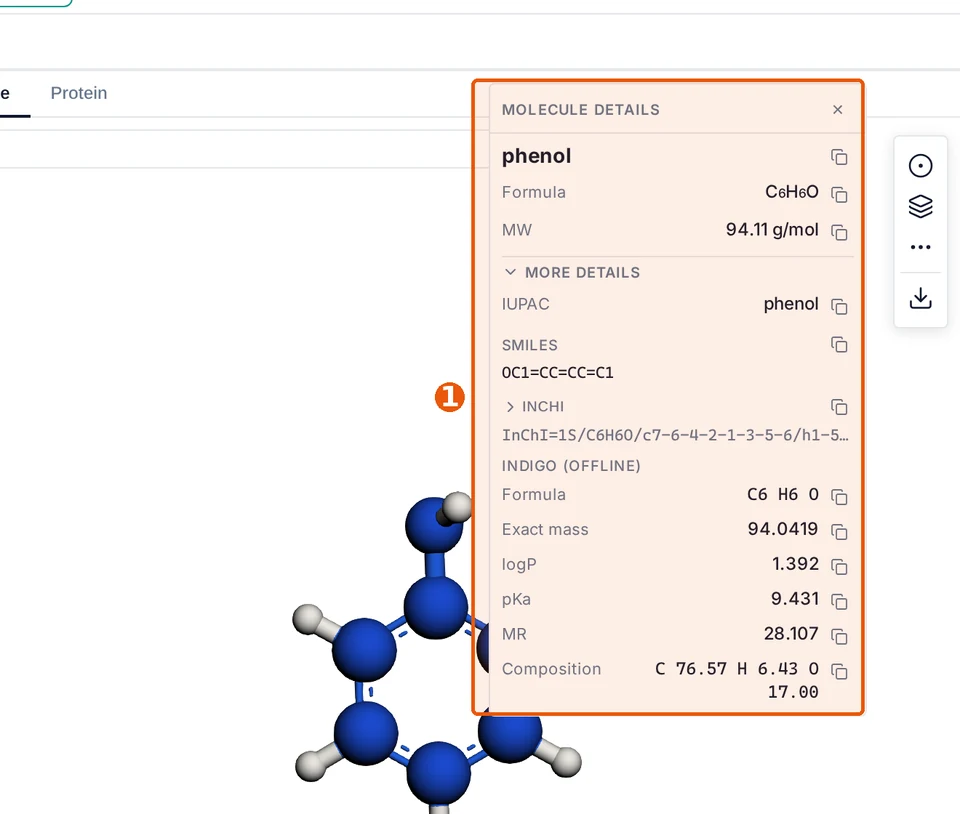
The details panel for phenol.
Save or share your structure#
- Your drawing saves in this browser by itself. Find it later in My designs.
- Click Copy SMILES to copy the structure as text.
- Click Download to save a PNG, SVG, PDF or MOL file. See Download and file formats.
Note
The 3D panel on the right updates as you draw. Drag it to rotate the molecule. See 3D viewer.
Faster ways to do the same thing#
- Type a name like phenol in the search box at the top. MolDraw draws it for you.
- Paste a SMILES such as
Oc1ccccc1with Paste SMILES. - With nothing selected, press O to set oxygen as the atom to place.
Warning
Clean up moves atoms. If you placed things by hand on purpose, press Ctrl+Z to undo it.
Questions and answers
How do I draw a benzene ring in MolDraw?
Click the benzene button in the ring bar at the bottom left. Then click the canvas.
How do I change a carbon to oxygen?
Click O in the atom palette, then click the atom. You can also select the atom and type O.
How do I see the name of my structure?
Select the molecule and click Info at the top. The panel shows the name, formula and molecular weight.
Do I need to save?
No. MolDraw saves your drawing in the browser. Open it again from My designs.