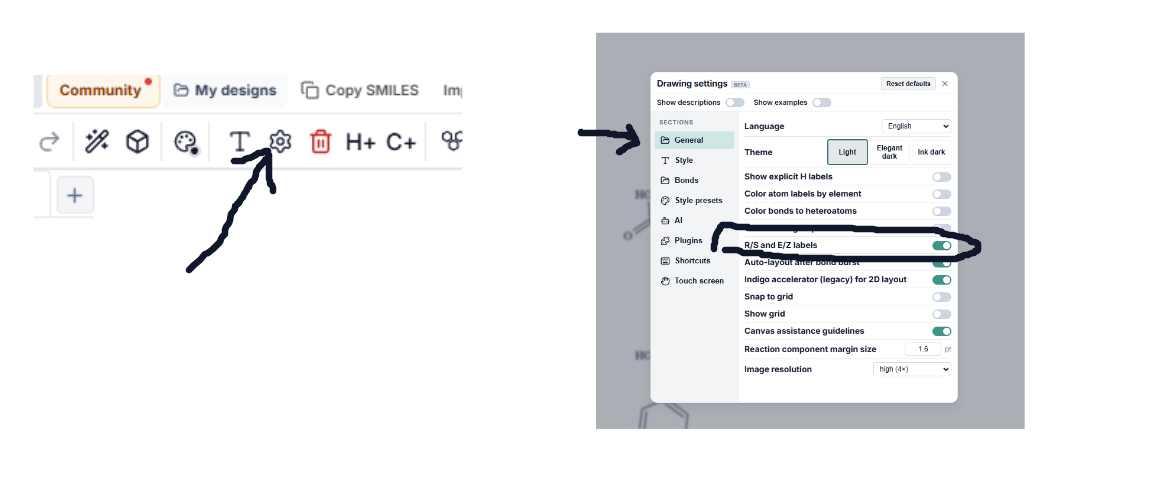
hi, how do i put and bond to representate R & S isomers?
like to add these type of bond
like to add these type of bond
New DNA/RNA builder plugin is live!
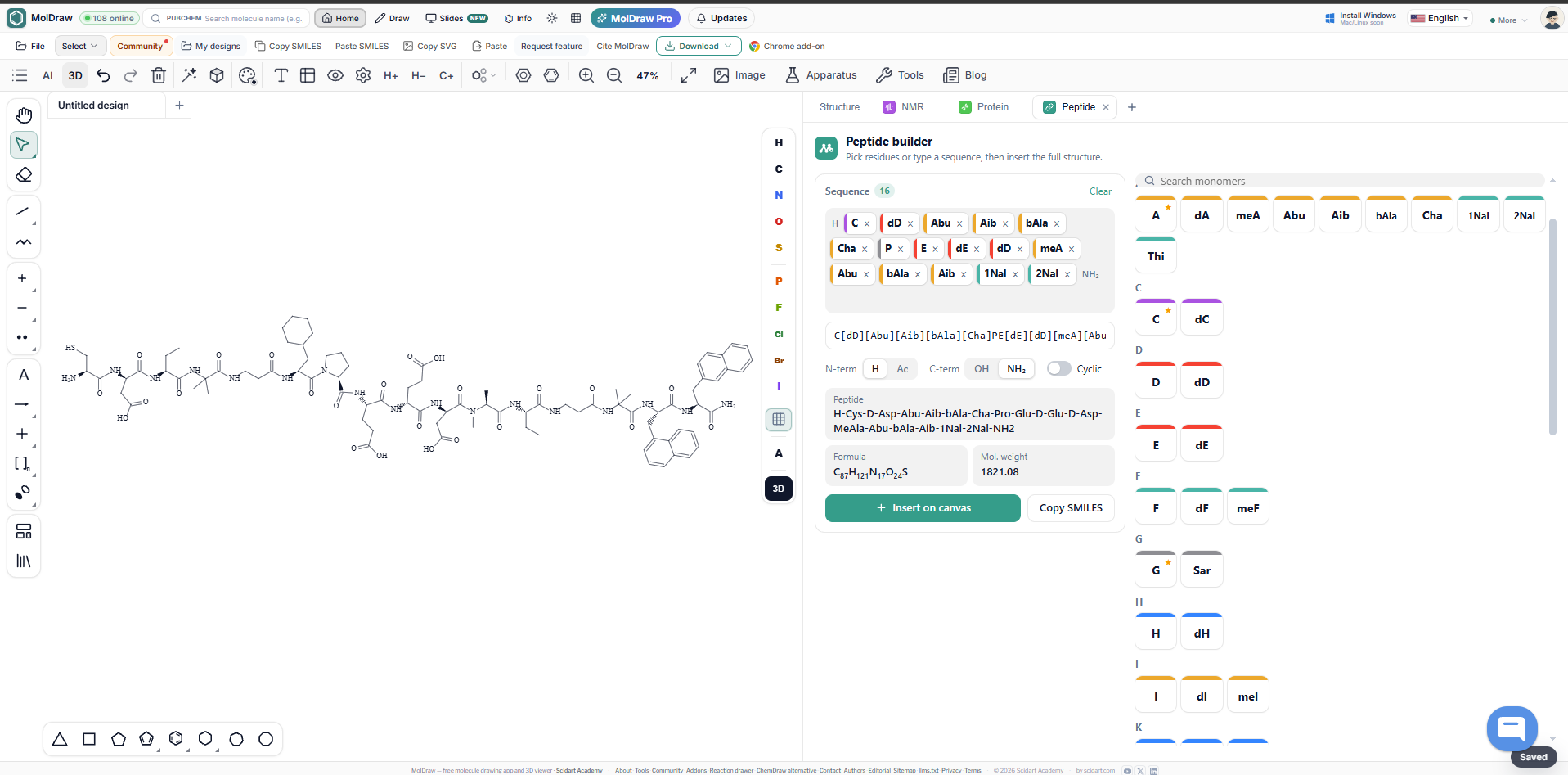
New peptide builder plugin
Peptide Builder | New Plugin is now available
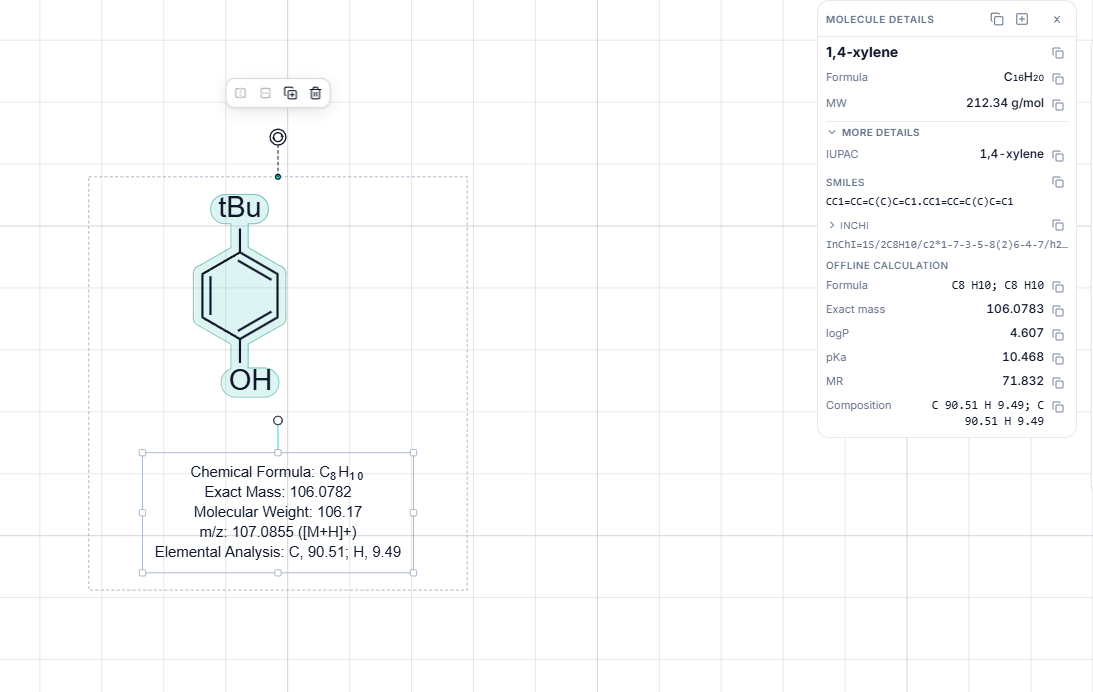
Hi! I'm new to chemistry and was drawing caffeine in MolDraw. While making a ring with carbon and nitrogen atoms, the program automatically added hydrogens to some nitrogen atoms, showing "NH". Why does this happen? Is it related to nitrogen's bonding rules, and how can I prevent it?
I just realized, big problem
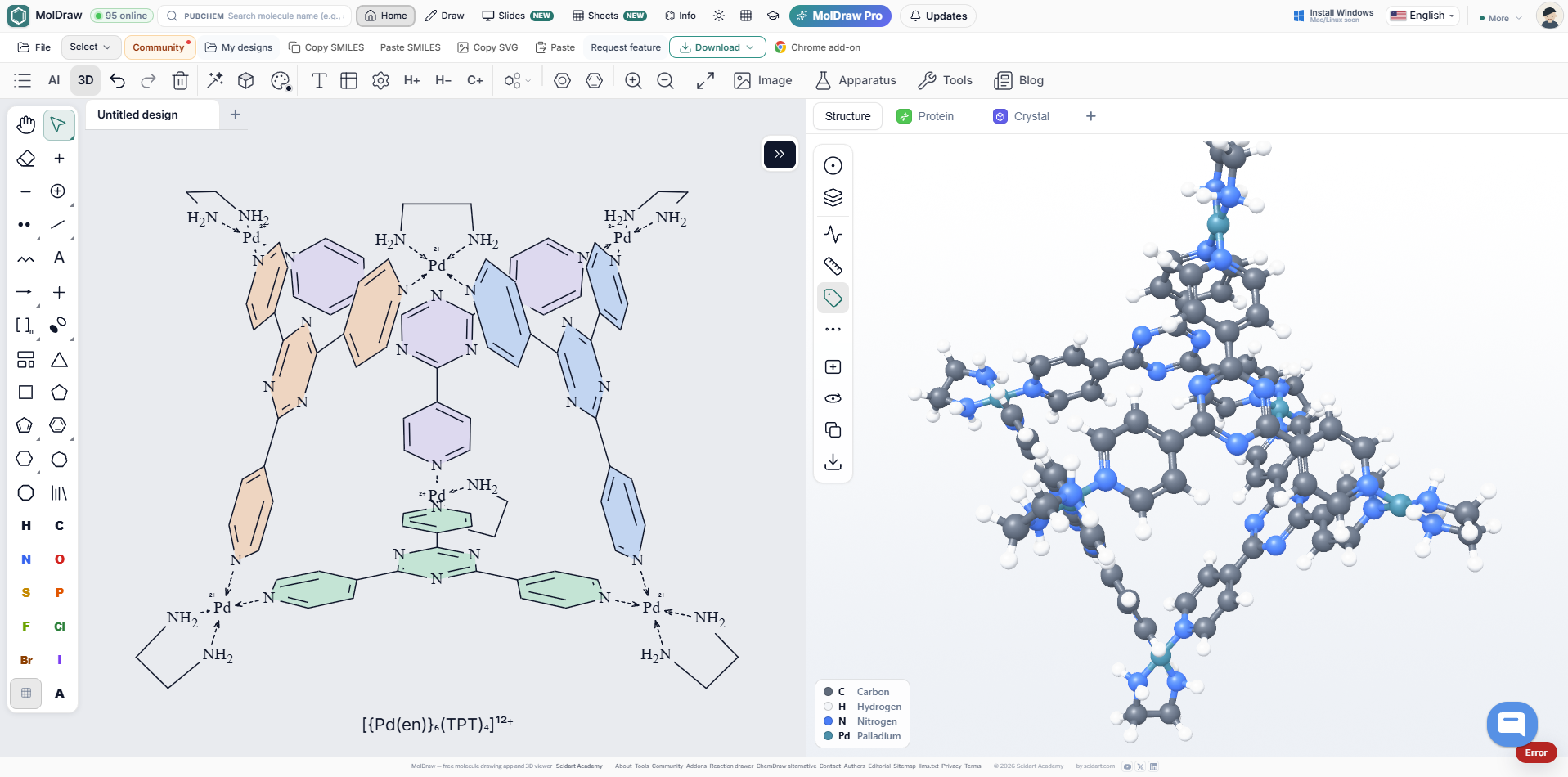
New cage molecules are added in Library
Why is the app down? Is there a problem
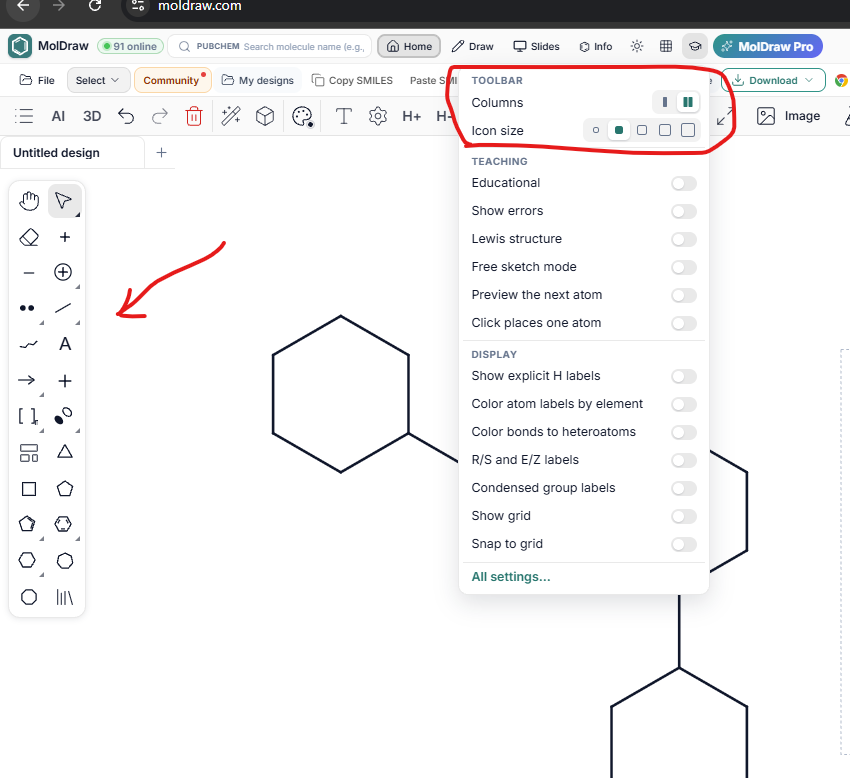
@ramon Make toolbar to more cleaner and compact two column layout if you prefer that
Excellent changes. The program is a great help to my students. A suggestion for improvement would be to include the energies of the generated conformers (from most to least stable). Currently, they are only listed.
Hi, I’m using MolDraw and noticed something odd. On a benzene ring with an –SH group, the + and – charge tools turn it into SH₅⁺ or SH₅⁻. I’d expect something like R–SH₂⁺ or R–S⁻. With –OH the tool works as expected (O⁻ and H₂O⁺), so it seems like an issue with how the charge tool handles sulfur. Is this a bug, or am I doing something wrong?
Every MolDraw update in one feed, newest first.
like to add these type of bond
Hi, To show R and S isomers in MolDraw: Draw the molecule as usual (the four groups on the chiral carbon). Select the wedge bond tool (solid wedge = coming toward you) or the dash/hash bond tool (going away from you). Click the bond from the chiral carbon to one of the groups (often H, or another substituent). MolDraw will show an R or S badge on that carbon when the stereo is clear, and the name in molecule info can include (R)/(S).
make sure this settings is on