Layanan resmi Permata BankNew
Call Center resmi Permata Bank dapat diakses melalui saluran Permata Tel 1500-111. WhatsApp 0852-1521-3911. Kirim pesan ke email care@permatabank.co.id.layanan 24 jam.

Request a feature here so the community can vote and track progress. Sign in to submit.
Call Center resmi Permata Bank dapat diakses melalui saluran Permata Tel 1500-111. WhatsApp 0852-1521-3911. Kirim pesan ke email care@permatabank.co.id.layanan 24 jam.
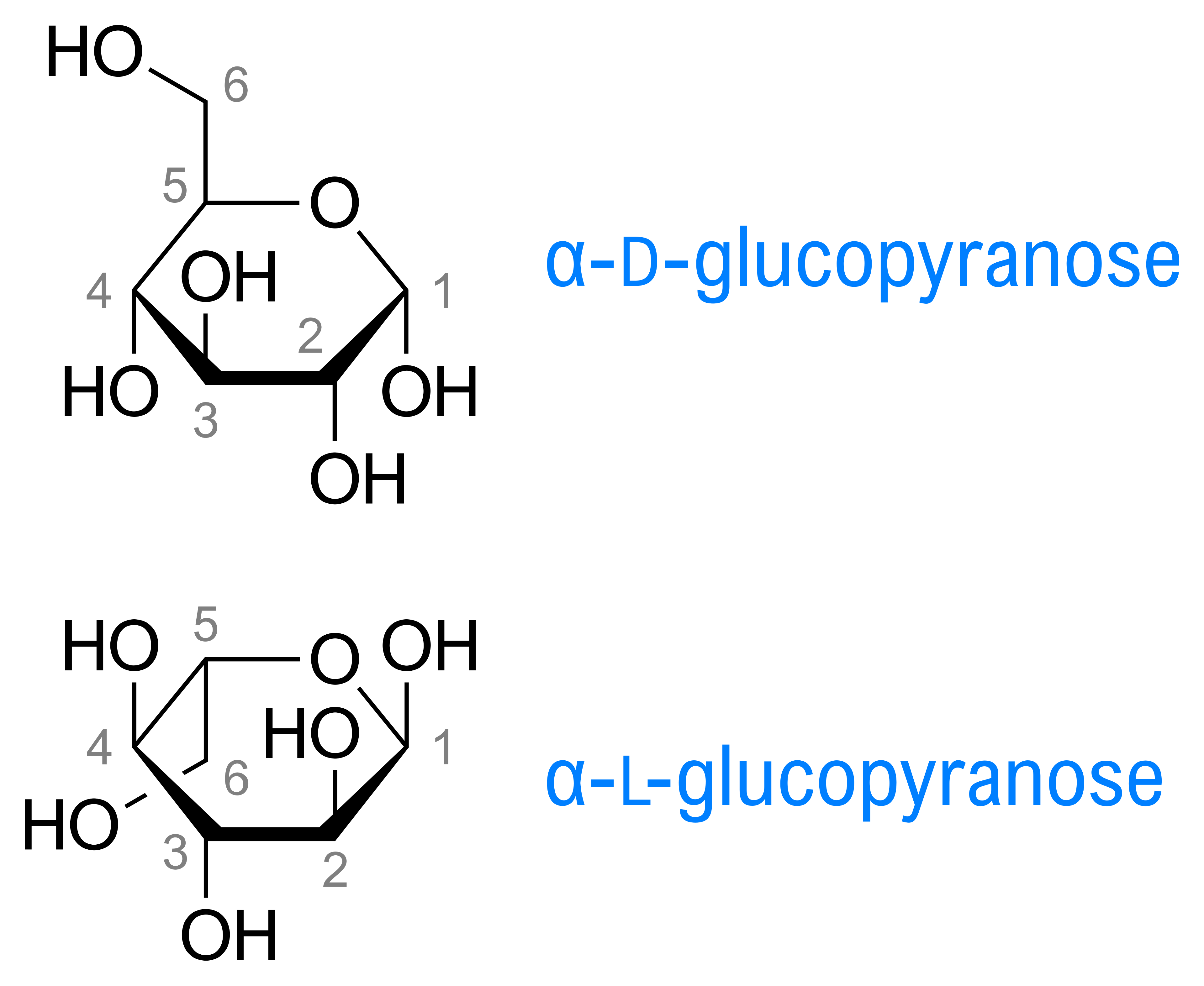
I’d like to draw sugars as clean Haworth projections with the thicker front lines (Wikipedia example attached). However if I draw the closer end with thick lines or wedge and thick lines the edges of the lines do not join. Screenshots attached. Thanks, Joseph
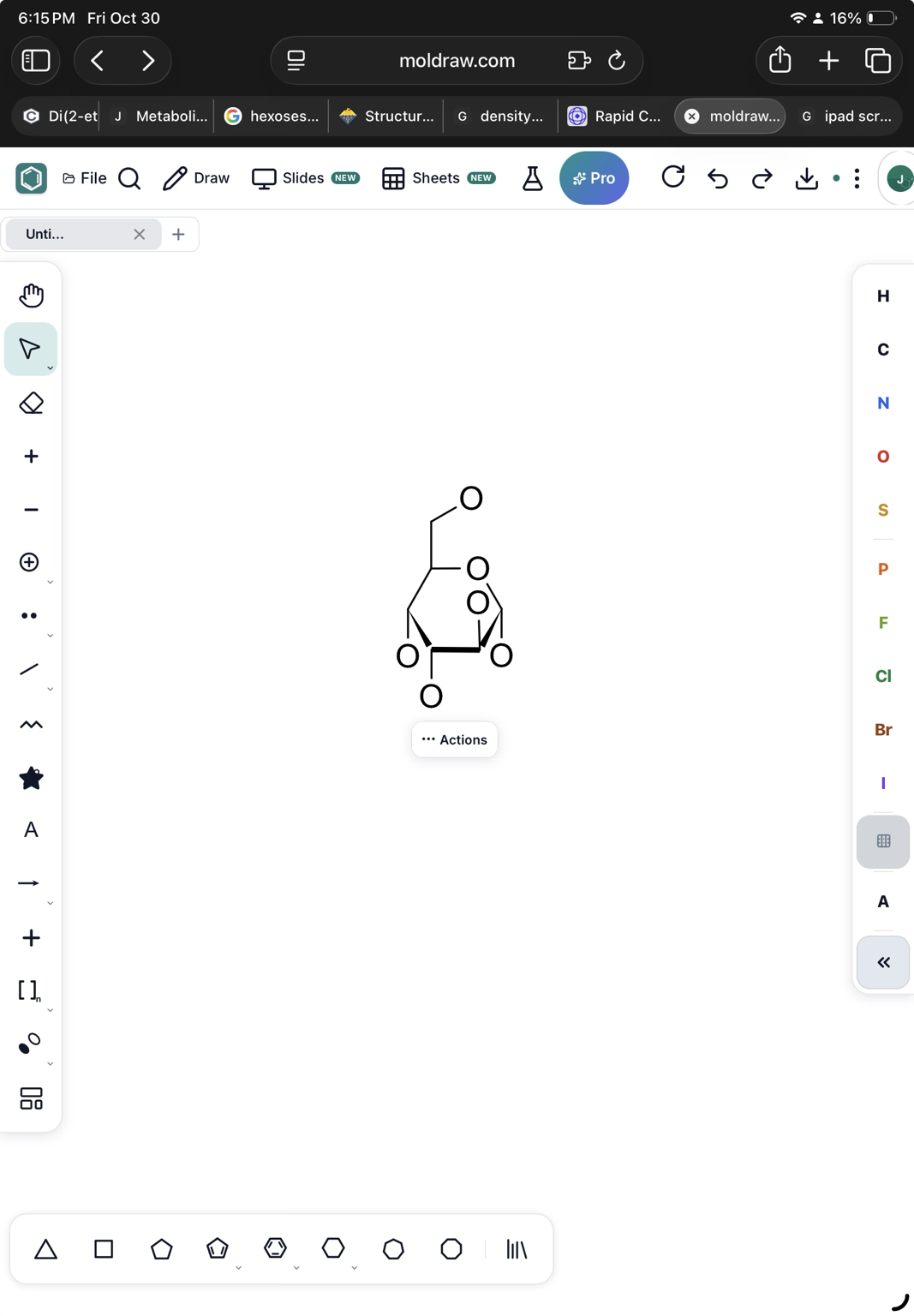
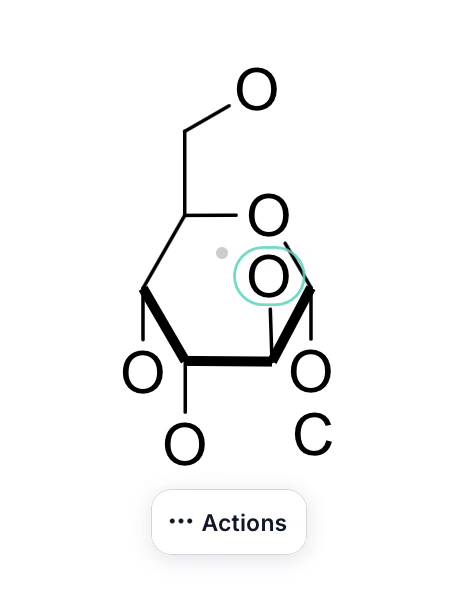
Thanks Joseph! Fixed: bold bonds now join wedges and other bold bonds as one continuous shape, so Haworth front edges (wedge → bold → wedge, or all bold) no longer have gaps at the corners. Draw each wedge from the back carbon toward the front edge (wide end at C3/C2). Refresh moldraw.com to get the update.
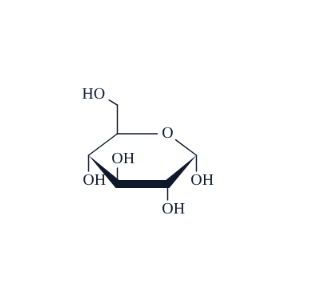
Amazing, thank you!
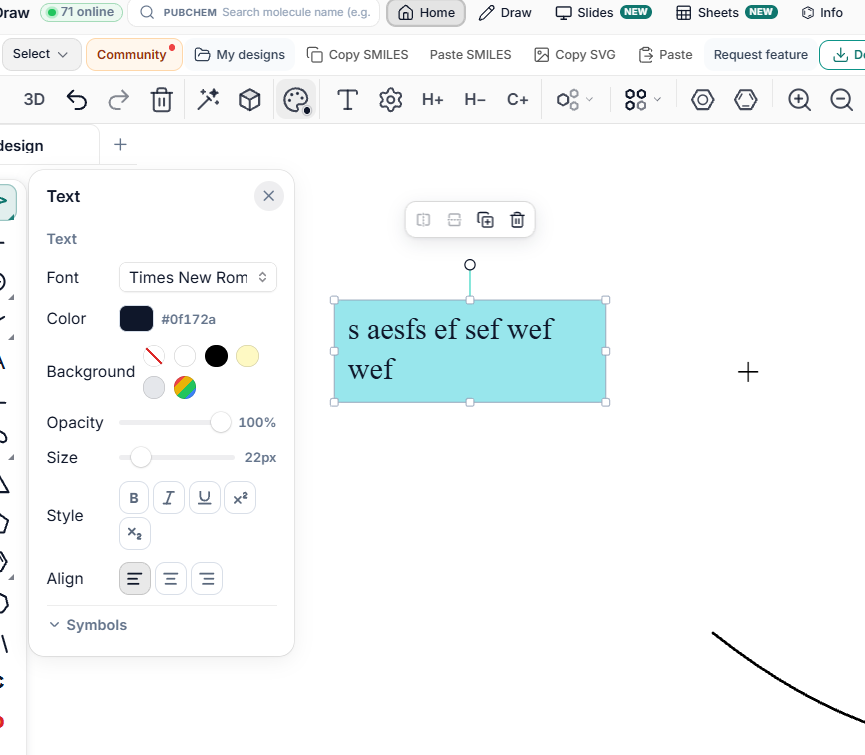
change background colour in text boxes (e.g. white/black etc)
Hi Kristine, It is possible now!
The current view of the NMR predict, with the molecule, would be copied to clipboard so it can be pasted in the 2D layout or in a presentation directly.
When I copy the table to powerpoint, it creates a table, this is perfect. But It does not do that on the canva in MolDraw
Can I suggest also to add the option to export as a publishable string? Ex.: ¹H NMR (400 MHz, CDCl₃): δ 7.28–7.24 (m, 2H), 6.89 (d, J = 8.4 Hz, 2H), 4.51 (t, J = 6.2 Hz, 1H), 2.31 (s, 3H), 1.25 (d, J = 6.1 Hz, 6H).
This should work now! Fixed @marcandrlabelle
The current view in the 3D panel would be copied to the clipboard. In this way, it can be pasted on the 2D layout easily.
Hi Marc, This is also now possible.
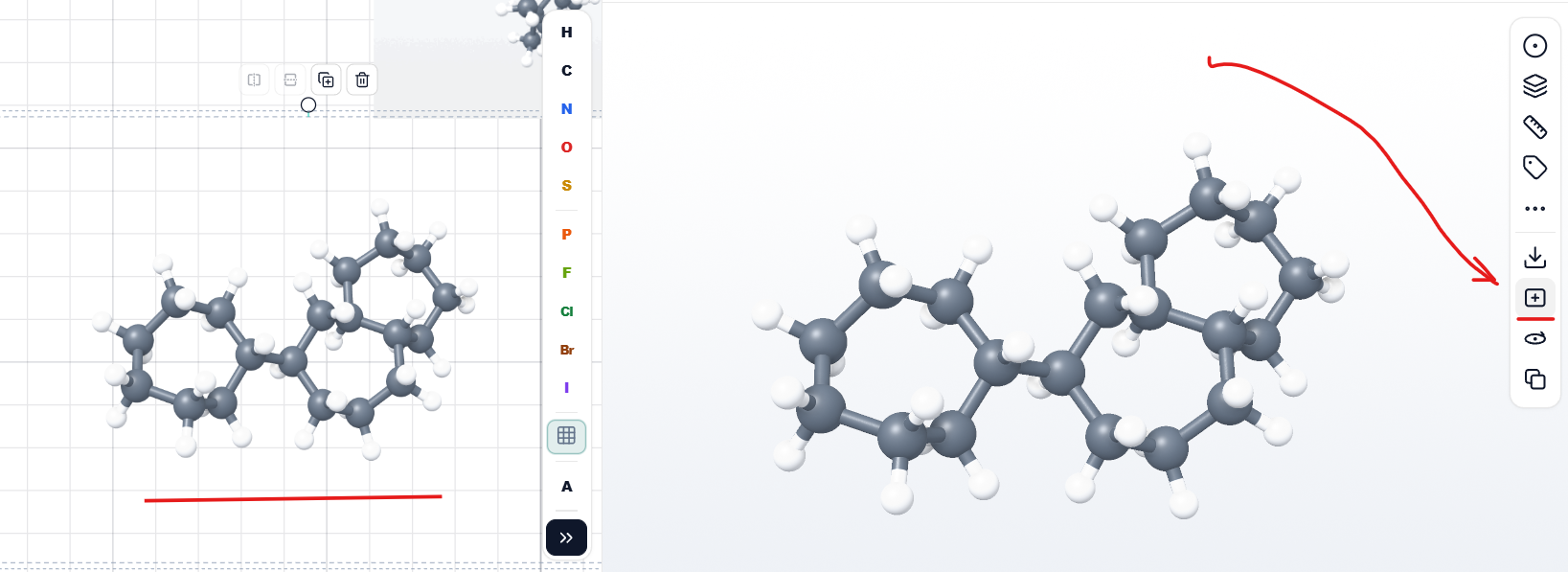
Amazing, will be very helpful thanks!
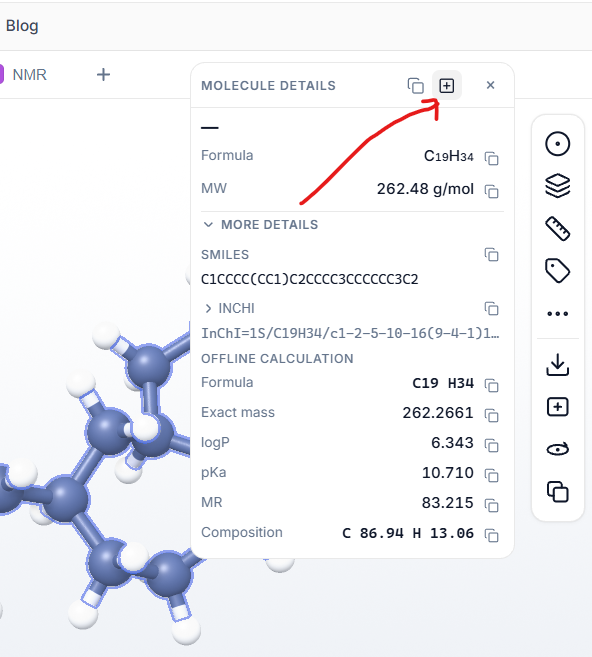
An icon to copy all the data in the INFO tool at once, or export to a table. It would be useful if it could be copy/pasted on the 2D layout in an easy once step way.
Hi Marc, Now it is possible. Thanks for the suggestion.
Yes!
Can you place all the coloring and highlight of bonds and lone pair in one place. Now, if I want to color any bond, I have to do it in Color and Style button in the top toolbar and the highlighting of bond is on the right-click menu, and highlighting and coloring lone pairs only on the right-click menu Also, can you add a feature to color/highlight a sigma bond or two sigma bonds of double and triple bonds.
it's live now. The Color & style panel has a new "Highlight & lone pairs" section, so bond highlights, lone pair color and lone pair highlight are all in one place. Right-click still works too. You can also color or highlight a single line of a double or triple bond: select the bond, pick σ line, π line or π₂ line, then choose a color or highlight. Same picker is in the right-click Highlight menu. Refresh the page if you don't see it yet.
Many thanks for quick responding and addressing the requests. That was a useful addition.
you're welcome.
Scrolling in My designs window is missing to view all the designs.
Now, I can't see the designs as it is showing only to the pro users.
Sorry about that, fixed! My designs is open again on the free plan, and all your saved designs are back. The free plan keeps up to 5 designs, saved in your browser only, so it's worth downloading a copy now and then. Pro adds unlimited designs with cloud save.
It's OK. It is working. Many thanks.
I think it would be helpful to add a reaction-plus button to the left-hand toolbar, making it quicker and easier to insert a “+” when drawing chemical reactions.
Thanks Fryad! There is now a dedicated reaction "+" button right under the arrow in the left toolbar. How to use it: 1. Click the + button below the reaction arrow. 2. Click between your structures to place a "+". Please refresh the page and test it. Let us know if it works the way you need.
Perfect. Thank you very much.
Add a feature that let the user to both highlight and color the lone pairs. Also, the current highlight action on the bond between explicit atoms highlights the explicit atom as well (see the screenshot; C-OH bond in orange).
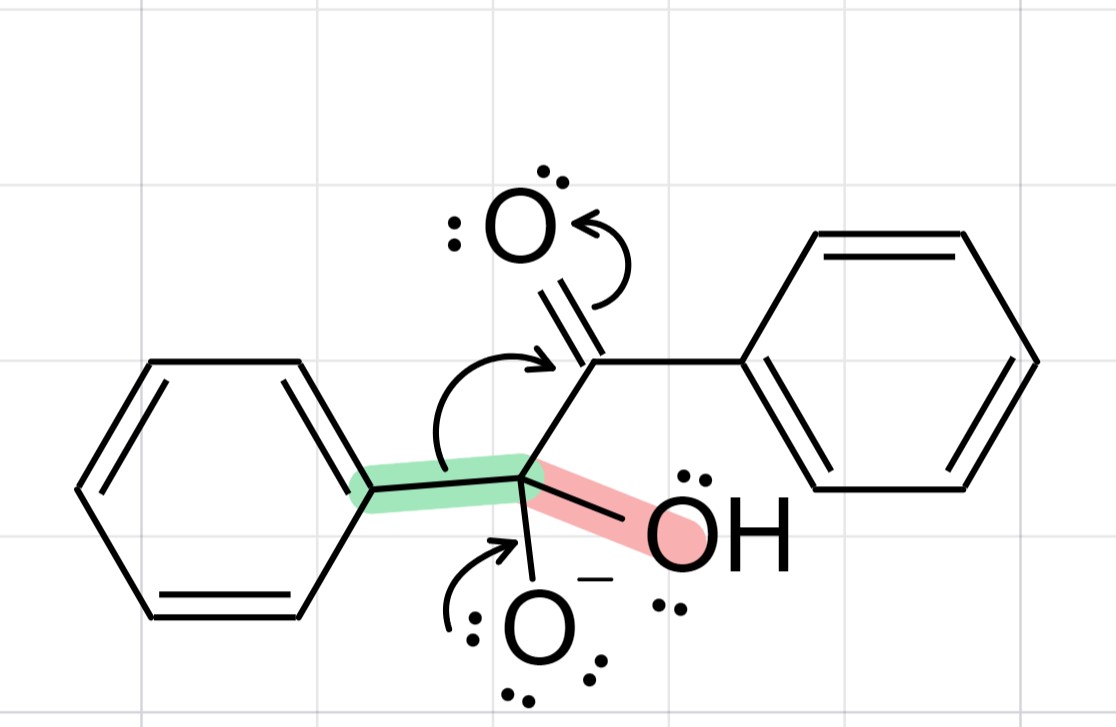
Thanks Rafeeque for adding these features. It would be great to selectively color/highlight individual lone pair. This is very useful for teaching students by following the movement of the electrons in the mechanism.
Good idea, done! Right-click on the two dots of any lone pair, then Highlight → "This lone pair". You can colour or highlight just that one pair, which should work nicely for showing electron movement step by step. Refresh and give it a try.
Great. Now it's working. Thanks a lot for all the your great works.
Every MolDraw update in one feed, newest first.