You can adjust the toolbar layout now.
@ramon Make toolbar to more cleaner and compact two column layout if you prefer that
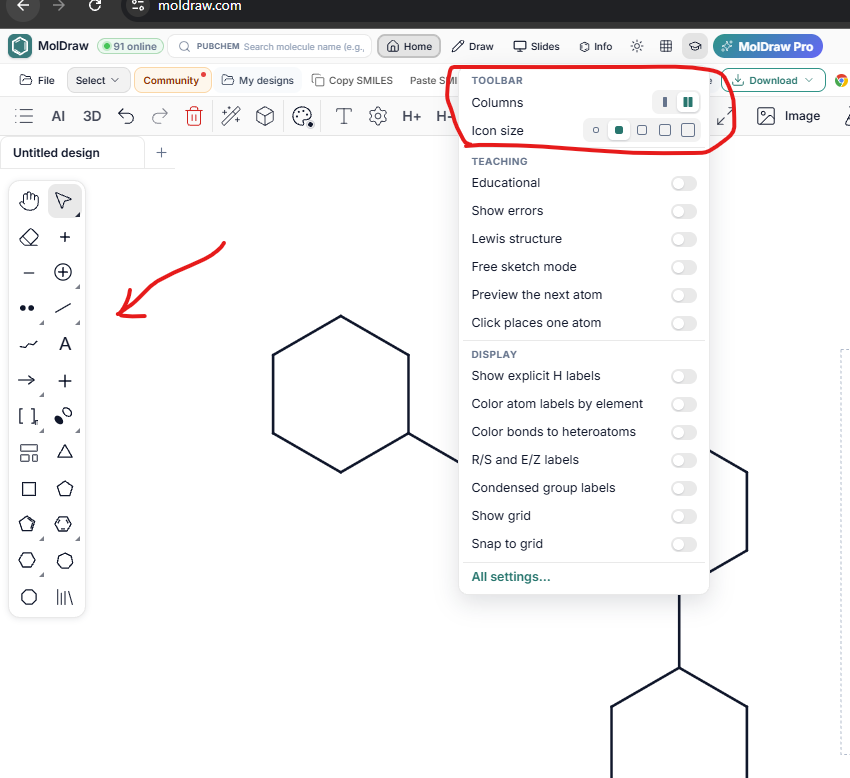
@ramon Make toolbar to more cleaner and compact two column layout if you prefer that
Excellent changes. The program is a great help to my students. A suggestion for improvement would be to include the energies of the generated conformers (from most to least stable). Currently, they are only listed.
this is done! now available
Hi, I’m using MolDraw and noticed something odd. On a benzene ring with an –SH group, the + and – charge tools turn it into SH₅⁺ or SH₅⁻. I’d expect something like R–SH₂⁺ or R–S⁻. With –OH the tool works as expected (O⁻ and H₂O⁺), so it seems like an issue with how the charge tool handles sulfur. Is this a bug, or am I doing something wrong?
Thanks for the report. It was a bug! Charged sulfur was getting too many hydrogens. It’s fixed: –SH now gives R–SH₂⁺ with the + tool and R–S⁻ with the – tool, just like –OH. Reload the app to get it.
Now you can draw detailed mechanisms using the AI chat!
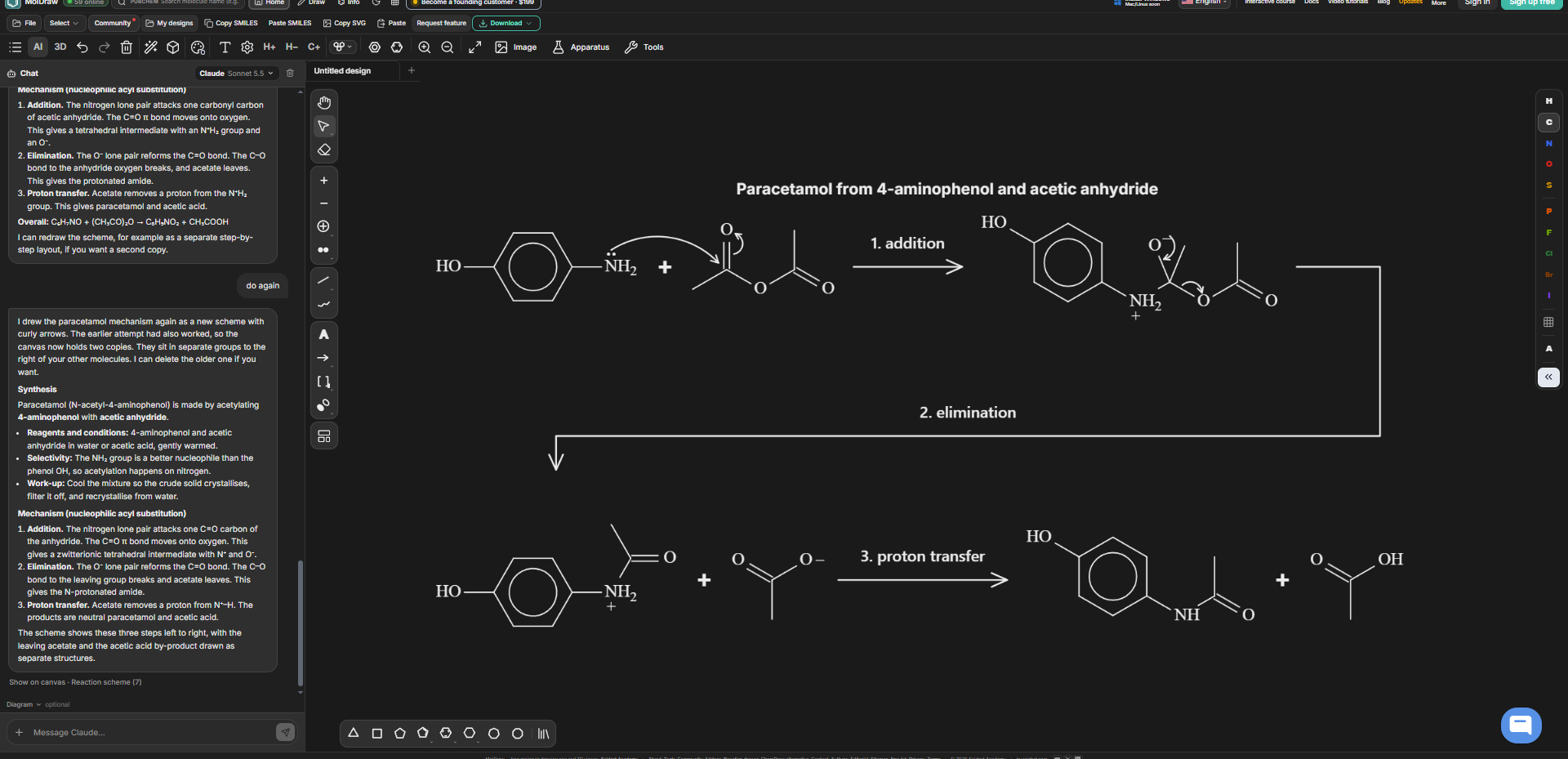
The AI feature on the website is still not working; what is the solution?
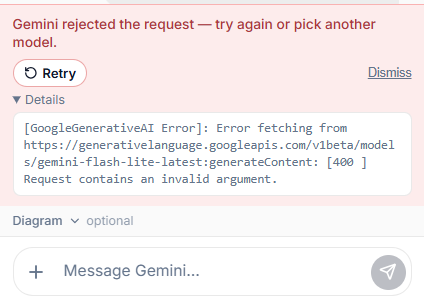
try now? fixed
Unfortunately, none of the Gemini models are working. What is the solution?
Sorry for the trouble. Gemini was rejecting the way MolDraw described its drawing tools, so every model failed. That is fixed now. Please reload the page, test it and check. If it still fails, tell us which model you picked.
This is a fantastic site, but I’m having trouble getting the AI feature to work. Even though I entered the API key from Google AI Studio, it simply won't function. What is the solution?
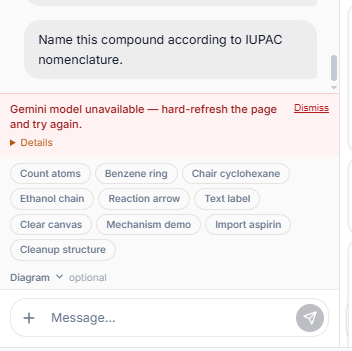
Hi, This is under development. Will be fixed by Monday.
this is fixed. please check @ayhomgenius99
Hi again! Sorry for being a bit of a nuisance with all these reports. I’ve been using MolDraw a lot and have come across a few more things I wanted to flag: 1) Community replies disappearing I’ve tried accessing the community from several devices, and sometimes replies under threads appear briefly after refreshing the page, then disappear about two seconds later. 2) Copy and paste adding unexpected elements Sometimes pasting adds a molecule that has nothing to do with what I’m drawing, as shown in the first screenshot. I’ve also had unwanted elements appear instead of the content I intended to copy. It happens intermittently, so I haven’t found a consistent way to reproduce it yet. 3) Eraser removing nearby elements Sometimes a direct click with the eraser removes nearby elements that I wasn’t trying to erase (clicking and dragging seems to work as expected), I’ve only noticed this problem with individual clicks. 4) Square brackets In the second screenshot, some parts of the molecule extend outside the brackets. Plus, would it be possible to add freely adjustable square brackets without the polymer “n” subscript? They would be useful for drawing transition states and enclosing intermediates. Sorry again for the flood of messages! I’m really enjoying the web app! It looks great, and I appreciate all the work you’re putting into it. Thanks for taking the time to look into these!
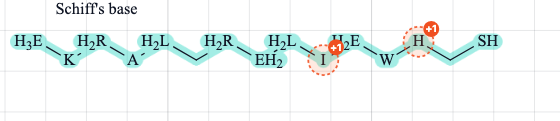
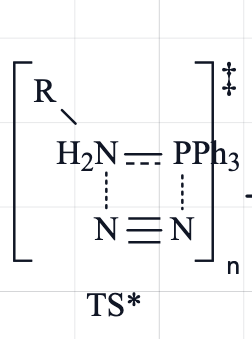
HI @lucafolegnani Keep reporting all the issues. We are thankful for that. Thanks for taking the time. 1) Community replies: That's fixed, so all replies now stay. 2) Copy and paste: These are messages on valency corrections. We have made it simpler looki gso that it doesnt feel like the part of the drawing. 3) Eraser: fixed. Labels like PPh3 had a large click area that took over clicks on nearby bonds. A single click now removes only the closest atom, bond, arrow or text. Click and drag works as before. check now? 4) Square brackets: brackets now fit around labels like H2N and PPh3, including subscripts and charges. There's also a new Square brackets option in the bracket menu with no n, for transition states and intermediates. You can resize it from the corners or edges and add ‡ or a charge by right-clicking it. let me know if anything need fix
Hi, I’m really enjoying MolDraw! Is there a way to align multiple reaction arrows so they’re all at the same height? If this is already possible, could you explain how to do it? Otherwise, it would be a useful feature for keeping reaction schemes tidy. Thanks for all your work on the site!
Also, sometimes when I select a single fragment or molecule and try to apply an action only to that selection, such as cleanup or export, it affects the entire drawing instead.
this is fixed. check? @lucafolegnani
It works! Thanks!
Hi, I’ve noticed that some letters in text labels and the hydrogen labels in amine groups shift slightly upwards when I export the drawing. Thanks for your help!
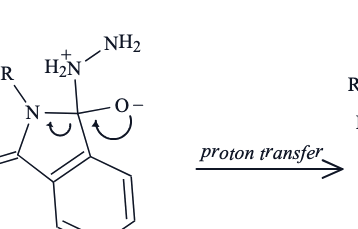
Hi Luca, This will be fixed soon.
@lucafolegnani this should be fixed now. can you check
Yes! Now they are aligned!
Hi, I’m having an issue with arrowhead styles. The arrowhead remains open, even though the panel shows “Filled”, when I reopen the Arrow tool, the setting also returns to “Open”. This happens repeatedly with newly drawn arrows, the attached screenshot shows “Filled” selected alongside arrows with open heads. Could you check whether this is a bug or whether there’s another setting I need to change? Thanks!
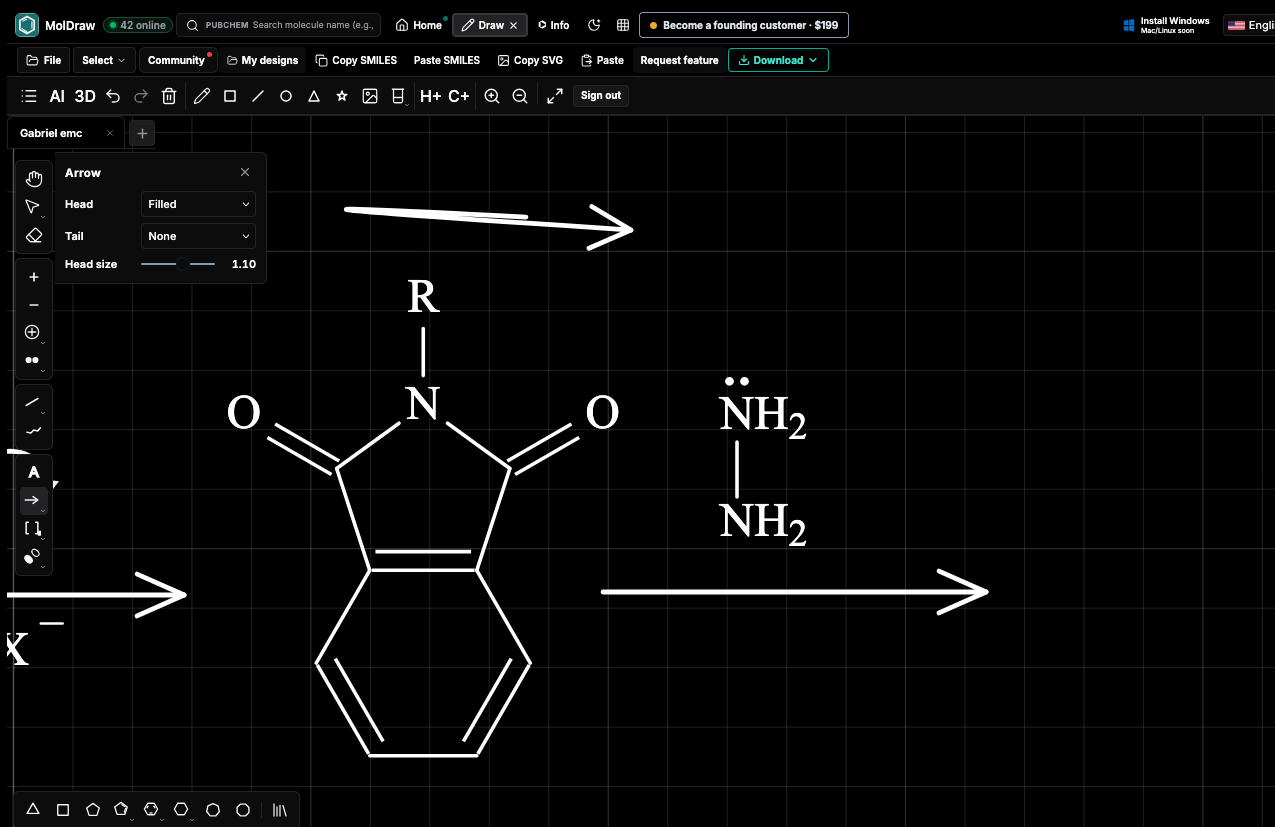
Thanks for reporting this, Luca! This is fixed. Filled (and your Tail and Head size choices) now apply to every new arrow, and MolDraw remembers them when you switch tools or reload the page. If you have an arrow selected, changing the panel updates it too.
Every MolDraw update in one feed, newest first.