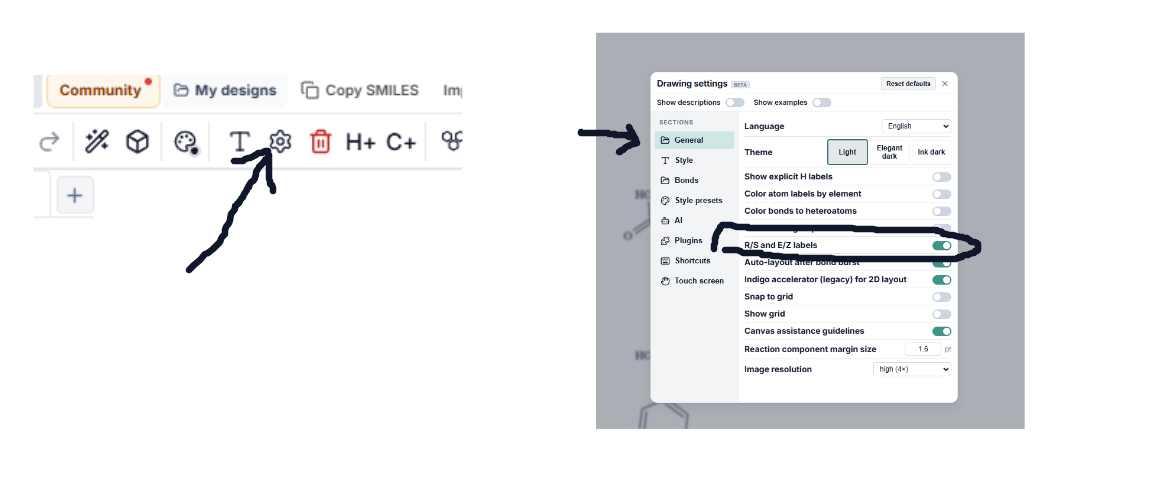
hi, how do i put and bond to representate R & S isomers?
like to add these type of bond
What is the timeline for the Linux desktop app? Can we expect it in the next couple months or will it be longer?
I was in queue for the Gold Lifetime membership. But nothing happened and I never got any notification about it. Is it still going?
New DNA/RNA builder plugin is live!
New peptide builder plugin
Peptide Builder | New Plugin is now available
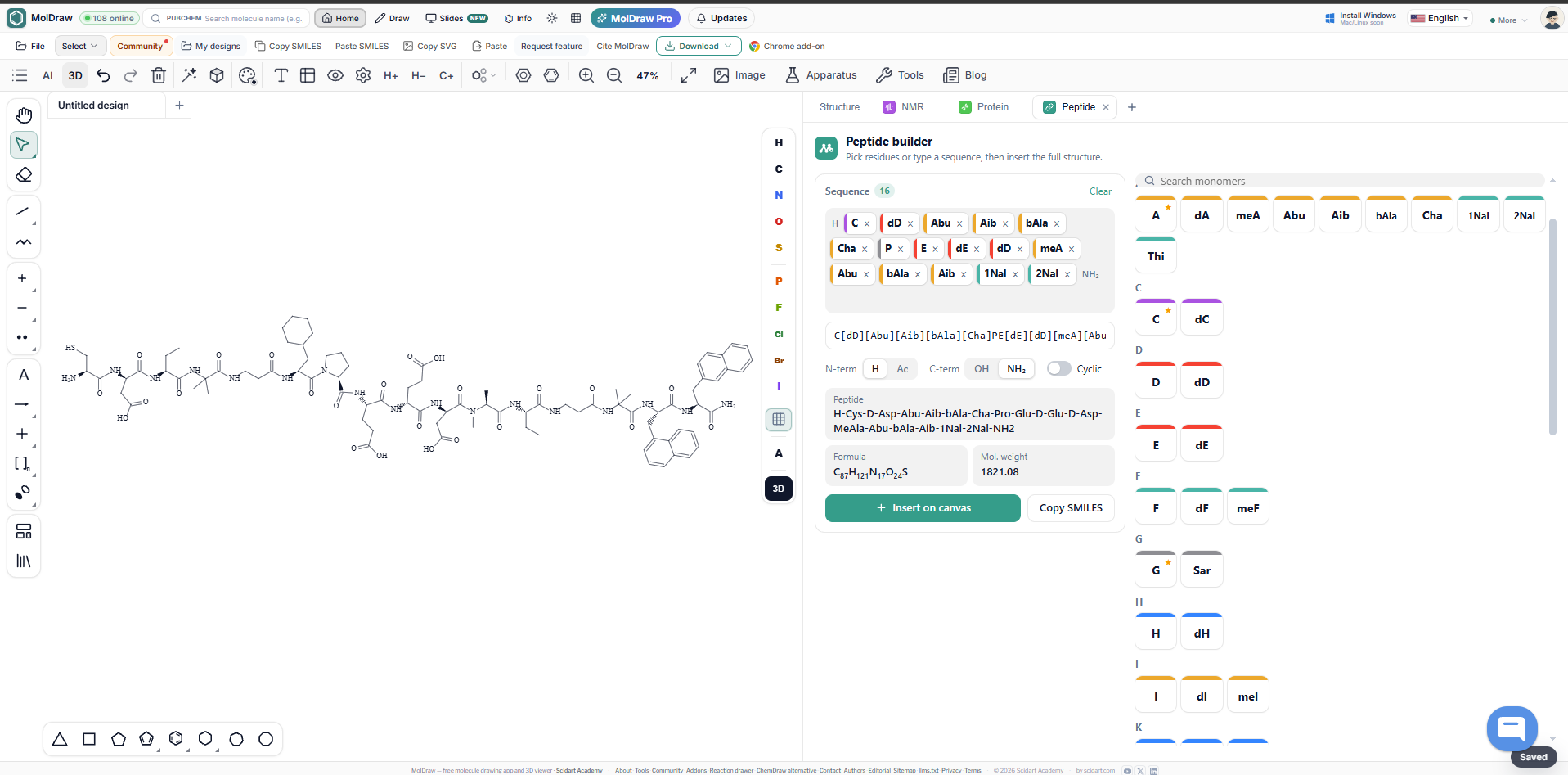
Hi! I'm new to chemistry and was drawing caffeine in MolDraw. While making a ring with carbon and nitrogen atoms, the program automatically added hydrogens to some nitrogen atoms, showing "NH". Why does this happen? Is it related to nitrogen's bonding rules, and how can I prevent it?
I just realized, big problem
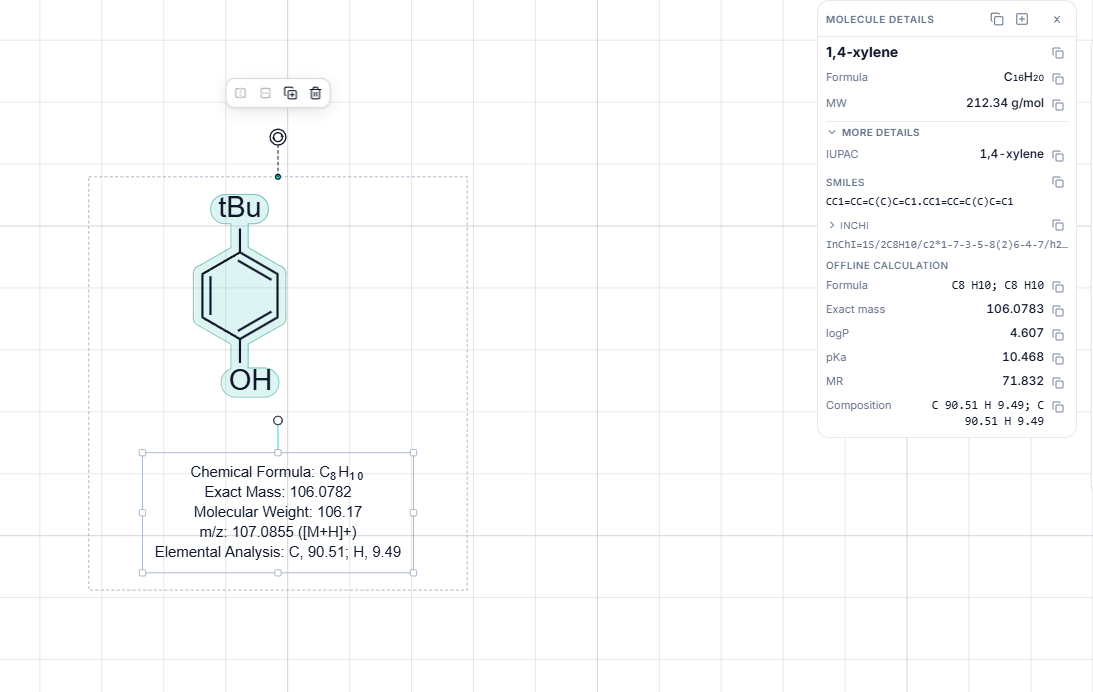
New cage molecules are added in Library
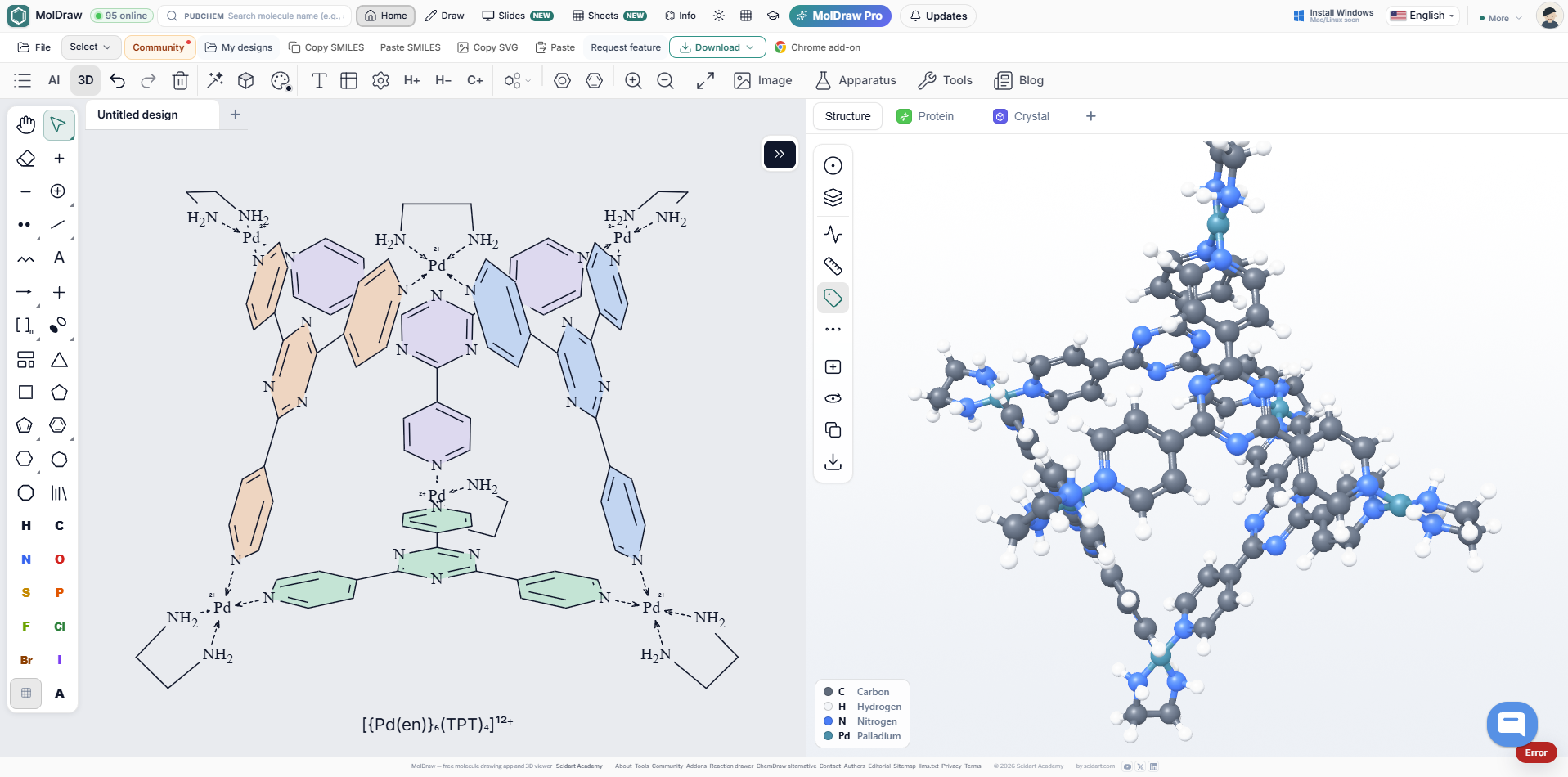
Why is the app down? Is there a problem
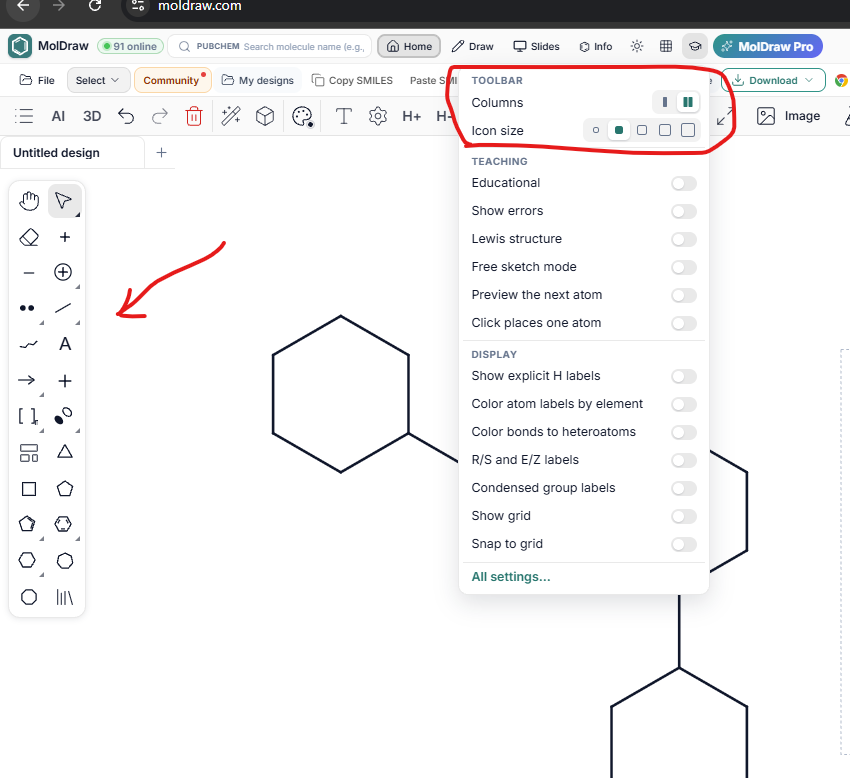
@ramon Make toolbar to more cleaner and compact two column layout if you prefer that
Every MolDraw update in one feed, newest first.
like to add these type of bond
Hi, To show R and S isomers in MolDraw: Draw the molecule as usual (the four groups on the chiral carbon). Select the wedge bond tool (solid wedge = coming toward you) or the dash/hash bond tool (going away from you). Click the bond from the chiral carbon to one of the groups (often H, or another substituent). MolDraw will show an R or S badge on that carbon when the stereo is clear, and the name in molecule info can include (R)/(S).
make sure this settings is on