Scrolling in My designs window is missingNew
Scrolling in My designs window is missing to view all the designs.
Request a feature here so the community can vote and track progress. Sign in to submit.
Scrolling in My designs window is missing to view all the designs.
I think it would be helpful to add a reaction-plus button to the left-hand toolbar, making it quicker and easier to insert a “+” when drawing chemical reactions.
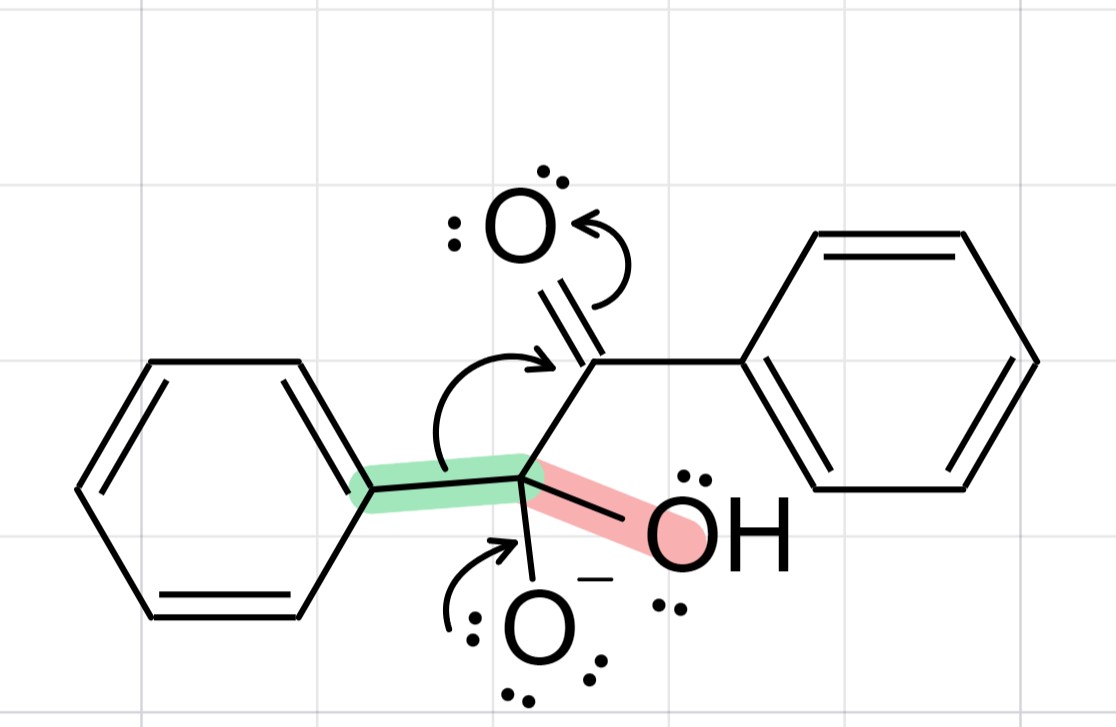
Add a feature that let the user to both highlight and color the lone pairs. Also, the current highlight action on the bond between explicit atoms highlights the explicit atom as well (see the screenshot; C-OH bond in orange).
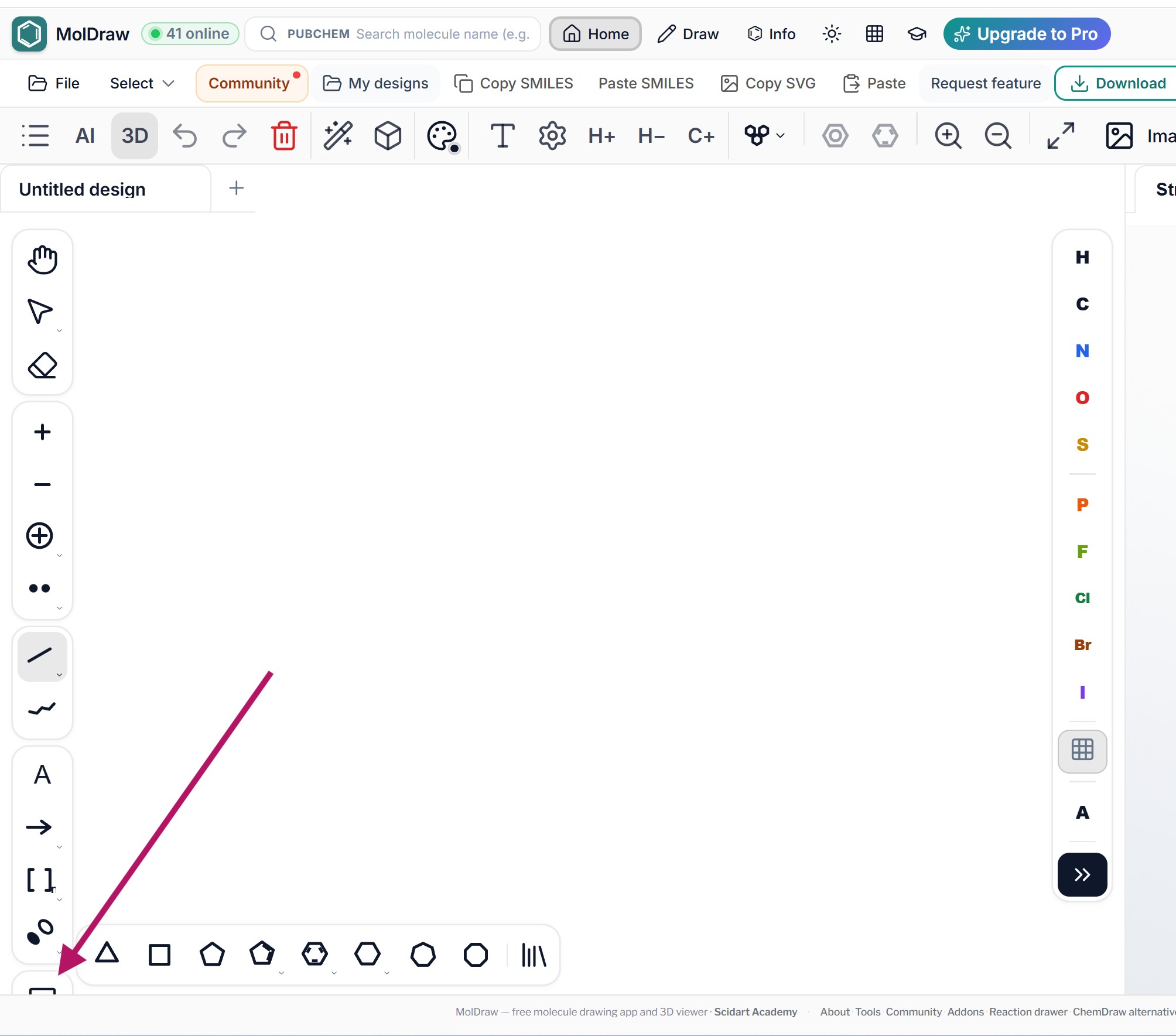
The template icon button is not displayed correctly on the web version as shown in the screenshot.
Excellent changes. The program is a great help to my students. A suggestion for improvement would be to include the energies of the generated conformers (from most to least stable). Currently, they are only listed.
I would like to make the orbitals bigger, and the gap between them adjustable, so that I can put one lobe above the atom and one beneath it.
I think it would be great to combine the different circular forms into one symbol. For educational mode I'd make that a default setting. For scientific mode I'd make that an optional setting.
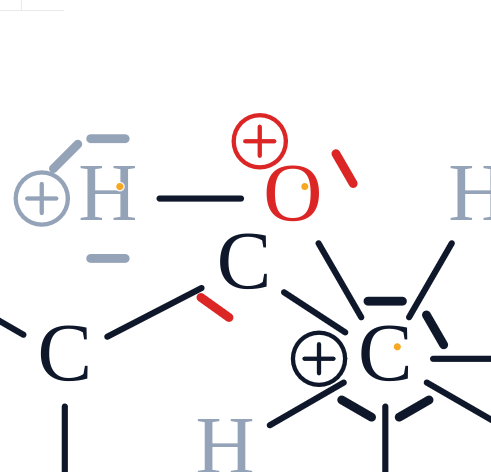
Good morning! Some suggestions for improving drawing in Lewis structures: - 3D Model adds implicit H-atoms when drawing in Lewis structure. If possible the 3D Moddell should only draw the atoms which are drawn in the Lewis structure. - Bug: Lone pairs get pushed away when a atom is to close. Probably not something that will happen a lot. See picture.
Add square brackets [ ] which can be used around resonance structures. Thanks for your efforts and great service.
The downloaded 3D model of the molecules (GLB, OBJ) cannot be opened in MS PowerPoint. I also tested and imported a 3D molecule example in GLB format into Affinity software, and it only shows a white frame. Kindly fix this issue.
I think it would be helpful to add a reaction-plus button to the left-hand toolbar, making it quicker and easier to insert a “+” when drawing chemical reactions.
Thanks Fryad! There is now a dedicated reaction "+" button right under the arrow in the left toolbar. How to use it: 1. Click the + button below the reaction arrow. 2. Click between your structures to place a "+". Please refresh the page and test it. Let us know if it works the way you need.
Perfect. Thank you very much.