Zoom scaleDone
There should be a zoom scale icon beside the zoom in and out that serves two functions: select a zoom, but more importantly, tell us what zoom we currently are in.
Request a feature here so the community can vote and track progress. Sign in to submit.
There should be a zoom scale icon beside the zoom in and out that serves two functions: select a zoom, but more importantly, tell us what zoom we currently are in.
In the color and style panel, the custom color can't be applied to the structure. It can only be selected.
Right now there is only one setting for the highlight format and it is too big. I would like to select different highlight thickness.
Right now, the bond thickness applies to all the molecules displayed even if there is a selction. The purpose is to create a tailored highlight.
Hi i would love to have the ability to change the Rms margin of the uff tool. This is both in terms of higher margins and lower margins. Kind regards Luna Hoffmann
Call Center resmi Permata Bank dapat diakses melalui saluran Permata Tel 1500-111. WhatsApp 0852-1521-3911. Kirim pesan ke email care@permatabank.co.id.layanan 24 jam.

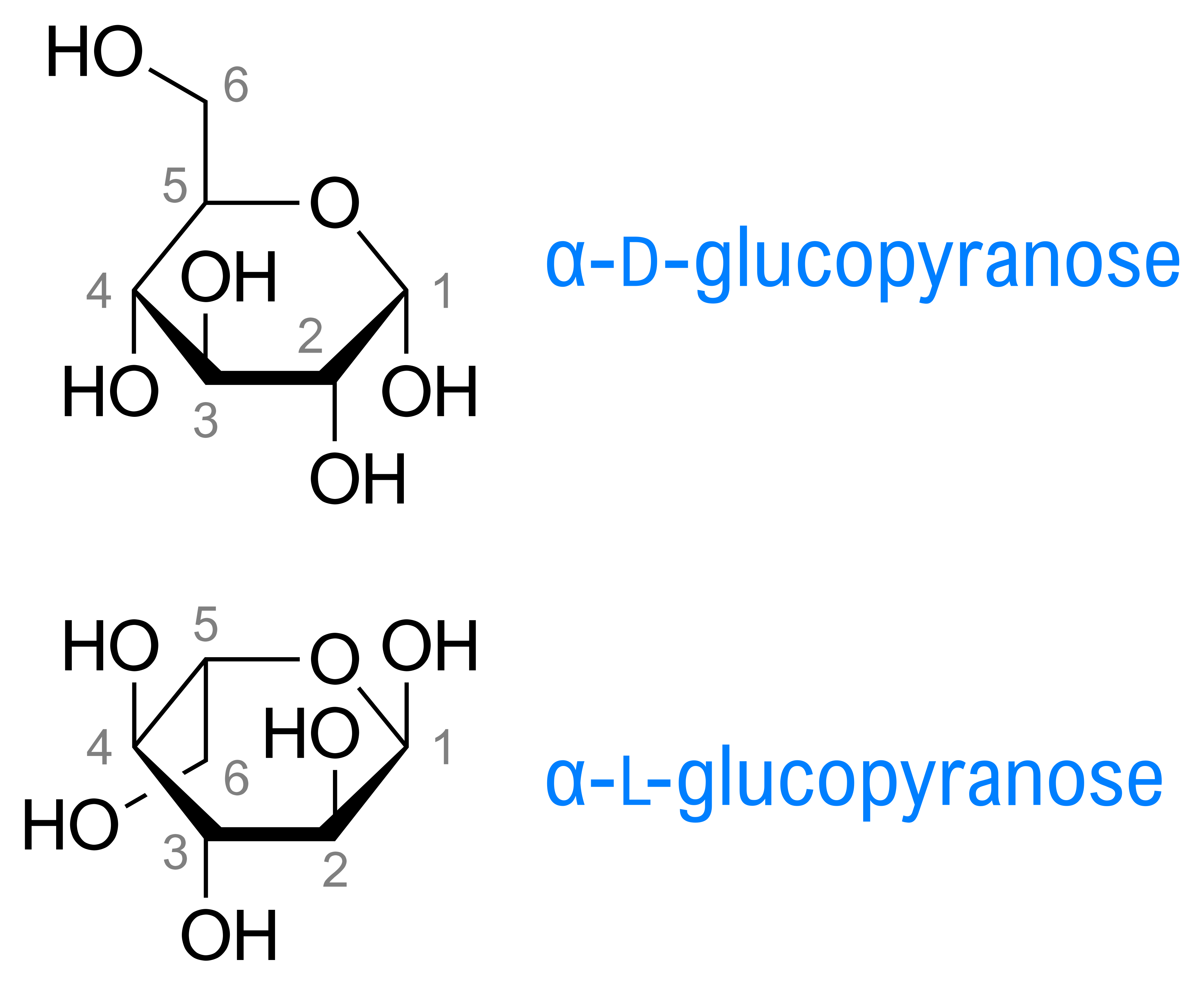
I’d like to draw sugars as clean Haworth projections with the thicker front lines (Wikipedia example attached). However if I draw the closer end with thick lines or wedge and thick lines the edges of the lines do not join. Screenshots attached. Thanks, Joseph
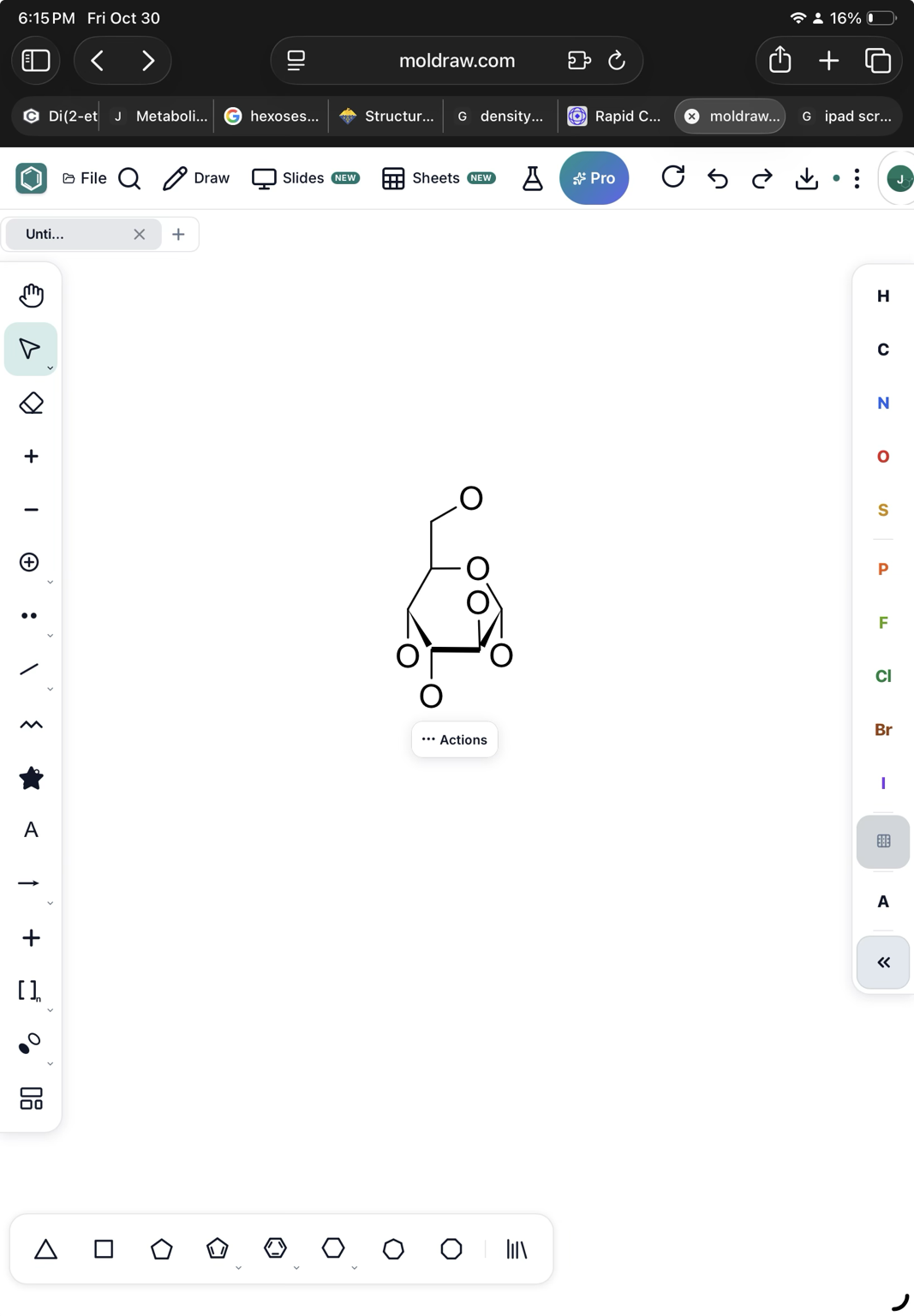
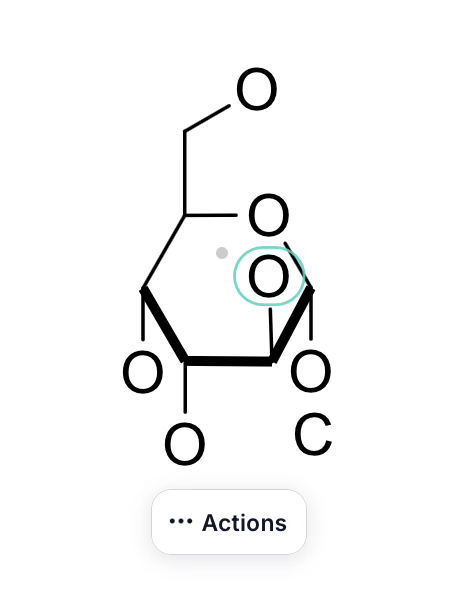
change background colour in text boxes (e.g. white/black etc)
The current view of the NMR predict, with the molecule, would be copied to clipboard so it can be pasted in the 2D layout or in a presentation directly.
The current view in the 3D panel would be copied to the clipboard. In this way, it can be pasted on the 2D layout easily.
Every MolDraw update in one feed, newest first.
Right now there is only one setting for the highlight format and it is too big. I would like to select different highlight thickness.
Thanks Marc, all three are live now. Refresh MolDraw to get them. With bonds selected, Thick in Color & style → Bonds sets only their thickness. "Document" resets them. The custom color swatch now shows the color you picked. To recolor a structure, select it first (Ctrl+A for all), then pick the color. There's a zoom readout next to the zoom buttons. It shows the current zoom (100% = actual size), and clicking it lets you pick a zoom or fit to scree
There is still a bug when I try to make some bonds thicker, the double bond becomes farter
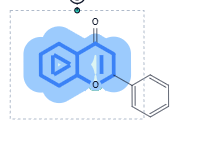
Also, I think I don't see the highlight thickness option. By this, I meant that here, it is too large. I would like a less large highlight
And when I changed the bond length, it applied to all my canvas instead of only my selection.