MolDraw vs ChemSketch: Which Should You Use in 2026
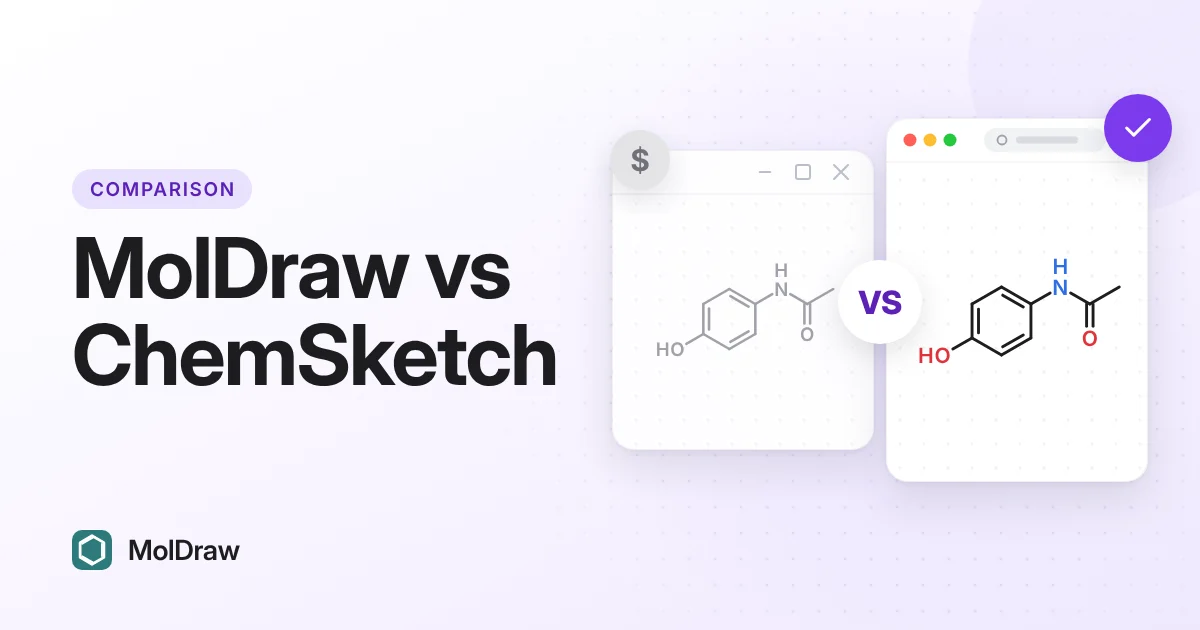
ChemSketch was the free structure editor many chemistry students learned first. In 2026 that changed. This page compares MolDraw and ChemSketch feature by feature, so you can pick the right one for class, lab or research.
Other comparisons: MolDraw vs MarvinSketch · MolDraw vs Ketcher · Best free ChemDraw alternatives (2026) · ChemDraw vs MolDraw.
MolDraw vs ChemSketch at a glance
| Feature | MolDraw | ACD/ChemSketch |
|---|---|---|
| Made by | Scidart Academy | ACD/Labs (acquired by Revvity Signals in January 2026) |
| Price for a new user | Free. Optional Pro plan | Not available to new customers. Freeware page says it is discontinued |
| Runs on | Any modern browser. Windows desktop app | Windows desktop only |
| Install needed | No | Yes |
| 2D structures and reactions | Yes | Yes |
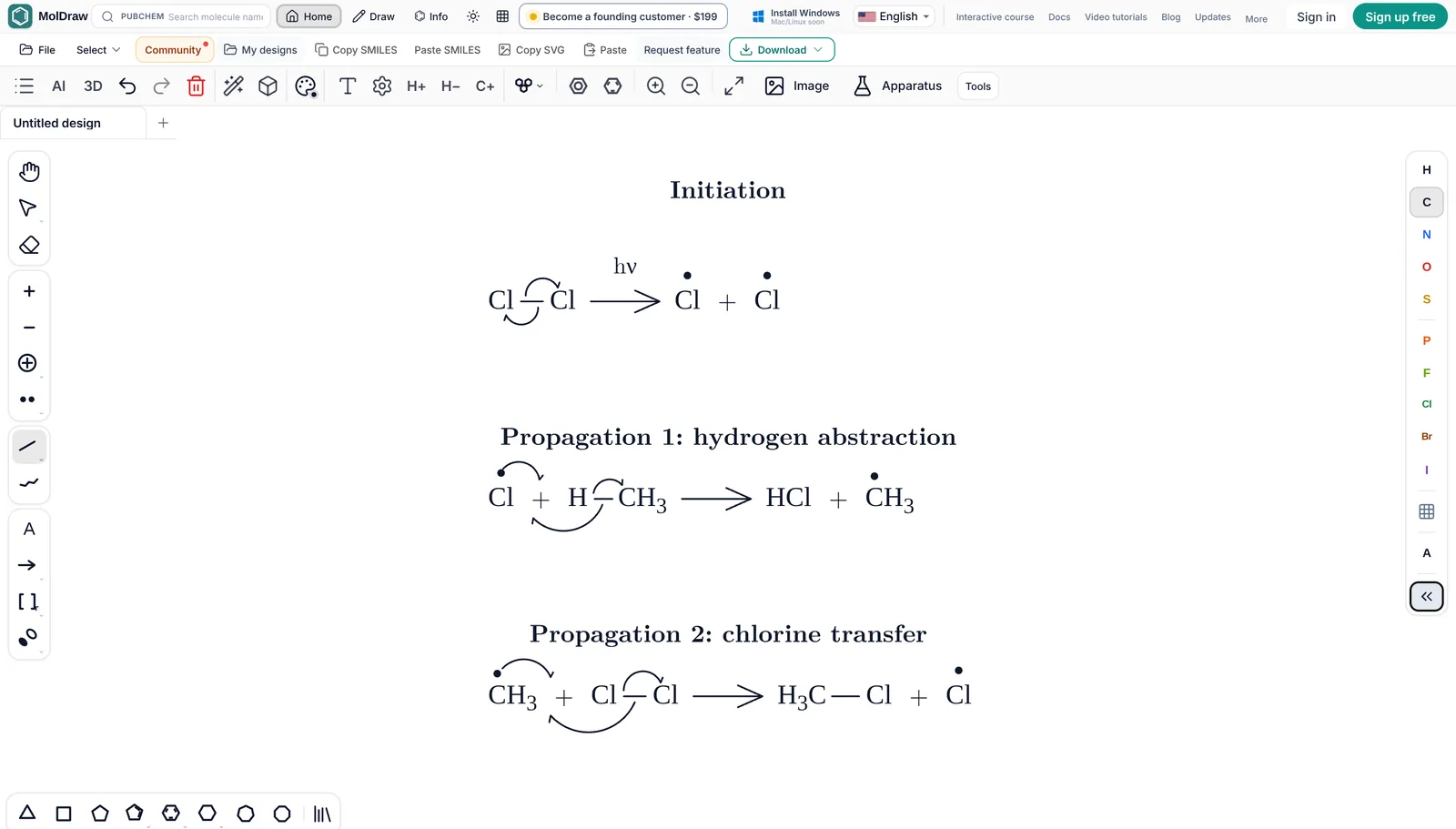
| Curly arrow mechanisms | Yes, with fishhooks | Arrows and drawing tools |
| MOL, SDF, SMILES, InChI | Yes | Yes |
| Opens ChemDraw CDX and CDXML | Yes | Check your version |
| Exports CDXML | Yes | Check your version |
| Name to structure | Yes, via PubChem (online) | Check your version |
| Structure to name | Yes, via PubChem (online) | Yes. The freeware names small molecules only |
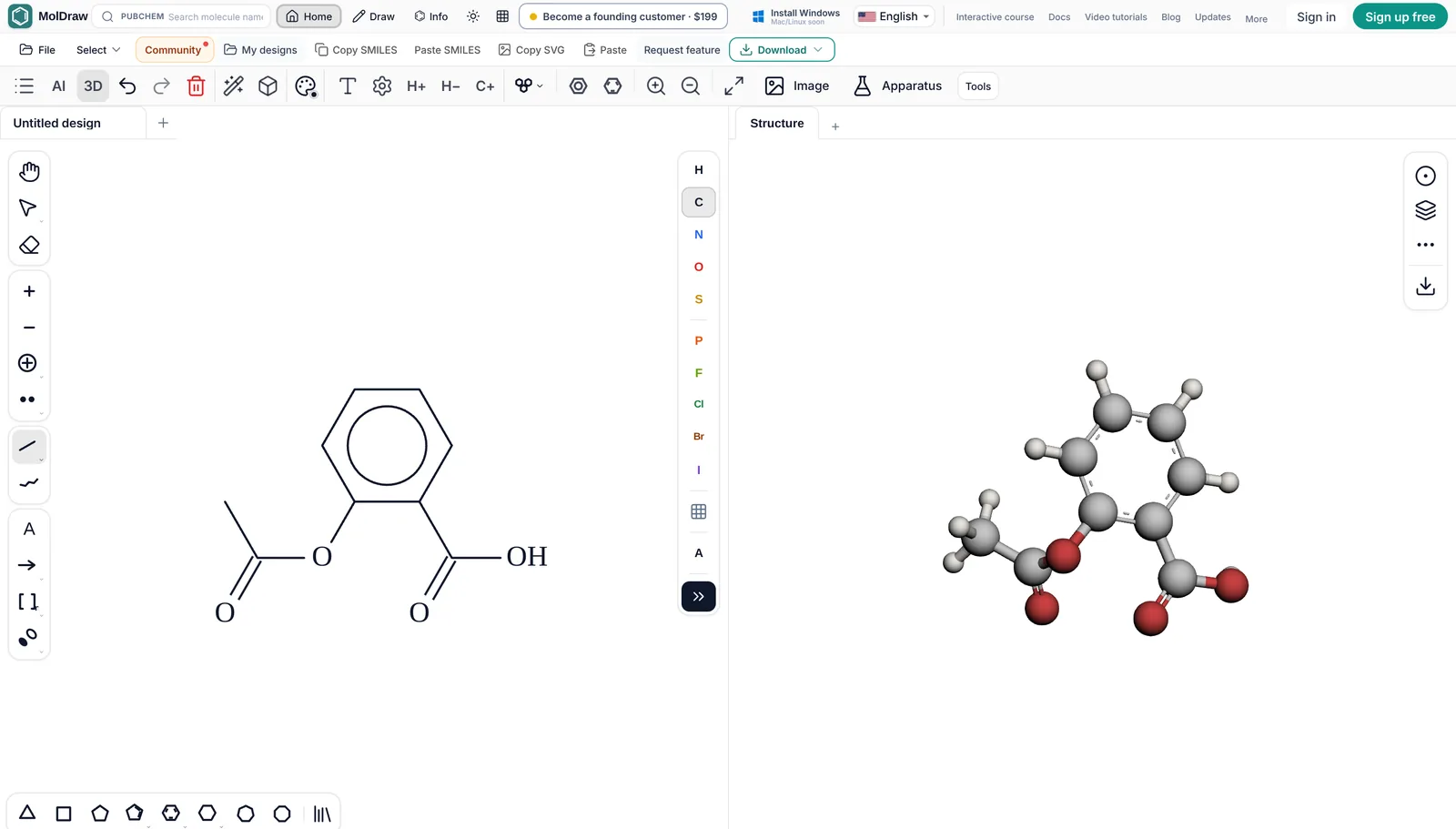
| 3D view | Yes, built in | Yes, ACD/3D viewer |
| NMR prediction | Yes, NMR Analyser plugin (free account) | Not in the freeware |
| Works offline | Windows app only | Yes |
| Interface languages | 18 | Check your version |
ChemSketch details are from ACD/Labs and Revvity Signals pages, checked in October 2026. "Check your version" means it depends on the edition and version you have, and we could not confirm it from a current official page.
Price and licence
MolDraw: Free in the browser. No account needed to draw. MolDraw Pro ($12 a month or $99 a year; ₹299 or ₹2,999 in India) adds the AI assistant, structure scanning, cloud save, and export of drawings that contain templates or lab apparatus. See the pricing page.
ChemSketch: ACD/Labs was acquired by Revvity Signals in January 2026. As of October 2026, ACD/Labs says ChemSketch is no longer available to new customers and points buyers to ChemDraw. The ChemSketch Freeware page now says the free edition has been discontinued. It also says current users may keep using an existing installation under its licence terms.
The freeware was always for personal and educational use. If you still have it installed, read its licence before you use it for paid work.
Platforms
ChemSketch is Windows software. ACD/Labs lists it for Windows only, and university IT pages say the same (example). On a Mac, people have used a Windows virtual machine.
MolDraw runs in Chrome, Edge, Firefox and Safari on Windows, macOS, Linux, ChromeOS, iPad and Android tablets. There is also a free Windows app. This matters on school and lab computers where you cannot install software.
Drawing features
Both tools draw what a chemistry student needs: atoms, bonds, rings, charges, wedge and hash bonds, and reaction arrows. ChemSketch is known for its long list of templates and its drawing mode for lab diagrams.
MolDraw covers the same core jobs. It adds lone pairs and radicals, R/S labels, polymer brackets, atom labels such as Ph or COOH, a structure checker for valence errors, journal style presets and a command palette (Ctrl+K). Its lab apparatus library has glassware that snaps together.
File formats: MOL, SDF, CDXML, SMILES and InChI
MolDraw opens MOL, SDF, RXN, SMILES, CML, XYZ and ChemDraw CDX and CDXML files. ChemDraw files keep their reaction arrows, captions and brackets as drawn. Downloads include PNG, JPEG, SVG, PDF, SMILES, MOL, SDF, CDXML, CDX, RXN, InChI, SMARTS, CML, XYZ and chemfig for LaTeX, plus GLB, OBJ and X3D from the 3D panel. See download and file formats.
ChemSketch reads and writes MOL and SDF, and gives SMILES and InChI. Its native format is SK2. Support for ChemDraw files depends on the version, so test one of your files first.
Moving old ChemSketch drawings to MolDraw is simple. Save them from ChemSketch as MOL or SDF, then open the file in MolDraw.
Name to structure and structure to name
In MolDraw, type a name or CAS number in the search box and the structure comes from PubChem. For the other direction, select a molecule and click Info to see its IUPAC name, formula, weight, SMILES and InChI. The name is looked up in PubChem, so it needs an internet connection and works best for known compounds. The free name to structure and SMILES to IUPAC name tools do the same without opening the editor.
ChemSketch can generate IUPAC names. In the freeware, naming has limits. A Revvity Signals support article says it handles up to 50 atoms, a short list of elements and at most 3 rings in any polycyclic part. Larger molecules needed a paid naming licence.
3D viewing
MolDraw has a 3D viewer beside the canvas. The model follows your 2D drawing. You can switch styles, show molecular surfaces, measure bond lengths and angles, and export GLB or OBJ models. The Protein Viewer plugin loads PDB structures by ID.
ChemSketch comes with the ACD/3D viewer for rotating a model of your structure. If you already use it and it does what you need, there is no reason to switch for 3D alone.
Spectra and NMR prediction
The NMR Analyser plugin predicts 1H and 13C spectra, plus COSY, HSQC and HMBC plots, with a free account. These are model predictions, not measured spectra. MolDraw also has free viewers for your own data files: NMR, IR, mass spectra, UV-Vis, Raman and more. The files are read in your browser and are not uploaded. AI prediction of mass and UV-Vis spectra through the chat is part of MolDraw Pro.
ACD/Labs sells NMR prediction and spectrum processing as separate products. They are not part of ChemSketch Freeware.
Reactions and mechanisms
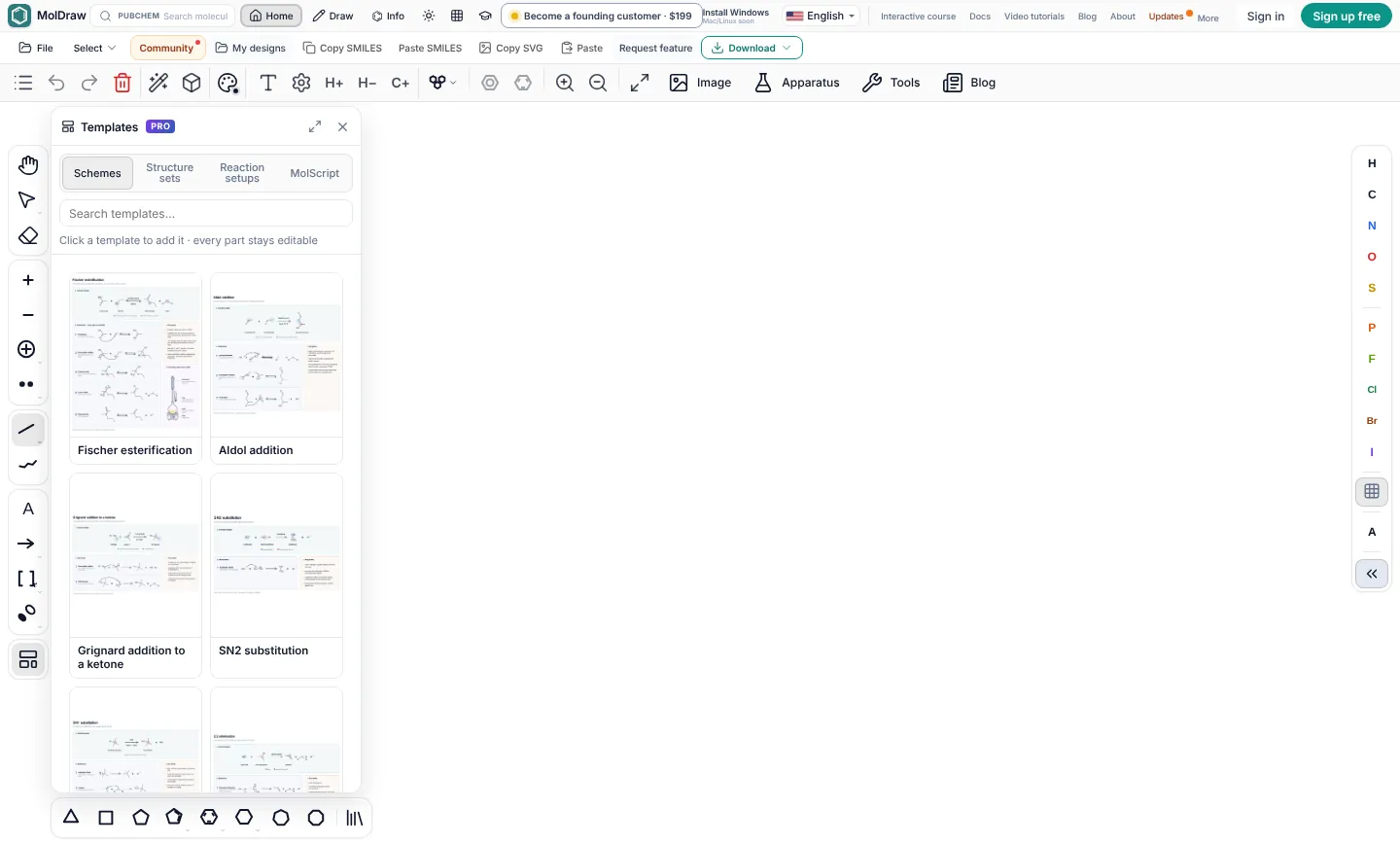
MolDraw draws reaction schemes with reagents and conditions, and curly arrow mechanisms with two-electron arrows and fishhooks. It also has a stoichiometry table, automatic atom mapping and ready-made mechanism templates. You can use templates and lab apparatus on the canvas for free. Exporting a drawing that contains them is part of Pro.
Teaching use
For teaching, MolDraw has a Teaching menu with an Educational layout, a Lewis view that shows every lone pair, error marks with tooltips and a free sketch mode. The Learn MolDraw course has short lessons that run in the real editor and check the student's drawing. The interface is available in 18 languages.
ChemSketch has been used in classrooms for many years, and many old worksheets were written for it. For a new course in 2026, a tool that new students can actually get is the safer choice.
Offline use
The web editor needs a connection to load. The free Windows app (Windows 10 or later) works offline for drawing, cleanup, export and 3D. PubChem search, sign in and AI chat need the internet. Mac and Linux builds are not out yet, so on those systems you use the browser version.
ChemSketch is a desktop program, so it works fully offline once installed.
Privacy
Drawing, cleanup, analysis and export run in your browser. A structure leaves your device only when you use PubChem lookup, the IUPAC name lookup, AI chat or a plugin that fetches online data. Designs are saved in browser storage on your device. See privacy and storage. For unpublished work, draw by hand and skip the online lookups.
ChemSketch keeps everything on your PC. That is a real advantage if your work must never touch a network.
When to stay with ChemSketch
ChemSketch is still a good choice in some cases:
- It is already installed on your Windows PC and your licence covers your use.
- You have many SK2 files or ChemSketch templates you rely on.
- You use other ACD/Labs products, such as their NMR or physchem predictors, through your institution.
- Your work must stay fully offline on a PC that never goes online.
For everyone else, especially new students who cannot get ChemSketch at all, open MolDraw and start drawing.
FAQ
Is ChemSketch still free in 2026?
Not for new users. As of October 2026, ACD/Labs says ChemSketch is no longer available to new customers, and its freeware page says ChemSketch Freeware is discontinued. People who already installed it may keep using that copy under its licence terms. MolDraw is a free option that runs in the browser.
Can I still download ChemSketch Freeware?
Not from ACD/Labs as a new user. Avoid third-party download sites, because their installers can be old or bundled with other software. See our ChemSketch download page for what to do instead.
Is MolDraw better than ChemSketch?
For most students, yes, because you can use it right now on any computer for free. ChemSketch has a longer history and works fully offline. If it is already installed and does what you need, it is fine to keep using it.
Does ChemSketch work on Mac?
No. ChemSketch is Windows software. Mac users have used a Windows virtual machine. MolDraw runs in Safari, Chrome or Firefox on a Mac with nothing to install.
Can MolDraw open ChemSketch files?
Not the native SK2 format. Save your drawing from ChemSketch as MOL or SDF, then open that file in MolDraw.
Can I get an IUPAC name in MolDraw like in ChemSketch?
Yes. Select the molecule and click Info. MolDraw shows the IUPAC name, formula and weight. The name comes from PubChem, so it needs an internet connection.
Who makes ChemSketch now?
ChemSketch was made by ACD/Labs. Revvity Signals, the maker of ChemDraw, acquired ACD/Labs in January 2026.
Sources
Competitor facts were checked against these pages in October 2026. Products, prices and licences change, so check the maker's site before you decide.
- ACD/Labs: ChemSketch is no longer available to new customers
- ACD/Labs: ChemSketch Freeware page
- Revvity Signals support: naming limits in the freeware
- Mount Saint Vincent University IT: ChemSketch (Windows only)
MolDraw facts come from the MolDraw docs, the pricing page and the about page. ChemDraw, ChemSketch, Marvin, MarvinSketch, Marvin JS, Ketcher and other names are trademarks of their owners. MolDraw is not affiliated with them.