ChemSketch Alternative: Free Online Chemical Structure Editor
You have heard of ChemSketch (ACD/ChemSketch) and want to know what it is, or you need a chemical structure editor you can use right now. This page explains what ChemSketch is and shows a free editor that runs in your browser.
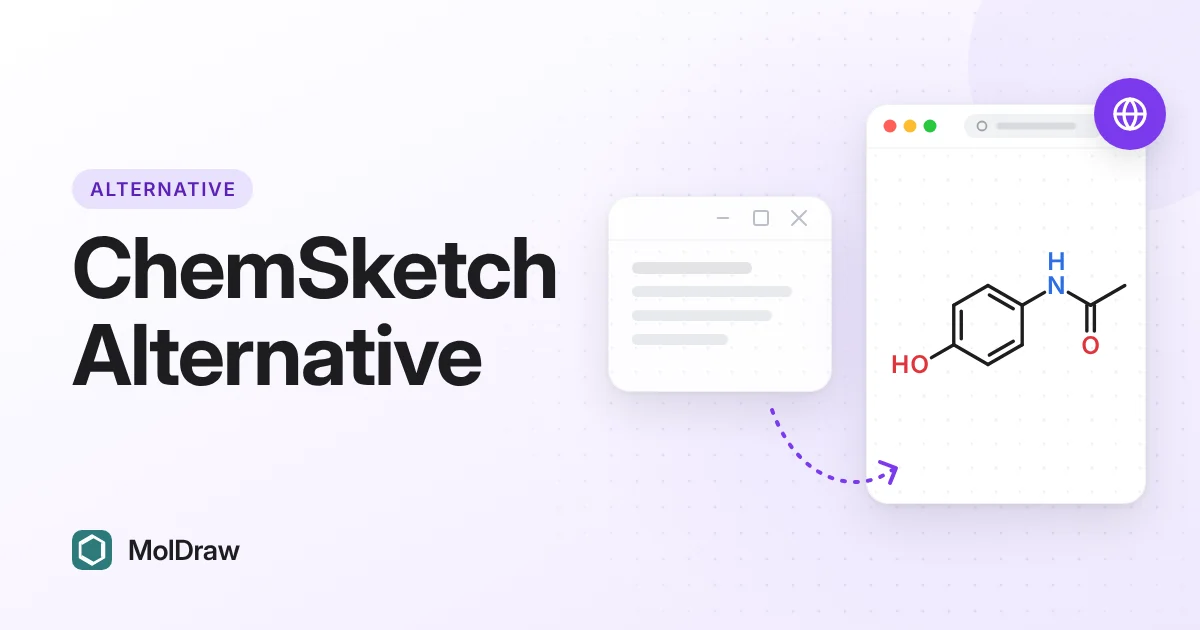
What is ChemSketch?
ChemSketch, also called ACD/ChemSketch, is chemical structure drawing software long associated with ACD/Labs. People use ChemSketch software to draw 2D structures, communicate molecules in reports, and support teaching or lab documentation.
If you just need to draw a molecule today, you may not need ChemSketch at all. A free online editor can handle most everyday drawing without an install.
Free online ChemSketch alternative
If your goal is a free online chemical structure editor, MolDraw is built for that workflow:
- Draw and edit 2D chemical structures in the browser
- Paste or copy SMILES for fast handoffs
- Search known compounds by name and inspect properties
- View molecules in 3D
- Export images and common chemistry formats for reports and slides
ChemSketch vs MolDraw (practical comparison)
| Criteria | ChemSketch / ACD ChemSketch | MolDraw |
|---|---|---|
| Access model | Historically desktop / licensed ChemSketch software | Free browser app at moldraw.com |
| Setup | Install / account / institutional access may be required | Open URL and start drawing |
| 2D structure editing | Established chemical drawing feature set | Browser-first editor for everyday structures |
| SMILES / identifiers | Depends on product edition and workflow | Copy/paste SMILES-friendly workflows |
| 3D viewing | Varies by product ecosystem | Integrated 3D molecular viewer |
| Best fit | Users already inside ACD/ChemSketch pipelines | Students, teachers, quick lab communication, no-install drawing |
When MolDraw is the better ChemSketch alternative
Choose MolDraw when you need to:
- Start drawing right away, without an install or licence
- Avoid ChemSketch software installs on shared or locked-down machines
- Draw structures for homework, slides, lab notebooks, or quick research notes
- Move between 2D drawing, SMILES, and 3D viewing in one browser session
Stay with ChemSketch / ACD ChemSketch only if your institution already depends on that specific product stack and templates.
FAQ: ChemSketch and MolDraw
What is ChemSketch?
ChemSketch is chemical structure drawing software commonly associated with ACD/Labs (ACD/ChemSketch). People use it to draw molecules and share chemical structures.
Is there a free ChemSketch alternative?
Yes. MolDraw is a free online chemical structure editor for common drawing, SMILES, 3D viewing, and export tasks.
Is MolDraw ChemSketch?
No. MolDraw is independent software from Scidart Academy and is not ACD ChemSketch.
Where do I find ChemSketch free or ChemSketch download info?
See ChemSketch free for what to check before you look for a free version, and ChemSketch download for what to do if you cannot get the installer. Both pages link to the free MolDraw editor.