ChemDraw vs MolDraw: Is There a Free ChemDraw Alternative?
If you are searching for ChemDraw online, online ChemDraw, free ChemDraw, or ChemDraw online free, this guide compares ChemDraw vs MolDraw from a practical perspective: browser access, drawing workflow, reaction drawing, exports, learning curve, and day-to-day chemistry communication.
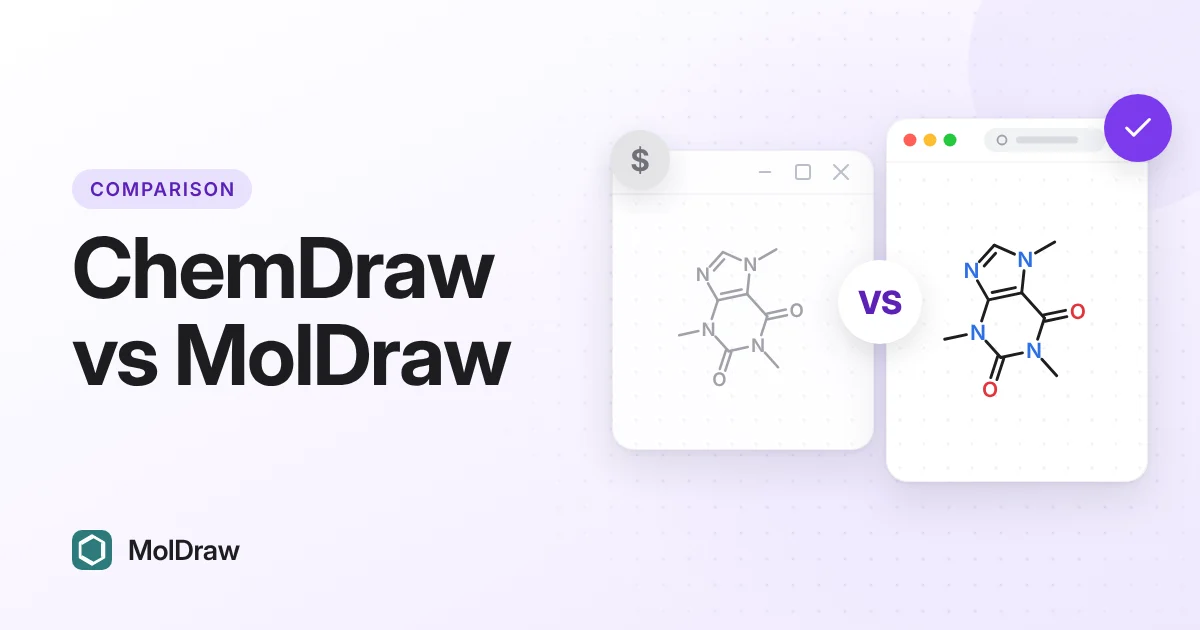
Want to try it now? Draw chemical structures online in MolDraw. It opens instantly in your browser as an online ChemDraw alternative, with no install or account needed.
Quick Overview
ChemDraw is a long-established commercial chemistry drawing ecosystem. MolDraw is a browser-first, free workflow that focuses on fast structure drawing, SMILES handling, 3D visualization, and practical exports.
Online ChemDraw, Free ChemDraw, and Browser Alternatives
Many users search for online ChemDraw software or ChemDraw online free because they need to draw a molecule immediately without installing a desktop package. MolDraw is not ChemDraw, but it is designed for the same everyday intent: open a browser, draw chemical structures, sketch reactions, copy identifiers, and export clean figures or structure files.
- Use MolDraw for quick browser drawing: draw structures online, paste SMILES, search known compounds, and export images.
- Use the reaction drawer workflow: open the chemical reaction drawer for reactants, products, arrows, reagents, and conditions.
- Use the tools hub: convert structures, calculate properties, search by name or formula, and support chemistry homework or lab workflows.
MolDraw vs ChemDraw vs ChemSketch vs Marvin
In short: MolDraw is free and runs in any modern web browser. ChemDraw is paid software. ChemSketch, including its old freeware version, is no longer offered to new users since ACD/Labs joined Revvity Signals in January 2026. Marvin is now sold mainly as Marvin Cloud, a paid subscription.
| Feature | MolDraw | ChemDraw | ChemSketch | Marvin |
|---|---|---|---|---|
| Made by | MolDraw (Scidart Academy) | Revvity Signals | ACD/Labs | Chemaxon (Certara) |
| Price | Free | Paid licence (price varies) | Not sold to new users since 2026; existing licences keep working | Paid subscription (Marvin Cloud); free individual academic licences ended in 2026 |
| Where it runs | Web browser, no install | Desktop app (Windows, macOS); web options vary | Desktop app (Windows) | Browser (Marvin Cloud) and desktop (MarvinSketch) |
| 2D structure drawing | Yes | Yes | Yes | Yes |
| Reaction drawing | Yes | Yes | Yes | Yes |
| SMILES copy and paste | Yes | Yes | Yes | Yes |
| PubChem name or CAS search | Yes, built in | Varies | Varies | Varies |
| 3D molecule view | Yes, in the browser | Varies by edition | Varies | Varies |
| CDXML export | Yes | Yes (native format) | Varies | Varies |
Based on each maker's public product pages, checked October 2026. Prices and features change, so check the vendor's site before you buy. "Varies" means it depends on the edition, licence or add-on. ChemDraw, ChemSketch and Marvin are trademarks of their owners.
ChemDraw vs MolDraw Comparison Table
| Criteria | ChemDraw | MolDraw |
|---|---|---|
| Pricing model | Commercial licensing (varies by edition/institution) | Free browser-based usage |
| Setup speed | Installed desktop workflow | Open in browser and start drawing |
| 2D structure editing | Mature and comprehensive | Robust editor workflow for day-to-day tasks |
| Reaction drawing | Supported in desktop workflows | Browser reaction drawing with reaction SMILES examples and guide links |
| SMILES-driven workflow | Supported | Supported with quick copy/paste pipeline |
| 3D visualization workflow | Depends on edition/ecosystem | Integrated viewer with display modes and settings |
| Export flexibility | Strong export ecosystem | Image + chemistry format export for common workflows |
| Learning curve for beginners | Moderate | Low-to-moderate (web-first UI) |
| Best fit | Enterprise/institutional legacy workflows | Students, teaching, agile research communication |
Technical Content: What Actually Matters
In a real chemistry workflow, software value is not just about drawing quality. You also need transferability between notebooks, reports, presentations, and computational tools. That means export hygiene, reproducibility, and clean structure representation.
- Use SVG/PNG for report-ready visuals.
- Use SDF/XYZ/PDB for interoperability and downstream tooling.
- Keep SMILES for indexing, communication, and repeatable handoffs.
Workflow Diagram
Below is a compact pipeline you can use in class or lab documentation:
This process keeps visual communication and machine-readable chemistry aligned, which reduces rework later.
Who Should Use Which Tool?
Choose ChemDraw if your team already depends on deeply integrated enterprise templates or existing internal standards built around that ecosystem.
Choose MolDraw if you want a modern free ChemDraw alternative for rapid browser access, easy onboarding, and practical chemistry output formats.
FAQs: ChemDraw vs MolDraw
Is there a free ChemDraw online alternative?
Yes. MolDraw is a free browser-based chemistry drawing app for common structure drawing, SMILES workflows, 3D viewing, and exports.
Is MolDraw really a free ChemDraw alternative?
Yes. MolDraw provides a free browser workflow for structure drawing, 3D viewing, and exports without a licensing barrier.
Can I use MolDraw for assignments and teaching labs?
Yes. It is suitable for student and instructor workflows where quick access, simple UI, and reliable exports are important.
What should I use for ChemDraw online free searches?
Use MolDraw when your goal is browser-based chemical drawing, reaction sketching, SMILES handling, 3D viewing, and export without a desktop install.
Can MolDraw draw chemical reactions?
Yes. Use the chemical reaction drawer page to open reaction examples and sketch reactants, products, arrows, reagents, and conditions.
Does MolDraw support technical export workflows?
Yes. Typical workflows include image export and chemistry-format export such as SDF/XYZ/PDB, depending on the view context.
Where can I read more about MolDraw usage?
Use the internal resources below for setup, updates, and help.