attach atoms by draggingDone
Looks nice but, now I can't dragging atoms or groups to attach them in to an existing structure.
Looks nice but, now I can't dragging atoms or groups to attach them in to an existing structure.
This is fixed. Kindly check.
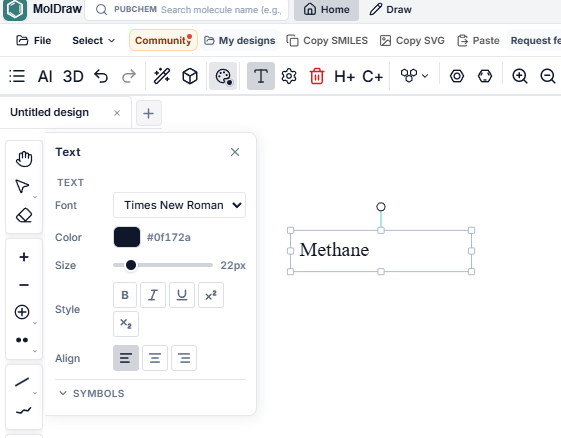
Text tool had some issues. They are fixed. Tell me if anything to be improved further. Thanks.
We’ve launched a major update with many fixes and new features. I know there may be some differences, bugs, or things that still need improvement. The previous editor had several limitations, so we had to make this change to build a much better experience going forward. If you face any issue, please let me know here or through the support chat. I’m personally here to fix things as quickly as possible. Give us a little time. Within the next month, I’m confident Moldraw will become a much better tool for drawing chemical structures. We’ll improve it together. 😊 Thank you for your patience and understanding!
Using it again, and it's so much better than the initial update. I can make bonds again. It doesn't tell me not to make Texas carbons. The commonly used tools and notations are easier to find
Good to know that
Is there any feature here that automatically forms a chair conformation?
How do allign my structures? I draw my molecules and i write somtexts, but t the end, it is alle messy
2-[2-((4R-phenyl-X)methyl)phenyl]-5-(4-Y-phenyl)-1,3,4-oxadiazole)
Hi, Alignment tools are now available. You can select more than one molecule or elements, alignment tools will appear on top toolbar. Please check
@amerabet
FAQ says you can add lone pairs from the radical drop down menu, but I do not see that option
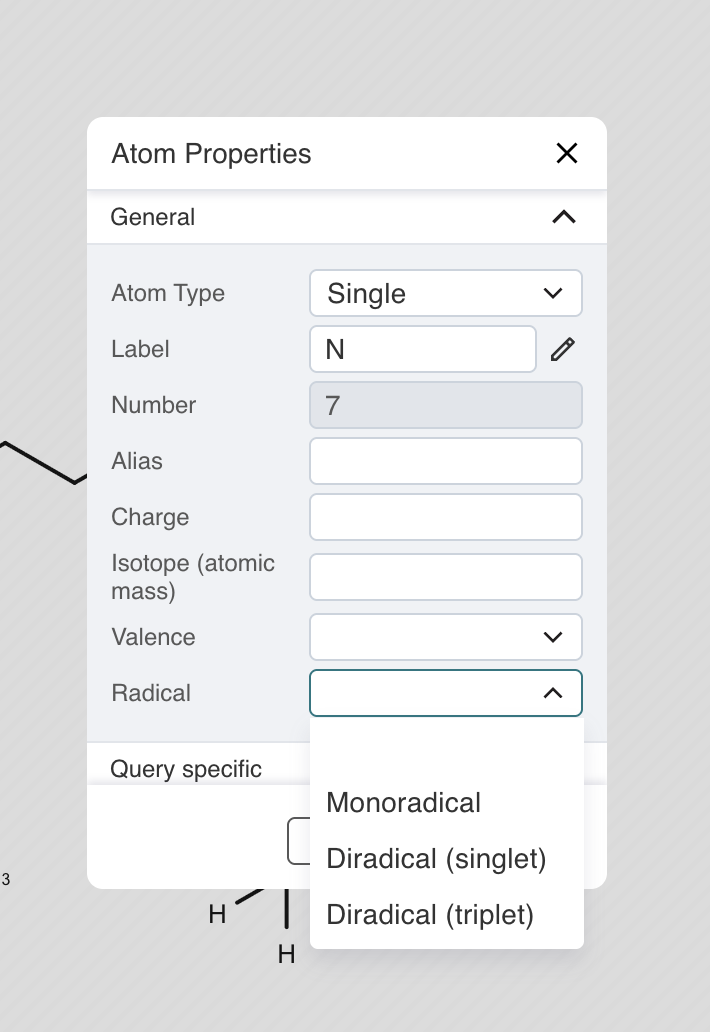
if you select diradical singlet it will put a lone pair on your atom, however that also screws up the bonding
Hi Kristen, the radical dropdown is gone. Open Lone pair / radical on the toolbar and choose Lone pair, then click the atom. Each click adds one pair until it is full. Click the pair, or Shift-click, to remove it. That same menu also has Add one lone pair to all and Add all lone pairs.
I really like this program , but it there a way to change the atom colors so the whole molecule is black. For example I do not want my N and O atoms to be blue and red. Thanks for any help, Emma
In settings (upper right corner) under general you can turn off atom coloring
Hi, yes. In 2D the atoms are black unless coloring is turned on. Open Settings, then General, and switch off Color atom labels by element. Nitrogen and oxygen will draw in black. If the bonds are still colored, switch off Color bonds to heteroatoms on that same page. The 3D view still uses element colors.
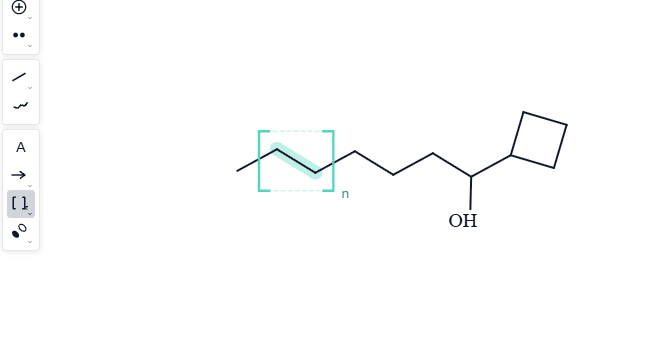
Maybe I'm blind, but I'm not seeing an option to draw brackets so that I can specify the number of units for a monomer within a polymer.
see s in brackets at the left menu. [S]
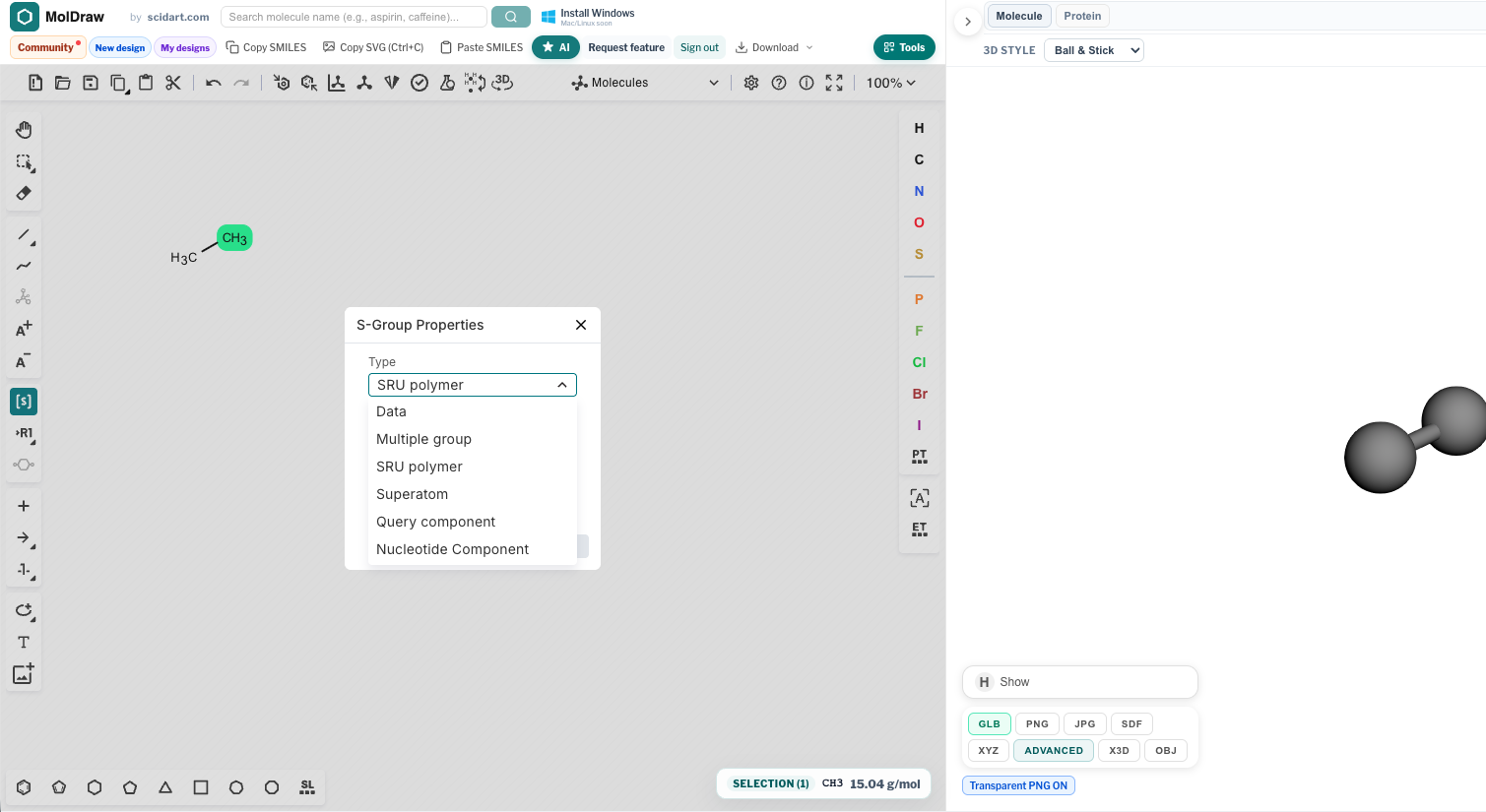
Look for the button that looks like a pair of square brackets with a small n, just under the reaction arrow. Click it . Drag a box around the monomer (at least two atoms), or select those atoms first and click the tool. To set the number of units, click the little label at the lower right of the brackets a second time, or right-click the brackets and choose Edit repeat subscript…, then type the number.
hey, i cant change my curved arrow color, any tips?
save the SVG and edit the colour in inkscape
Hi, Now you can edit the arrow colors in the new version. Draw the arrow and you will find settings panel with all editing options. @ek1092q @farellmaliq17
Every MolDraw update in one feed, newest first.
Rafeeque
Hi Luis, This is fixed. Kindly check. Thanks for reporting.