Allignment of Structures and Text
How do allign my structures? I draw my molecules and i write somtexts, but t the end, it is alle messy
▲
How do allign my structures? I draw my molecules and i write somtexts, but t the end, it is alle messy
FAQ says you can add lone pairs from the radical drop down menu, but I do not see that option
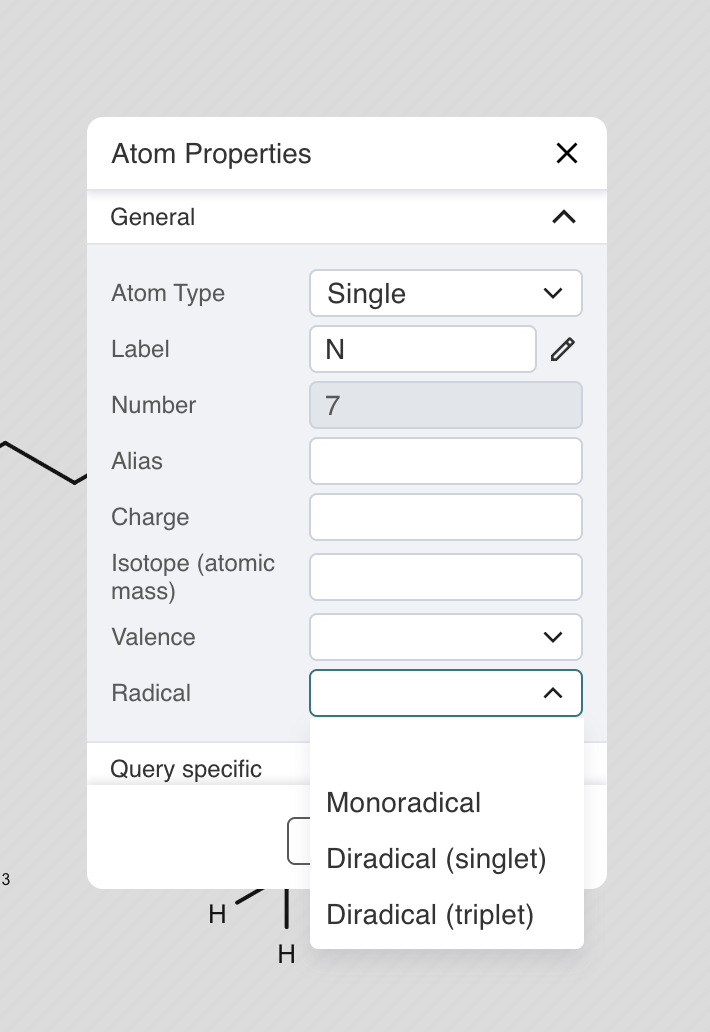
if you select diradical singlet it will put a lone pair on your atom, however that also screws up the bonding
Hi Kristen, the radical dropdown is gone. Open Lone pair / radical on the toolbar and choose Lone pair, then click the atom. Each click adds one pair until it is full. Click the pair, or Shift-click, to remove it. That same menu also has Add one lone pair to all and Add all lone pairs.
I really like this program , but it there a way to change the atom colors so the whole molecule is black. For example I do not want my N and O atoms to be blue and red. Thanks for any help, Emma
In settings (upper right corner) under general you can turn off atom coloring
Hi, yes. In 2D the atoms are black unless coloring is turned on. Open Settings, then General, and switch off Color atom labels by element. Nitrogen and oxygen will draw in black. If the bonds are still colored, switch off Color bonds to heteroatoms on that same page. The 3D view still uses element colors.
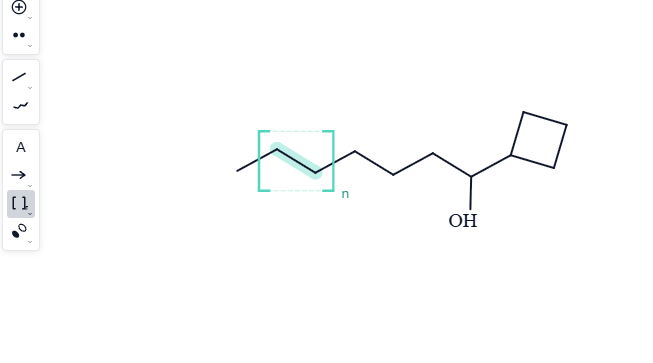
Maybe I'm blind, but I'm not seeing an option to draw brackets so that I can specify the number of units for a monomer within a polymer.
see s in brackets at the left menu. [S]
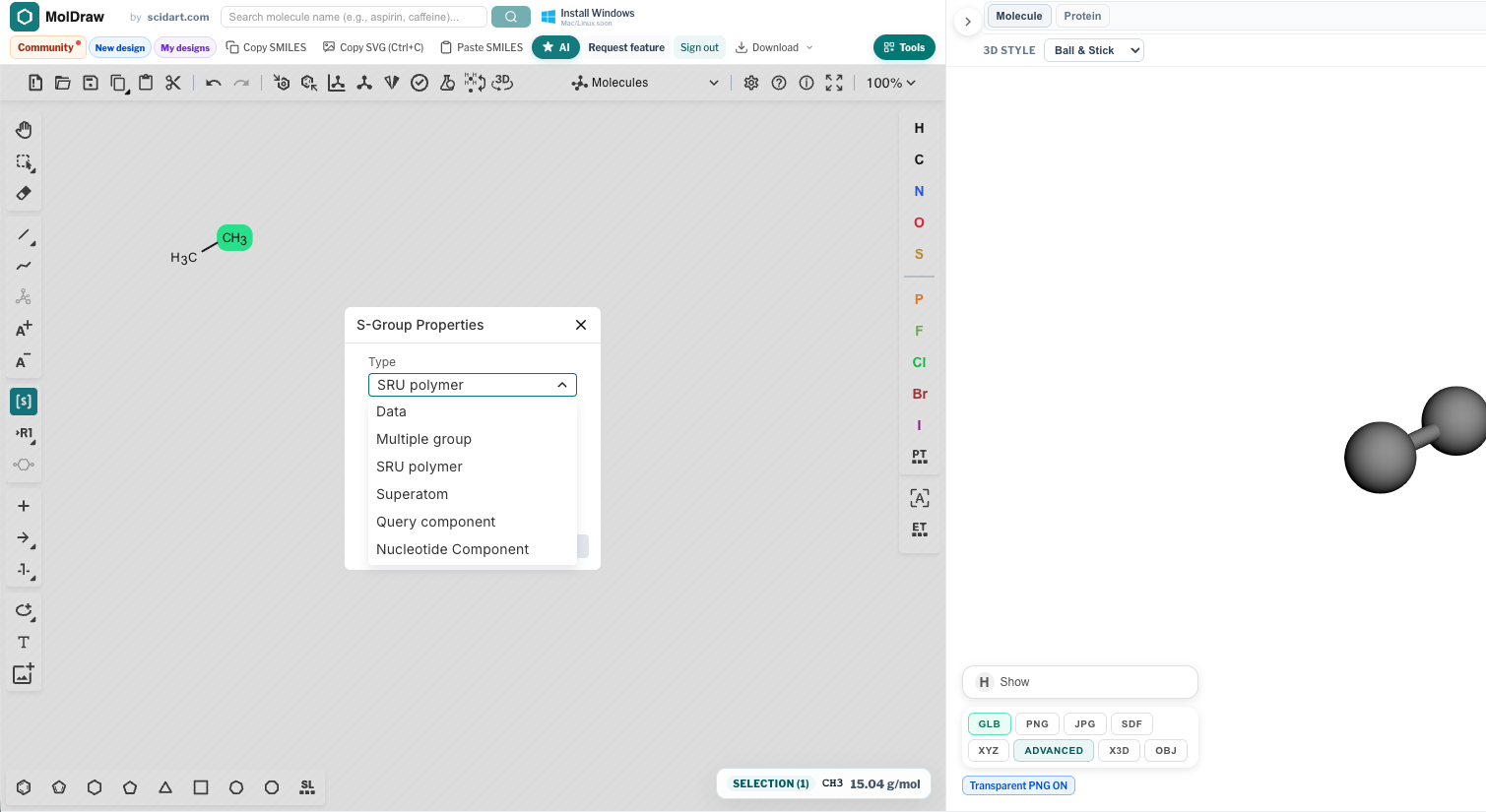
Look for the button that looks like a pair of square brackets with a small n, just under the reaction arrow. Click it . Drag a box around the monomer (at least two atoms), or select those atoms first and click the tool. To set the number of units, click the little label at the lower right of the brackets a second time, or right-click the brackets and choose Edit repeat subscript…, then type the number.
hey, i cant change my curved arrow color, any tips?
save the SVG and edit the colour in inkscape
Hi, Now you can edit the arrow colors in the new version. Draw the arrow and you will find settings panel with all editing options. @ek1092q @farellmaliq17
Imported Boron Nitrate and it seems to not have loaded a 3D model not certain if how it works on a software level, did this in the actual app soo... it's probably a software ishue i get it if it's something computationally intensive but i should probably be able to use my computers CPU or GPU to load a 3D model of a molecule
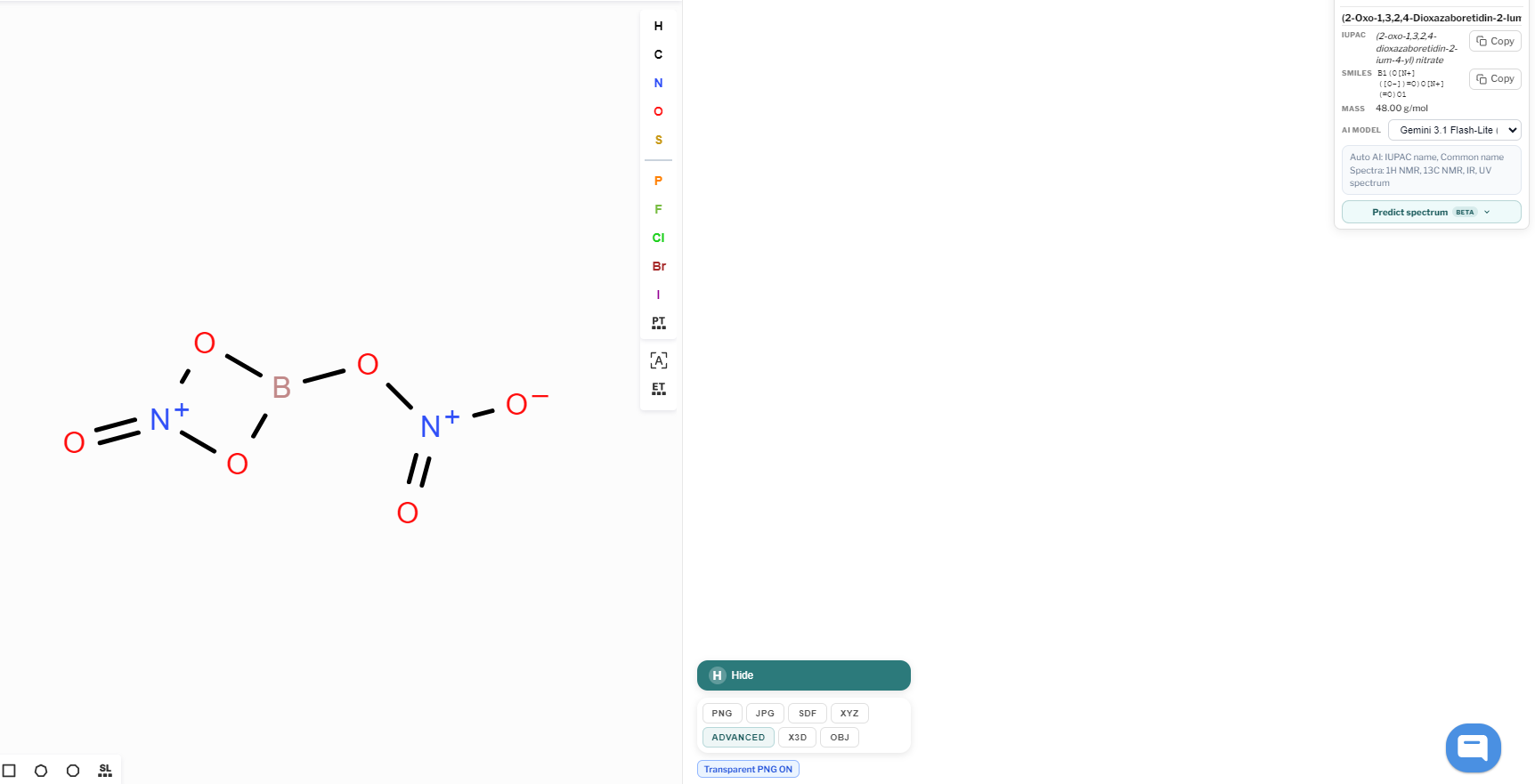
Hi, This will work now, 3D models are built right in your browser, on your computer’s CPU. Nothing is sent off to a server for this. This boron nitrate structure should show up as a ball-and-stick model in the pane on the right. If you’re still seeing a blank area, do a hard refresh so you pick up the latest version (Ctrl+Shift+R, or Cmd+Shift+R on a Mac).
Subscribe and support our mission! https://www.youtube.com/@MolDraw
When are they coming?
Hi, I am Rafeeque, the admin of MolDraw. Welcome to the community. Use this space to ask chemistry drawing questions, share workflows, reply with images, and vote on feature requests. Your feedback will help shape what we build next.
Khansaa Auda Hussein
2-[2-((4R-phenyl-X)methyl)phenyl]-5-(4-Y-phenyl)-1,3,4-oxadiazole)
Rafeeque
Hi, Alignment tools are now available. You can select more than one molecule or elements, alignment tools will appear on top toolbar. Please check
Rafeeque
@amerabet