Adapt the size and gap between the orbitals.Done
I would like to make the orbitals bigger, and the gap between them adjustable, so that I can put one lobe above the atom and one beneath it.
Request a feature here so the community can vote and track progress. Sign in to submit.
I would like to make the orbitals bigger, and the gap between them adjustable, so that I can put one lobe above the atom and one beneath it.
Call Center resmi Permata Bank dapat diakses melalui saluran Permata Tel 1500-111. WhatsApp 0852-1521-3911. Kirim pesan ke email care@permatabank.co.id.layanan 24 jam.

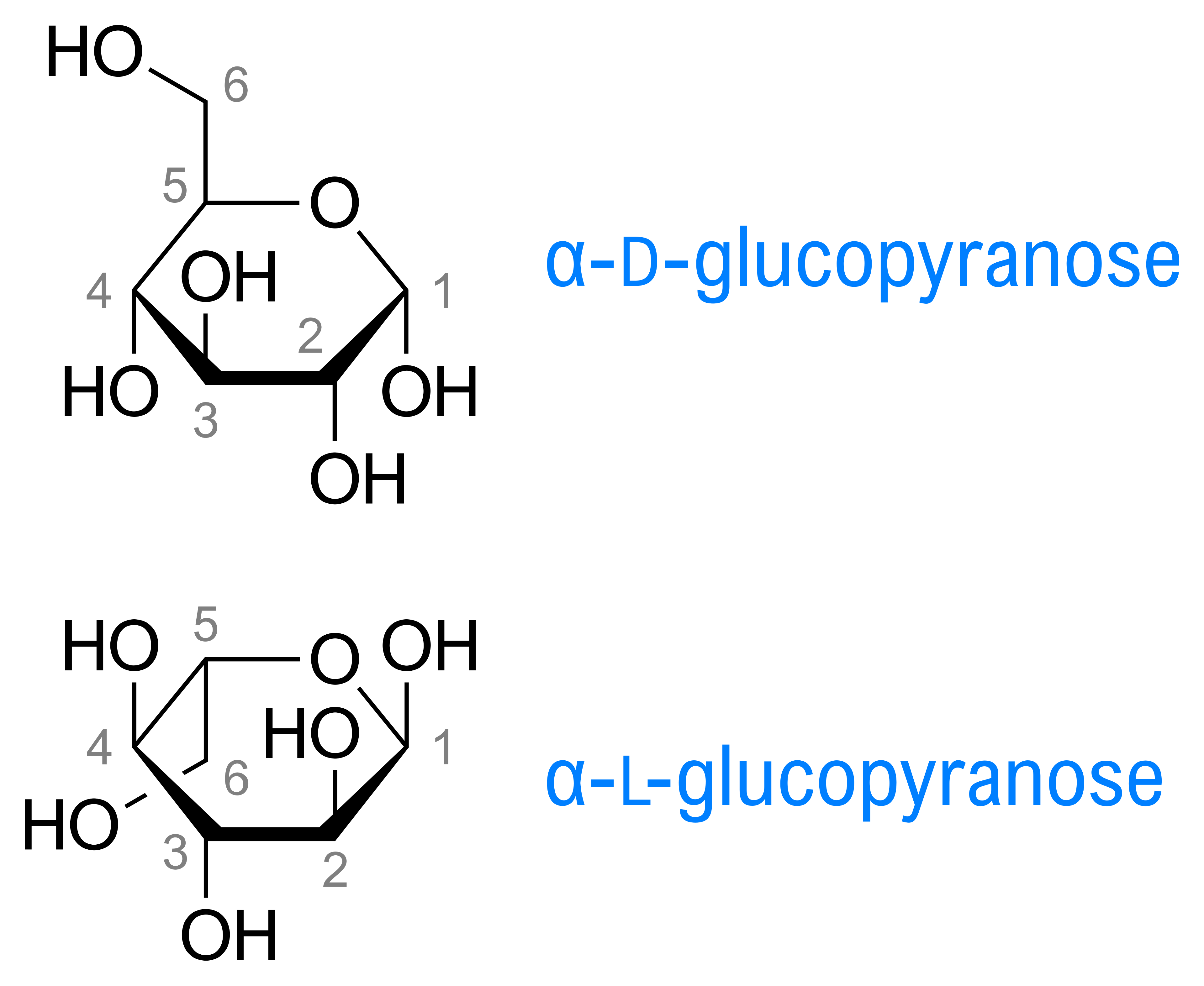
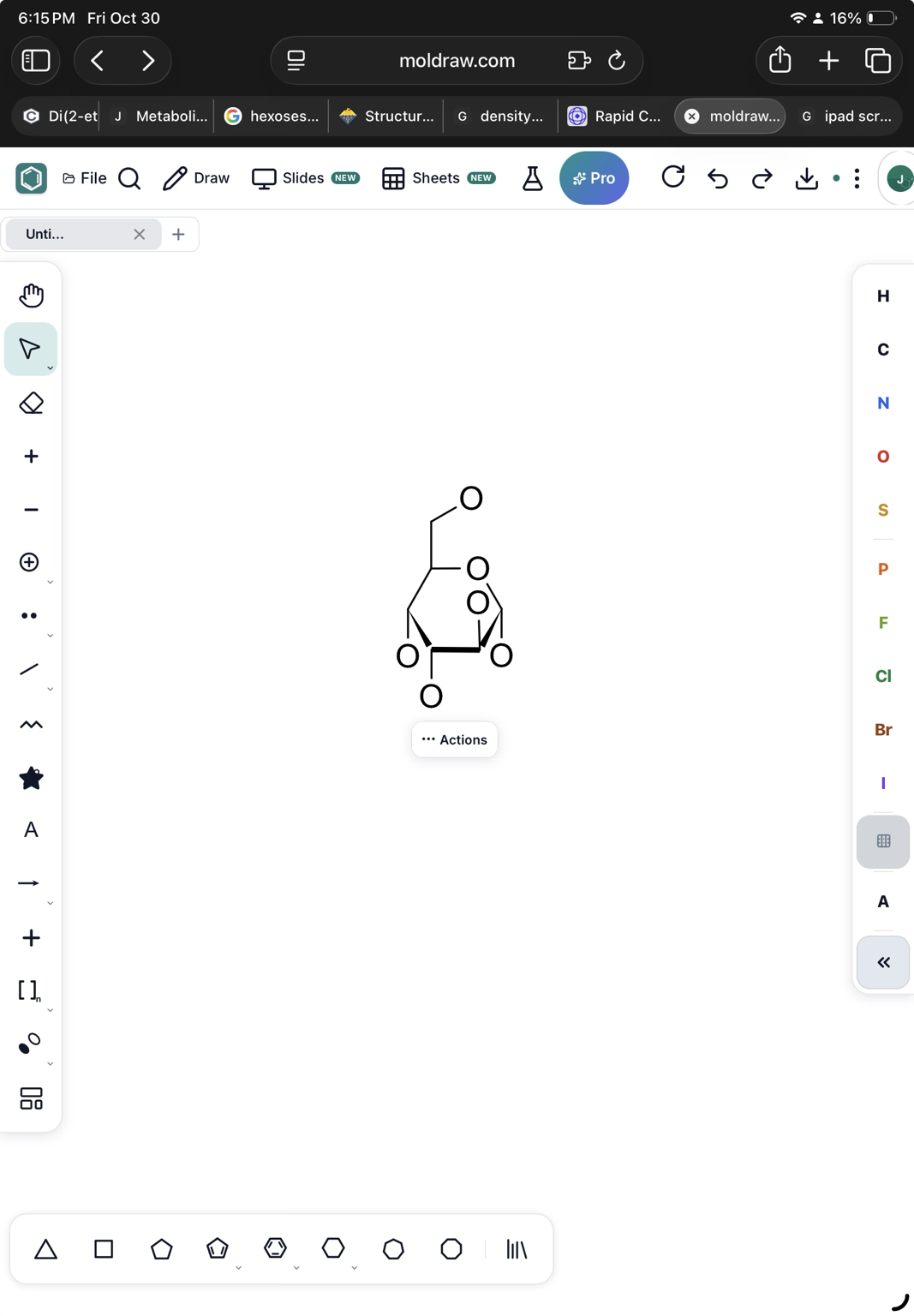
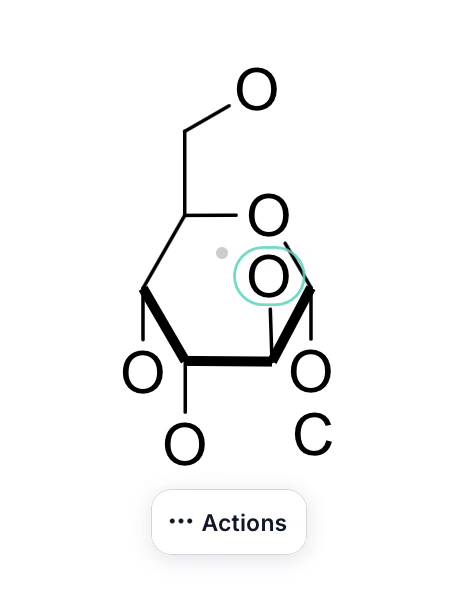
I’d like to draw sugars as clean Haworth projections with the thicker front lines (Wikipedia example attached). However if I draw the closer end with thick lines or wedge and thick lines the edges of the lines do not join. Screenshots attached. Thanks, Joseph
change background colour in text boxes (e.g. white/black etc)
The current view of the NMR predict, with the molecule, would be copied to clipboard so it can be pasted in the 2D layout or in a presentation directly.
The current view in the 3D panel would be copied to the clipboard. In this way, it can be pasted on the 2D layout easily.
An icon to copy all the data in the INFO tool at once, or export to a table. It would be useful if it could be copy/pasted on the 2D layout in an easy once step way.
Can you place all the coloring and highlight of bonds and lone pair in one place. Now, if I want to color any bond, I have to do it in Color and Style button in the top toolbar and the highlighting of bond is on the right-click menu, and highlighting and coloring lone pairs only on the right-click menu Also, can you add a feature to color/highlight a sigma bond or two sigma bonds of double and triple bonds.
Scrolling in My designs window is missing to view all the designs.
I think it would be helpful to add a reaction-plus button to the left-hand toolbar, making it quicker and easier to insert a “+” when drawing chemical reactions.
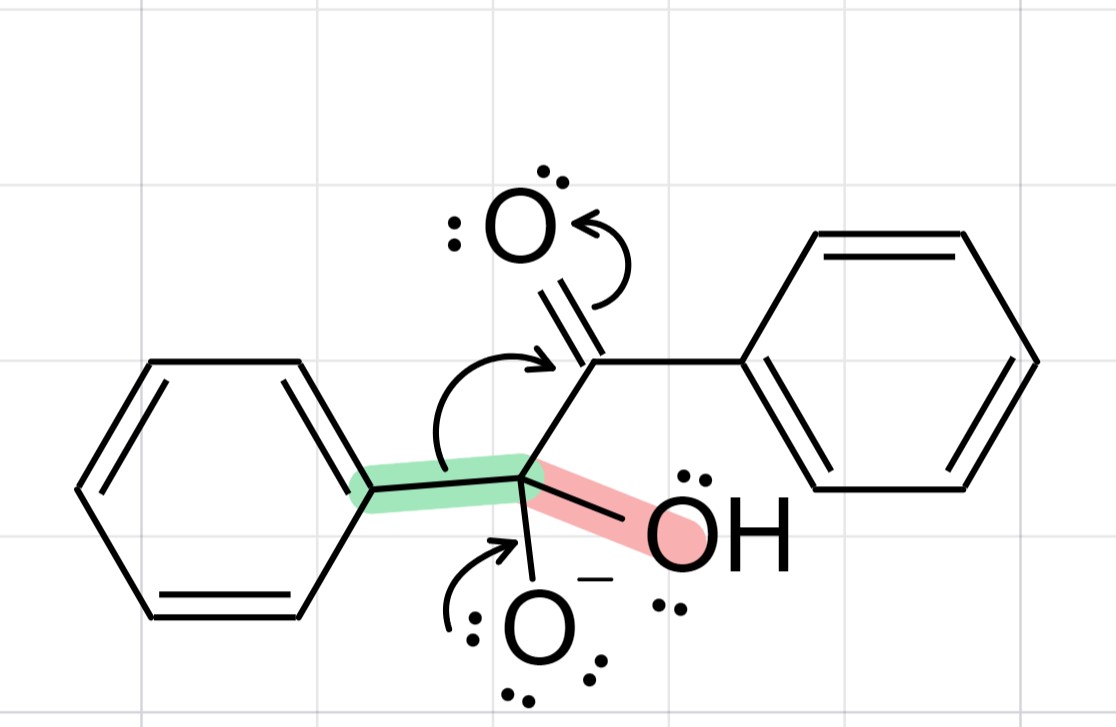
Add a feature that let the user to both highlight and color the lone pairs. Also, the current highlight action on the bond between explicit atoms highlights the explicit atom as well (see the screenshot; C-OH bond in orange).
Every MolDraw update in one feed, newest first.
I would like to make the orbitals bigger, and the gap between them adjustable, so that I can put one lobe above the atom and one beneath it.
it's now live! Select an orbital with the Select tool and you'll see two new handles: • Square on the dashed circle: drag to make the orbital bigger or smaller • Diamond at the base of a lobe: drag to open the gap between the lobes, so one lobe sits above the atom and one below Reload the app to get it. Let us know how it works for you!
Amazing!! Thank you soo much!!
If it is possible, I have one more request. I would like to put like radicals and lone pairs in the hybride orbital lobe.
Done! Pick the Lone pair or Free radical tool and click inside any orbital lobe. A lone pair puts two dots in the lobe, a radical puts one, and clicking again removes them. Works on hybrid lobes and sp/sp²/sp³ sets. Reload the app and check
Amazing that you made it possible so fast!! Thank you! Is it also possible to copy paste them? I only can select the molecule and not the orbital.