Ketcher Online Molecule Editor Guide
Ketcher is one of the best-known names in browser-based chemical structure editing. This guide explains what Ketcher is, what a chemical structure editor should do, which file formats matter, and how to choose a practical drawing workflow for class, research, or computational chemistry.
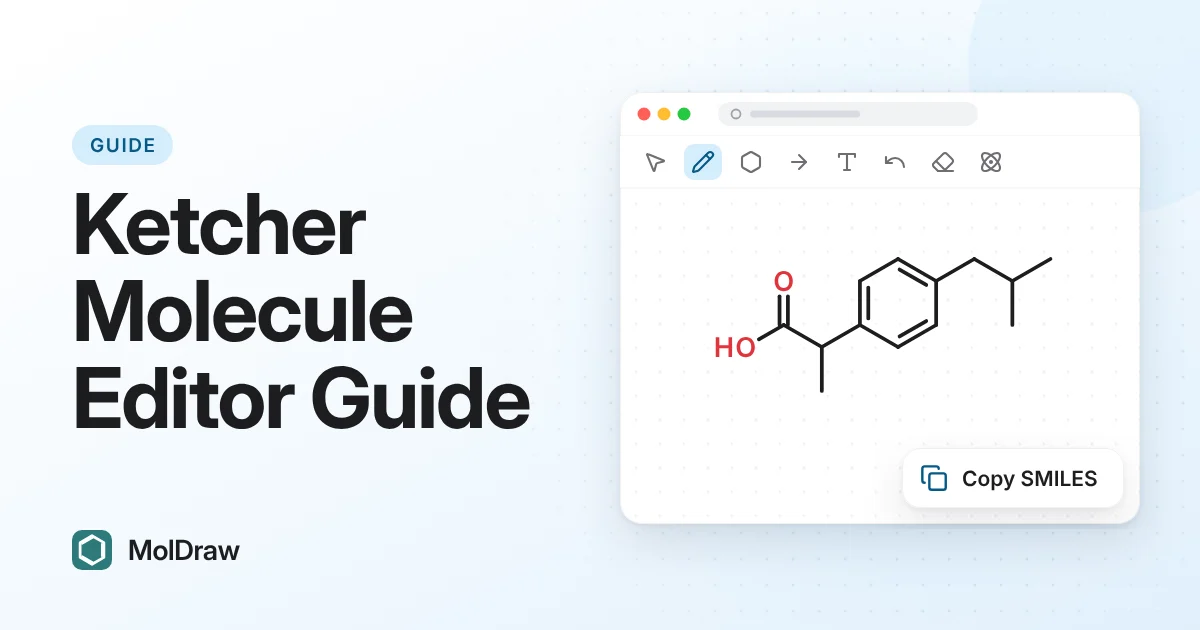
Overview
You probably came to Ketcher because you want a fast way to draw molecules online. The task is often simple: sketch a structure, fix atoms and bonds, copy a SMILES string, export an image, or prepare a molecule for another chemistry tool.
What Is Ketcher?
Ketcher is an open-source chemical structure editor created for drawing and editing molecular structures in a web environment. It is commonly discussed in the context of molecule sketchers, cheminformatics interfaces, ELN systems, database search forms, and chemistry web apps.
A Ketcher-style editor normally focuses on precise 2D chemical drawing rather than artistic illustration. The main goal is to create chemically meaningful structures that can be converted into machine-readable formats such as SMILES, MOL, or reaction formats.
For primary references, see the official Ketcher project page and the Ketcher GitHub repository.
Why chemists use Ketcher
- They need a free molecule editor that works in a browser.
- They want to draw a compound and copy SMILES or MOL data.
- They need reaction sketching for organic chemistry workflows.
- They want to compare Ketcher with ChemDraw, Marvin and newer browser tools.
- They want a quick editor for teaching, assignments, lab notes, or database lookup.
How an Online Molecule Editor Workflow Works
A good online molecule editor should let users move from a rough chemical idea to a usable digital structure without installing desktop software. The typical workflow is:
- Draw atoms, bonds, rings, charges, stereochemistry, and functional groups.
- Clean up the layout so the structure is readable.
- Generate or copy a chemical identifier such as SMILES or InChI.
- Export an image or chemistry file for reports, slides, notebooks, or downstream tools.
- Optionally view the structure in 3D or run related converters.
Important Features in a Ketcher-Style Editor
2D structure drawing
Atoms, single/double/triple bonds, rings, charges, aromatic structures, templates, and stereochemical wedges are the foundation of any serious molecule editor.
Identifier support
SMILES, InChI, InChIKey, common names, and IUPAC workflows help connect drawings to databases and computational tools.
Export formats
Useful editors support image export plus chemistry formats such as MOL, SDF, RXN, PDB, and sometimes docking or quantum chemistry files.
Browser convenience
The main advantage of an online editor is speed: open the page, draw, copy, export, and continue without license setup or desktop installation.
Formats People Use With Ketcher and Online Editors
Chemical drawing is most useful when the structure can leave the editor in a format another tool understands. These are the common formats users should know:
| Format | Best use |
|---|---|
| SMILES | Compact molecule identifiers for databases, search, scripts, and quick sharing. |
| MOL / SDF | Structure files with atom and bond blocks, useful for cheminformatics and batch workflows. |
| RXN | Reaction structures with reactants, agents, and products. |
| SVG / PNG | Images for presentations, papers, reports, and teaching slides. |
| PDB / PDBQT | 3D coordinate and docking workflows, especially for structural biology and docking preparation. |
Ketcher Alternatives and Browser Drawing Options
Ketcher is not the only way to draw chemistry online. Depending on your task, you can also use free chemistry drawing software, ChemDraw alternatives, structure converters, molecule viewers, or lightweight browser editors.
MolDraw is useful when you want an online structure drawing workspace with integrated 3D viewing, PubChem-style name search, copy/export options, molecule references, reaction guides, and chemistry converters.
If you need a drawing box inside your own page, course or app without hosting an editor, you can embed the MolDraw editor with one iframe.
Ketcher FAQ
What is Ketcher used for?
Ketcher is used for drawing and editing chemical structures, reactions, atoms, bonds, stereochemistry, templates, and structure files in web-based chemistry workflows.
Is Ketcher the same as ChemDraw?
No. Ketcher and ChemDraw are different tools. ChemDraw is a commercial desktop suite, while Ketcher is known as an open-source chemical structure editor for web workflows.
Can I draw molecules online without installing software?
Yes. Browser tools such as MolDraw let users draw molecules online, view structures, use converters, and export common chemistry formats without installing a desktop program.
What should I use if I need an editor right now?
If your immediate goal is to draw or edit a molecule, open the MolDraw editor. If your goal is format conversion, use the MolDraw Tools Hub.