Free Chemical Drawing Software and Chemistry Drawing Program
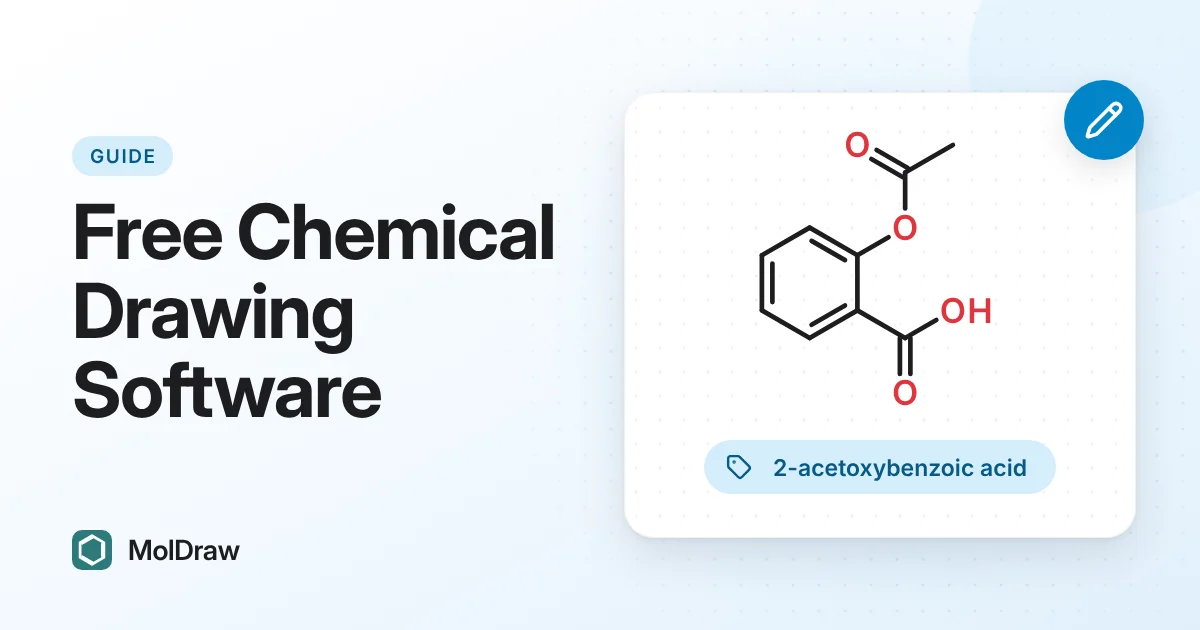
Why Free Chemical Drawing Software Matters
Students, educators, and early-stage labs often need fast structure communication without expensive licenses. A free tool should still support professional workflows such as clean diagrams, reproducible identifiers, and useful export options.
MolDraw is designed for that exact use case: practical daily chemistry work without a paywall for core tasks.
Chemical Drawing Software vs Chemistry Drawing Program
Searches like chemical drawing software, chemistry drawing software, and chemical drawing program free usually describe the same need: a reliable editor for molecular structures, reaction schemes, labels, and export-ready figures. A browser workflow makes that easier because students and collaborators can open the same tool without installing a desktop program.
MolDraw is best for fast no-install chemical drawing, common export formats, teaching examples, and handoffs that need SMILES or structure files.
Key MolDraw Features
- Fast 2D structure editor for sketching molecules and reaction ideas quickly.
- Chemical reaction drawer workflow for reactants, products, arrows, and conditions.
- SMILES-friendly workflow for copy/paste and reproducible communication.
- IUPAC support for many known compounds through public chemistry data integrations.
- Integrated 3D viewer for fast visual inspection of molecular geometry.
- Export coverage across image and chemistry formats for reports and downstream tools.
Recommended Workflow in MolDraw
For consistent results in daily chemistry tasks:
- Draw or paste a structure (SMILES or direct canvas editing).
- Validate naming and identifiers for clarity in notes and reports.
- Inspect 3D quickly to catch obvious geometry communication issues.
- Export the right format for your destination (coursework, lab note, manuscript, or modeling tool).
This workflow keeps your chemistry communication fast, readable, and reproducible while staying inside a free chemical drawing software stack.
Who Should Use MolDraw
Students: learn structure representation and submission-ready formatting without software cost barriers.
Educators: share visual examples and lightweight assignments with browser-friendly access. Teaching on a touch screen? Sketch structures by hand with the Smart Draw plugin and convert them when the drawing is done.
Researchers: capture fast drafts, communicate structures in teams, and export for downstream workflows.
Quick FAQ
Is MolDraw really free? Yes, core MolDraw usage is free.
Can I use MolDraw as a free chemistry drawing program? Yes. It works in the browser for structure drawing, reaction sketching, SMILES workflows, 3D viewing, and exports.
Is MolDraw good for coursework and reports? Yes, especially with its export and readability-focused workflow.
Can MolDraw support naming workflows? Yes, for many compounds via integrated/public data, with optional advanced fallback if required.