MolDraw Snip is on the Chrome Web Store
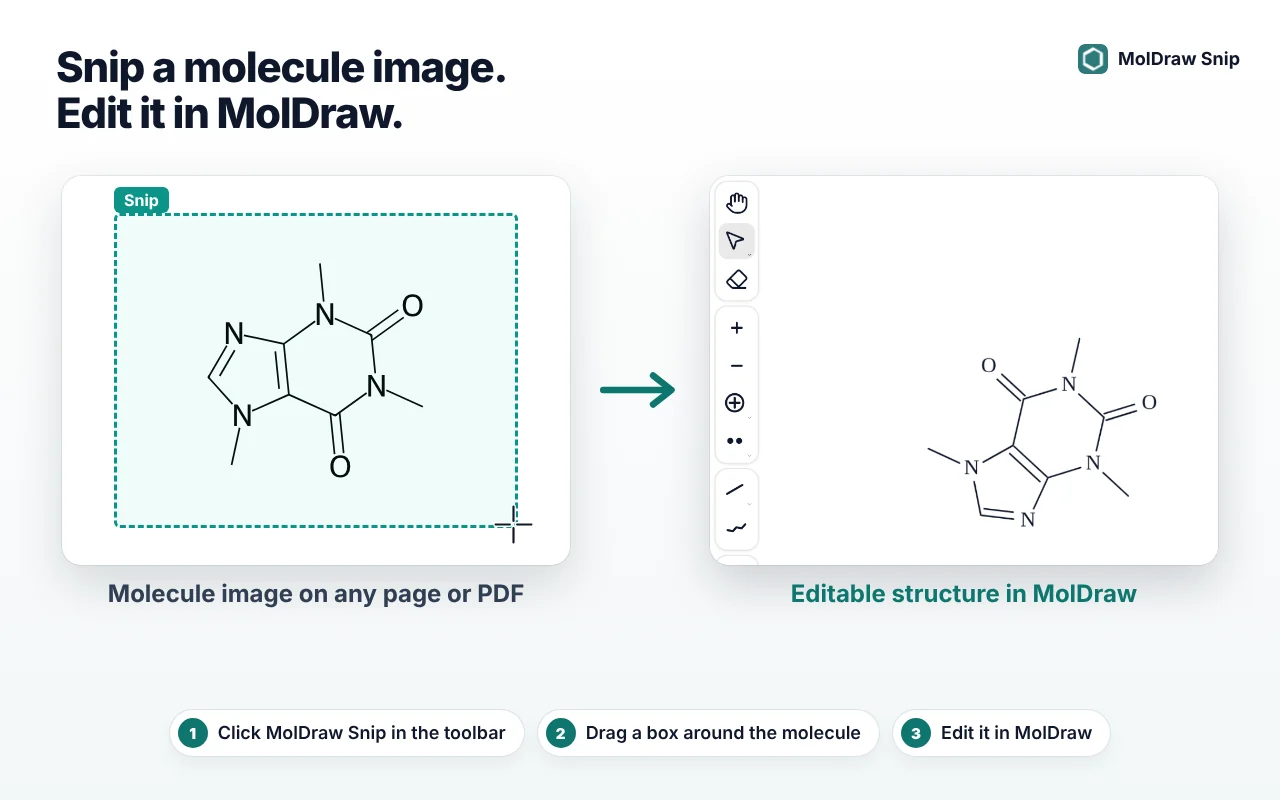
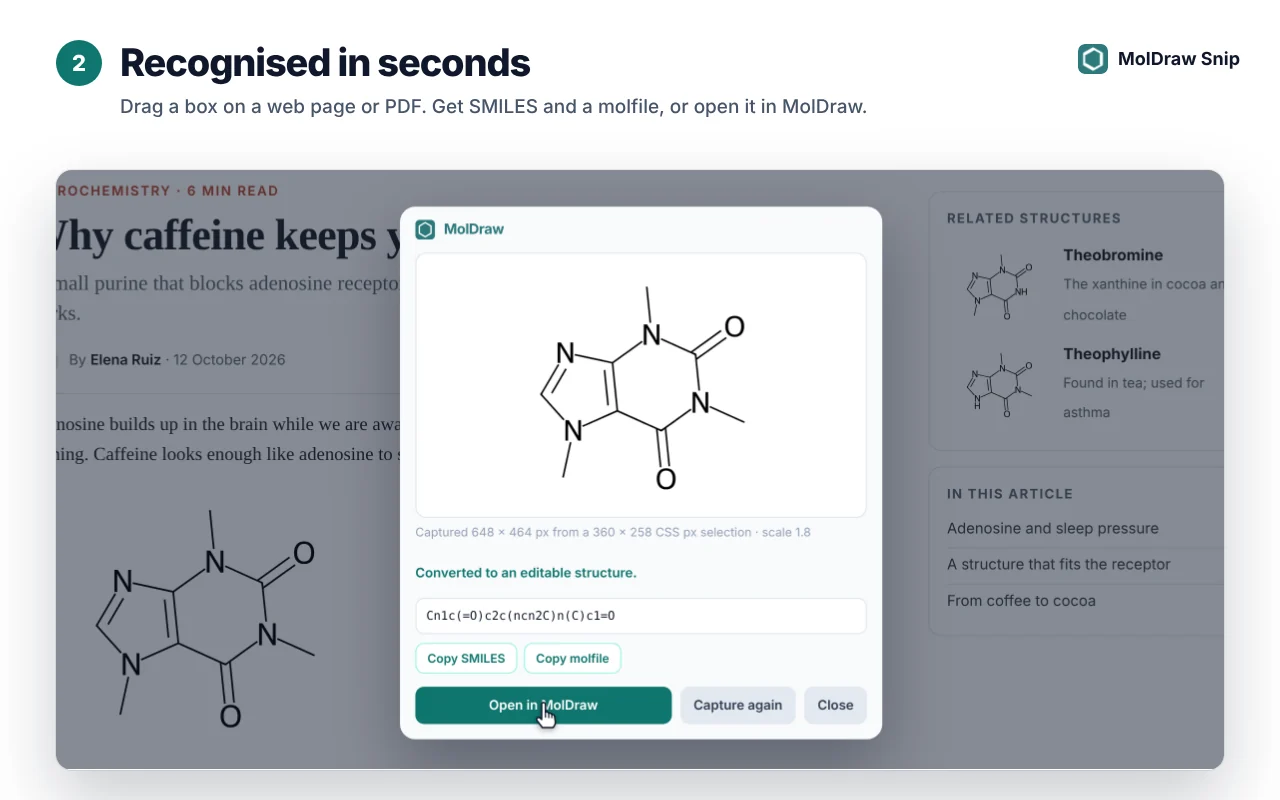
In short: Turn any molecule image on a web page or PDF into an editable structure. Click the MolDraw Snip icon, drag a box around the structure, and open it in MolDraw.
What’s new
- Start a capture from the toolbar icon, with Alt+Shift+M, or by right-clicking the page
- Reads single molecules, several structures and whole reactions
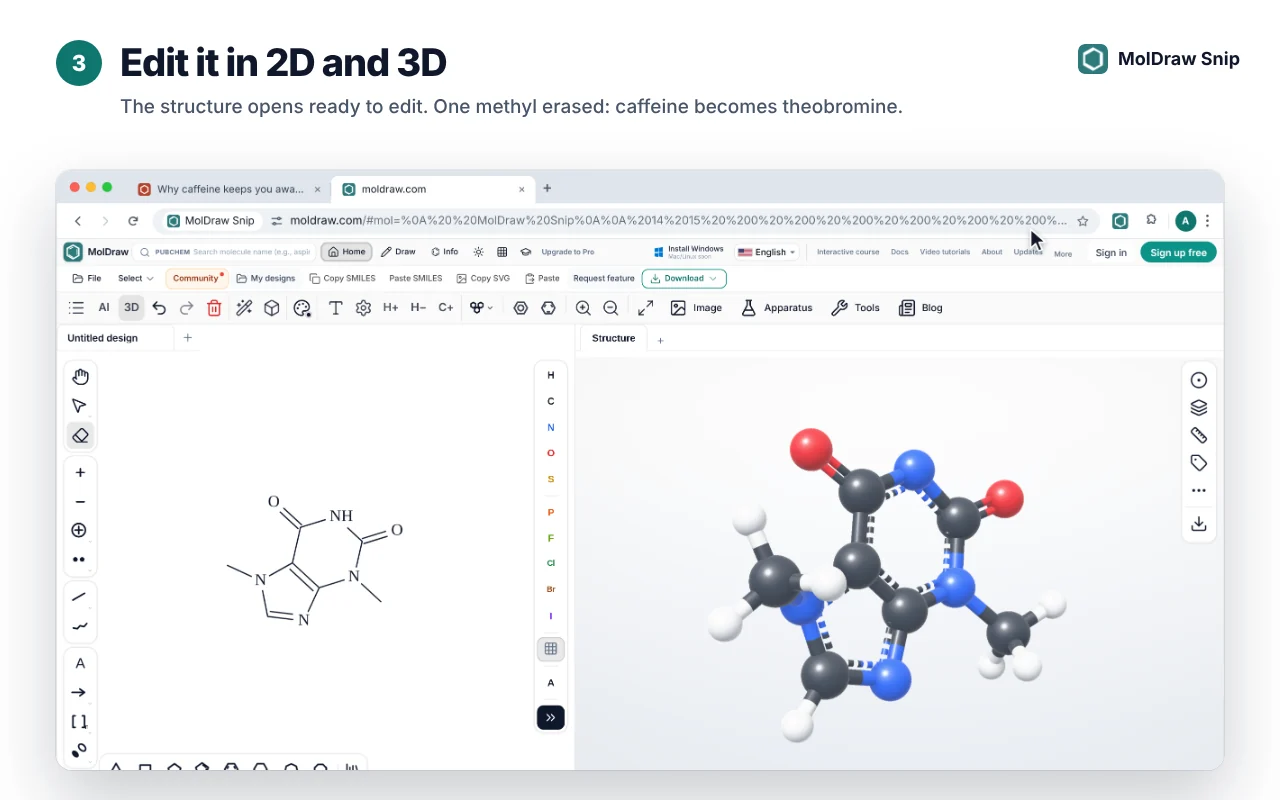
- Copy SMILES or a molfile, or open it in MolDraw: it lands in your open tab without covering your drawing
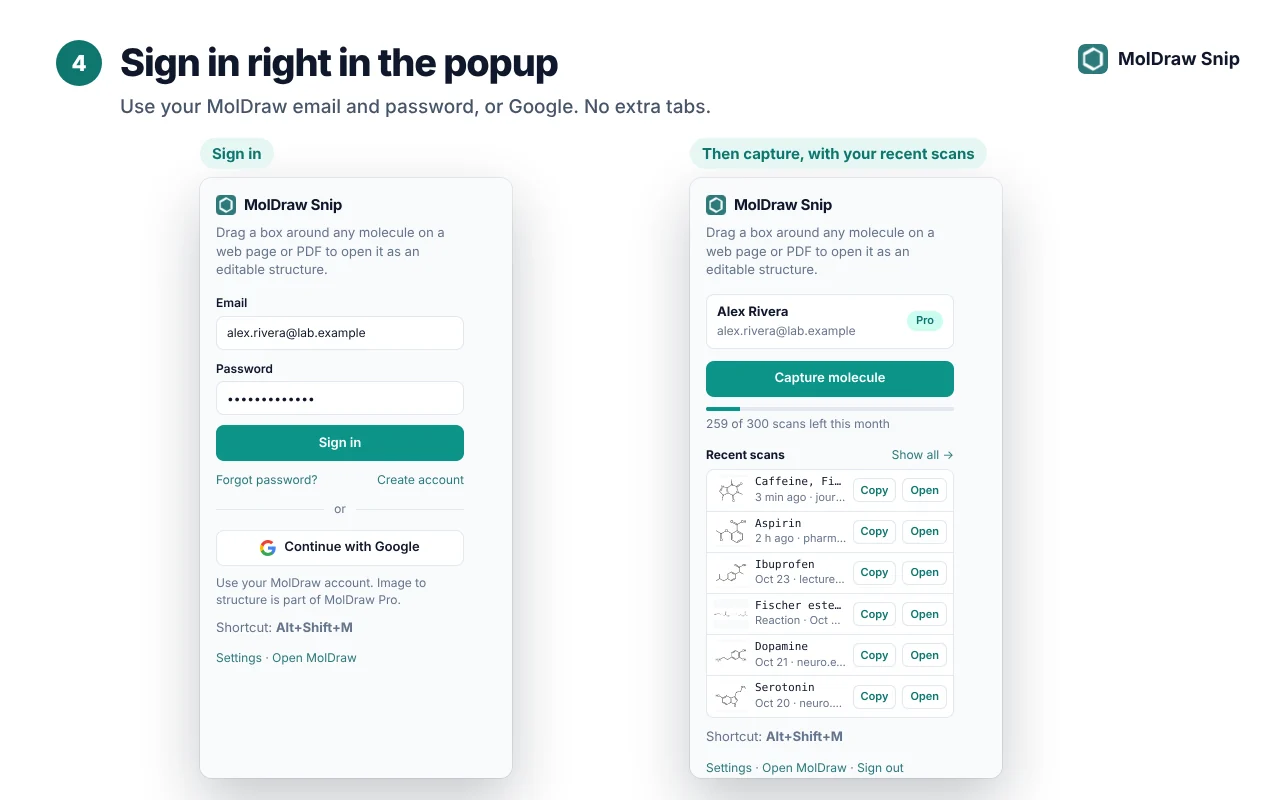
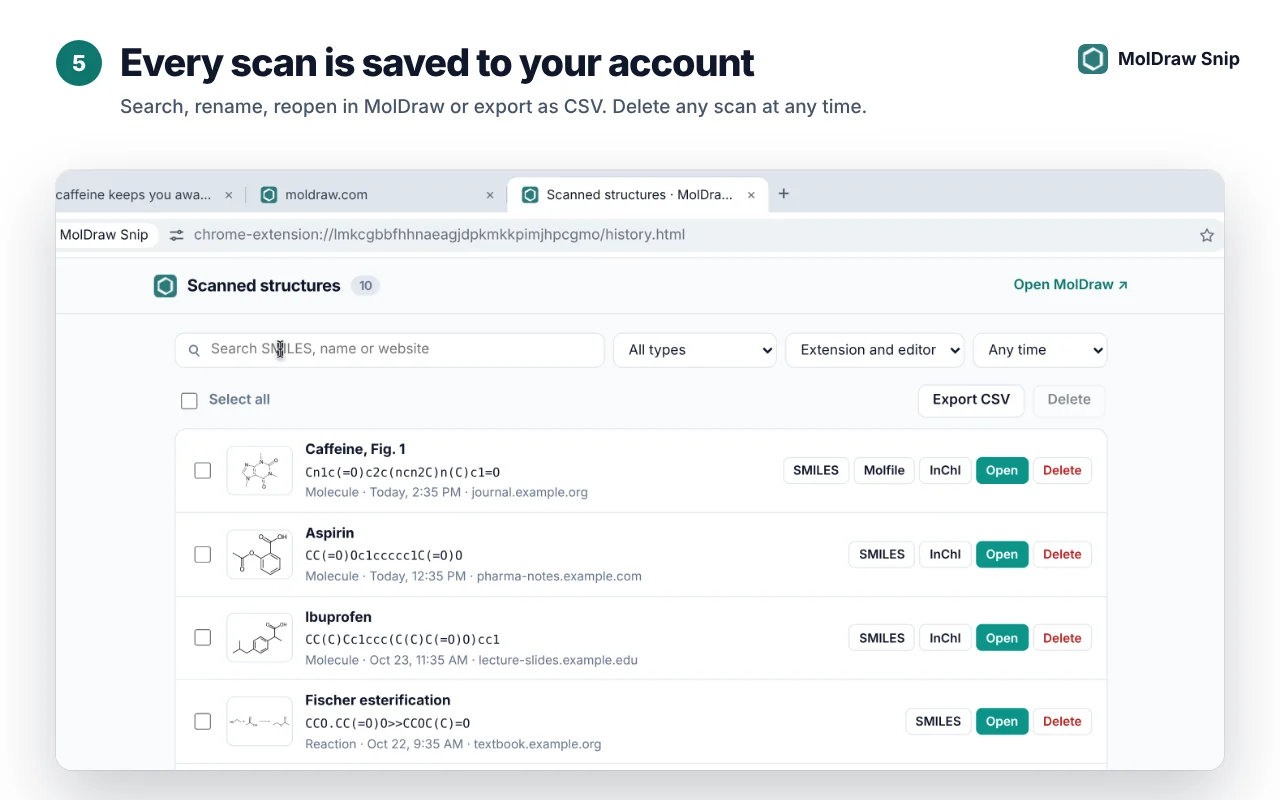
- Sign in right in the popup with email or Google; every scan is saved to your history
- Works in Chrome and Edge, on web pages and PDFs. Free to install; recognition is part of Pro (300 scans a month)