Periodic table, element pages and a tidier toolbar
In short: Every element in one click, printable tables for class, and toolbar menus that group what belongs together.
What’s new
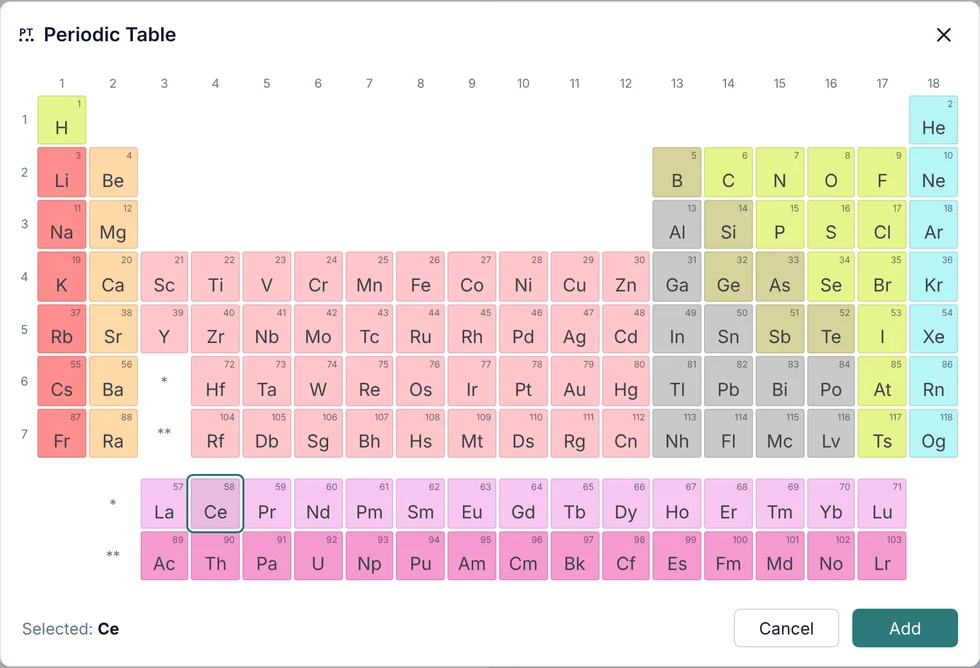
- The periodic table picker now has all 118 elements in the classic layout: group and period numbers, La–Lu and Ac–Lr in their own rows, family colours. Click an element, then Add (or double-click)
- 118 element pages with properties, plus printable periodic tables (coloured and blank) as PDF
- The eye button next to Settings is the new View menu: toolbar, teaching and display options in one place
- The + and − buttons hold every positive and negative mark (⊕, radical cation, δ+ and their negative partners); reaction symbols sit beside the arrow
- Each lone pair option has its own icon: one pair, line, one to every atom, all, remove
- Library sits right under Templates in the left toolbar, and the benzene and hexagon icons are upright
- Click a bond with the bond tool to cycle single, double, triple; making a bond triple no longer moves the atoms