Draw Chemical Structures Online: Chemical Structure Drawing App Guide
What Is a Chemical Structure Drawing App?
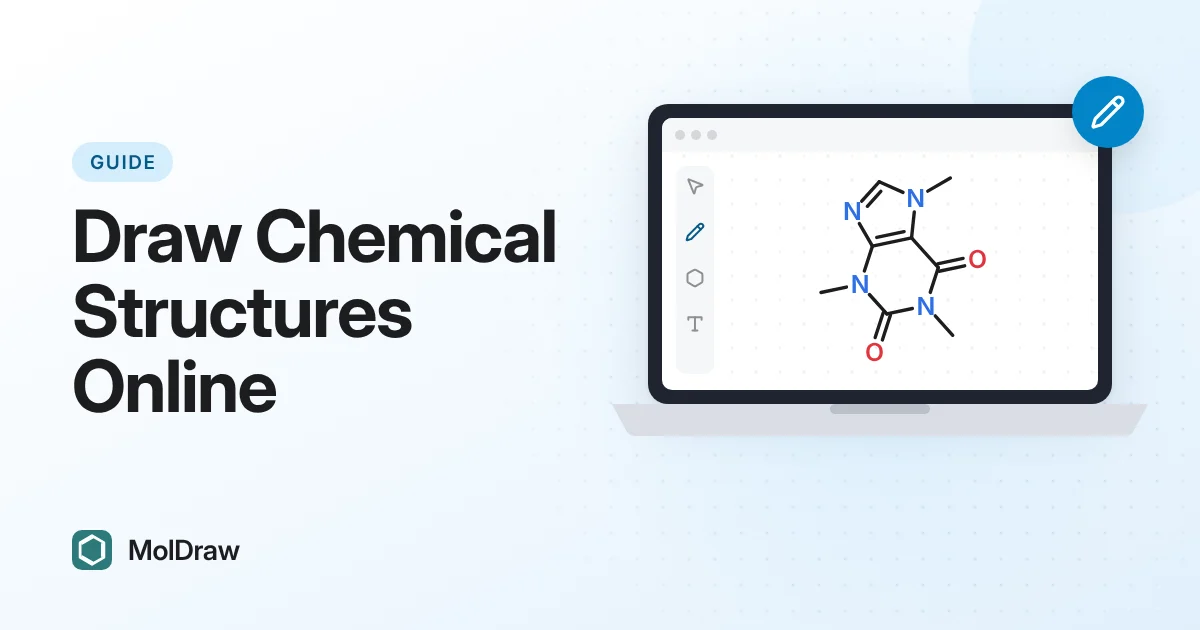
A chemical structure drawing app helps you create, edit, and communicate molecules and reactions. It is used in class reports, lab notebooks, publications, and collaboration.
The best tools make your structures easy to read and scientifically consistent, while supporting both quick sketches and publication-quality output.
How to Draw Chemical Structures Online
Start with a browser editor, draw atoms and bonds, verify stereochemistry and labels, then export a visual image and a machine-readable structure format. For known compounds, name or SMILES lookup can save time; for reactions, open a reaction drawer workflow that supports reactants, products, arrows, and conditions.
MolDraw supports this workflow from the main app and connects it to structure converters, formula tools, and reaction guides.
Core Features You Need
- Fast 2D structure editing with clear bond and atom tools.
- SMILES support for import/export and reproducible data exchange.
- IUPAC naming support for better communication and indexing.
- 3D visualization for geometry review and presentation.
- Export options (PNG, SVG, SDF, XYZ, OBJ/X3D) for different workflows.
A Practical Workflow
Start by drawing or pasting SMILES, verify naming and metadata, then check 3D orientation. Finally, export the format your destination requires (notebook, report, or model viewer).
For reaction work, keep naming and stoichiometry annotations consistent across all saved files.
Quality and Reproducibility Tips
- Always keep canonical identifiers (SMILES/InChIKey) in your records.
- Use SVG for publication graphics to retain sharp scaling.
- Use local autosave to avoid accidental data loss.
- Prefer explicit stereochemistry when needed.
Why MolDraw Is Useful
MolDraw combines 2D editing, metadata display, 3D viewing, and practical microapps (like TLC and calculators) in one web workflow, making it useful for both learning and daily chemistry tasks.
Quick FAQ
Is MolDraw free? Yes, it is free to use.
Can I draw chemical structures online without installing software? Yes. MolDraw runs in the browser and supports structure drawing, SMILES workflows, 3D viewing, and exports.
Can I export structures? Yes, including SVG/PNG and chemistry formats.
Can beginners use it? Yes. The workflow is straightforward and includes guidance pages.