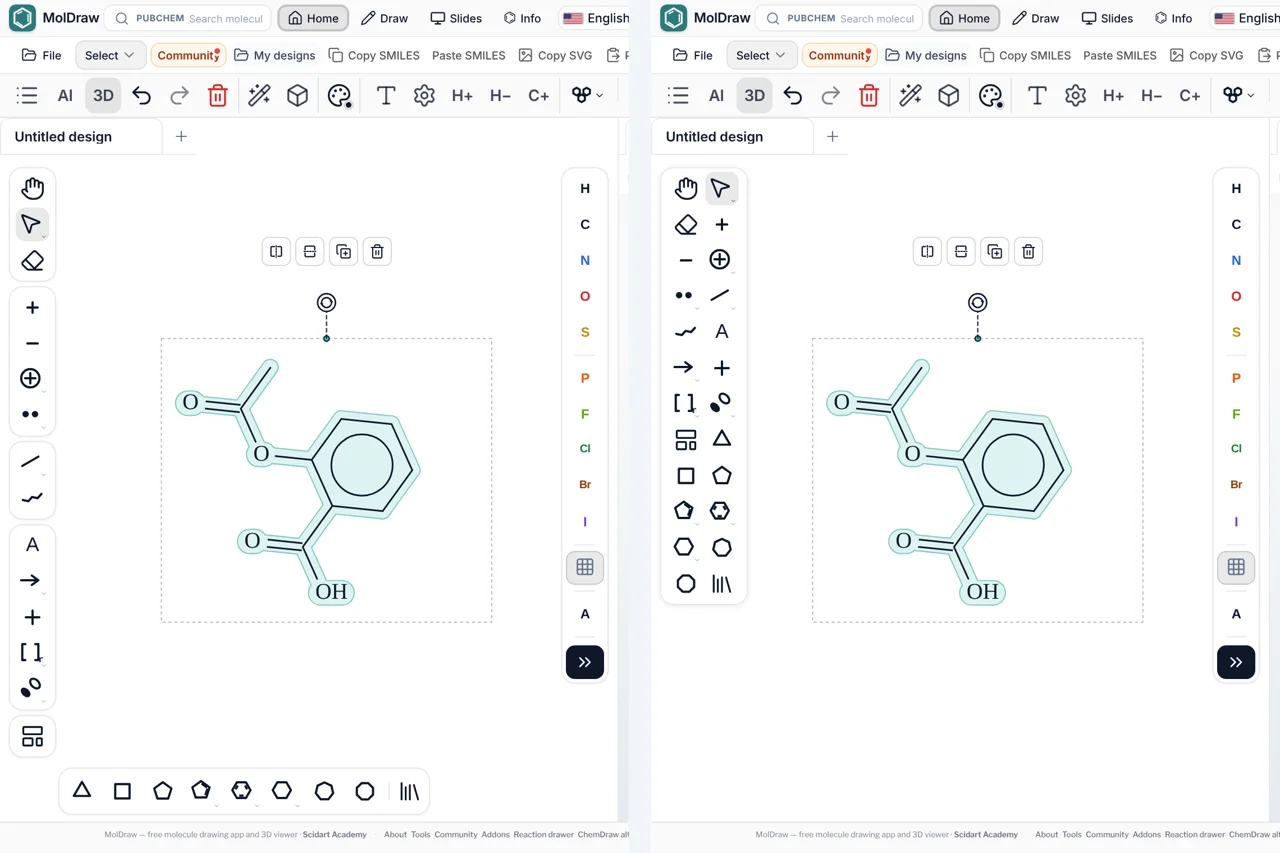
Two-column toolbar, like a ChemDraw palette
In short: You can now pack every drawing tool into one compact two-column palette. The ring templates and the structure library move into it, so the bar at the bottom of the canvas goes away and you get more room to draw.
What’s new
- Turn it on in Settings → General → Toolbar columns → Two columns
- All tools sit in one island with no gaps, and it ends after the last tool
- Works in both the Scientific and Educational layouts
- One column stays the default; switch back any time