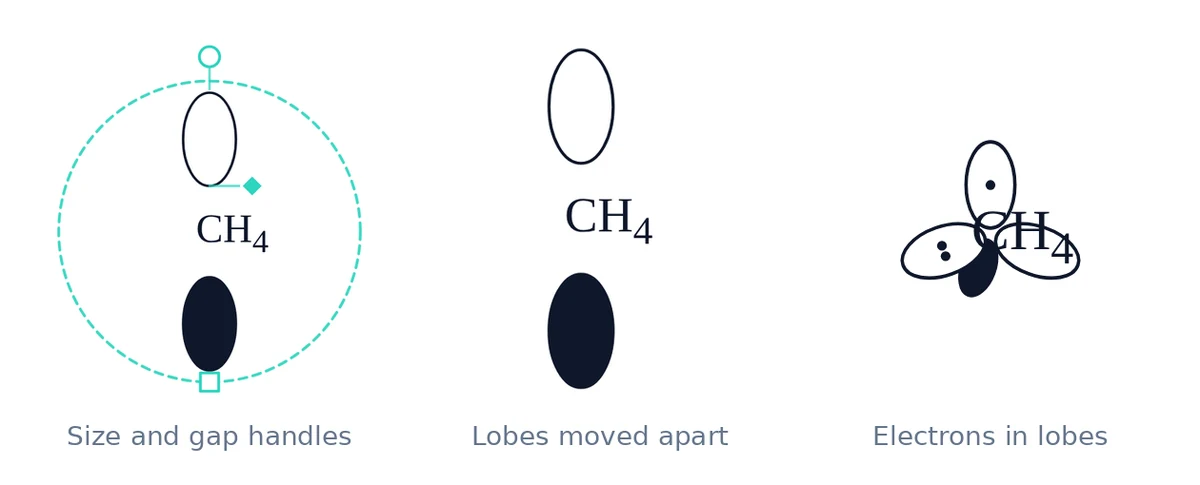
Orbitals: resize, move the lobes apart, fill them with electrons
In short: Select an orbital: drag the square to make it bigger or smaller, drag the diamond to move the lobes apart
What’s new
- Select an orbital: drag the square to make it bigger or smaller, drag the diamond to move the lobes apart
- Put one lobe above an atom and one below it, clear of the label
- Lone pair or Free radical tool inside a lobe adds two dots or one; click again to empty it
- Works on p, d and hybrid lobes and on sp, sp² and sp³ sets