Embed the MolDraw editor on your site
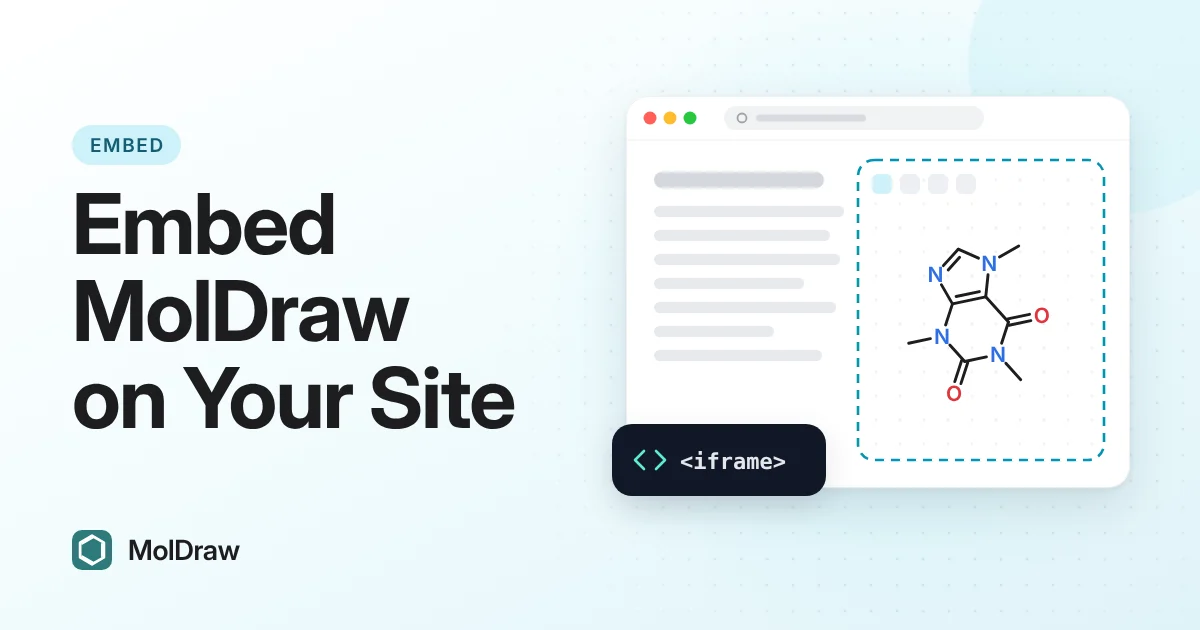
Add a live molecule editor to a chemistry blog, lesson, lab page, docs article, or app. Copy one iframe, paste it where the drawing should appear, and set the height so the canvas fits your layout.
Who it is for
Use the embed when a reader should try a structure next to your explanation, not only look at a picture.
- Chemistry bloggers — a working canvas under a reaction or structure post.
- Educators and LMS authors — a drawing box on a lesson, lab manual, or problem set.
- Docs authors — an editor beside a format, SMILES, or workflow note.
- App builders — a ready editor frame inside a page that already has its own interface.
You do not host the editor. The frame loads it from https://www.moldraw.com/embed. Your page stays yours.
Copy and paste
Copy embed code puts this snippet on your clipboard. Paste it into the HTML of your page, an LMS HTML block, or the markup of your app.
<iframe src="https://www.moldraw.com/embed" title="MolDraw editor" width="100%" height="640" style="border:0;border-radius:12px" loading="lazy" referrerpolicy="strict-origin-when-cross-origin"></iframe>If the frame is blank, your site or course tool may block embeds. Use an HTML or embed block that allows iframes. If the platform still removes the frame, link to www.moldraw.com instead.
Preview
This is the same player the snippet loads. Draw a bond or pick a template. The bar at the top is part of the embed.
Size the frame
Width is 100% so the editor fills the column you drop it into. Height is 640 pixels, enough for the toolbar and a small structure. Raise the height number for a larger canvas. Drop it toward 480 on a short page, or use about 800 when readers need more room.
On a phone, a tall frame means more scrolling. Match the height to the task: a quick sketch can stay shorter; a reaction scheme needs more space.
Open in MolDraw
Inside the player, Open in MolDraw opens the full editor at www.moldraw.com in a new tab. Your page stays open. Tell readers once: sketch here, and use Open in MolDraw if you want the full screen.
FAQ
Who is this for?
Chemistry bloggers, educators, LMS authors, docs writers, and app builders who want a molecule editor beside their own text. It is a poor fit if you only need a logo or a screenshot. In that case, link to MolDraw or use an image.
Do readers need an account?
No. They can draw in the frame without signing up on your site. Open in MolDraw is there when they want the full editor.
Can I change the size after I paste it?
Yes. Edit height in the snippet. Leave width="100%" unless your layout needs a fixed width. The preview on this page is 640 pixels tall on a wide screen and shorter on a phone.
The frame is blank. What now?
A blank frame usually means the host blocks iframes. Switch to the platform’s HTML or embed block. If that still fails, send readers to www.moldraw.com with a normal link.