Download MolDraw for Windows (Free)
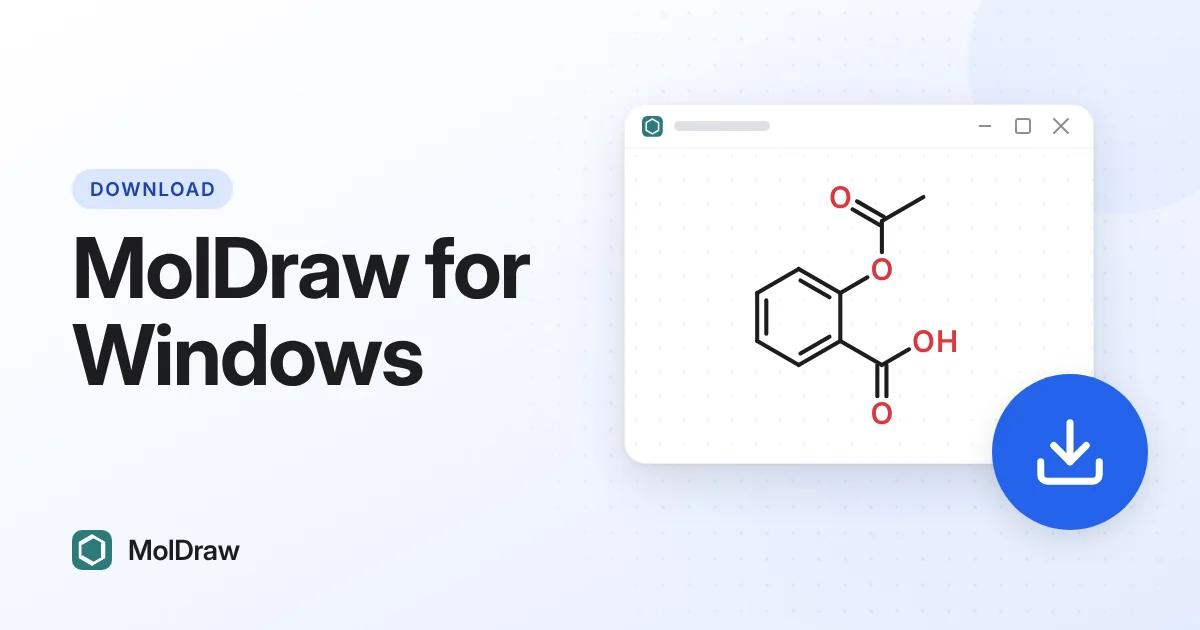
What you get with MolDraw
- 2D structure editing in a focused MolDraw workspace.
- Integrated 3D visualization for geometry review and teaching.
- Practical exports (for example PNG, SVG, and chemistry-friendly formats where supported).
- Access to the same learning resources as the web app, including the course and FAQ.
System requirements (typical)
Windows 10 or later is recommended. The desktop build is a standard Windows installer; allow the installer to complete and start MolDraw from the Start menu or desktop shortcut if one is created. If SmartScreen appears, confirm you trust the publisher and source link you used (this page and moldraw.com).
Install steps
- Click Download Windows setup above.
- Run the downloaded installer and follow the prompts.
- Open MolDraw from the Start menu or desktop shortcut when the installer creates one.
- For the newest fixes without waiting for an installer refresh, keep using the web version.
Prefer not to install?
The browser app at moldraw.com is the reference experience and updates continuously. The Windows package is ideal when you want a desktop shortcut and a more app-like window.
FAQ
Is MolDraw free? Yes. MolDraw is free to use; see site terms for redistribution.
Is there a Mac or Linux build? Use the web app today; other desktop platforms may be added later.
Is this the official download page? This article is published by Scidart Academy on the official MolDraw blog. The download button uses the same official redirect as the in-app “Download Windows Setup” control.